


Best Screencast Software: Top 10 Tools for 2024
Discover the best screencast software options for capturing and sharing your screen effortlessly in 2024.
Updated 12 min read

Discover the best screencast software options for capturing and sharing your screen effortlessly in 2024.
Screencast software has become an essential tool for educators, marketers, and content creators.
With the rise of remote work and online learning, having the ability to record and share high-quality video content is more important than ever.
In fact, a recent survey indicates that 70% of employees believe video communication enhances collaboration.
In this guide, we’ll explore the 10 best screencasting software options available on the market.
The evaluation process for best screencast software focused on these key criteria:
The methodology involved testing, expert consultations, and thorough online research to ensure a comprehensive review of each software option.
Software | Best For | Key Features | Pricing | Free Plan | Platforms Available |
|---|---|---|---|---|---|
Professional video editing | Video editing, annotations, transitions | $299 (one-time) | Yes (30-day trial) | Windows, Mac | |
Gamers and streamers | Live streaming, high-quality capture | Free | Yes | Windows, Mac, Linux | |
Quick sharing | Webcam overlay, quick annotations | From $12.50/month | Yes (limited) | Web, Windows, Mac | |
Comprehensive recording | Editing tools, media library | From $3/month | Yes | Windows, Mac | |
Tutorials and webinars | Scheduling, annotations | From $42.95/year | Yes (watermarked) | Windows, Mac | |
Unlimited recording | Cloud storage, annotation tools | Free | Yes | Windows, Mac, Linux | |
Gamers and creators | Mouse effects, video trimming | $29.95 (full version) | Yes (5-min limit) | Windows, Mac | |
Limited resources | Browser-based, quick setup | Free | Yes | Web | |
Real-time editing | Cloud storage, multiple formats | Free | Yes | Web | |
Quick recordings | Basic editing tools | Free | Yes | Web |
Best for Professional Video Editing
Camtasia is widely recognized for its powerful video editing capabilities. This software allows users to create polished videos with ease, thanks to its user-friendly interface and comprehensive editing tools.
Whether you’re making a tutorial, presentation, or marketing video, Camtasia provides the necessary features to enhance your content.
With options for annotations, transitions, and effects, users can create engaging videos that captivate their audience.
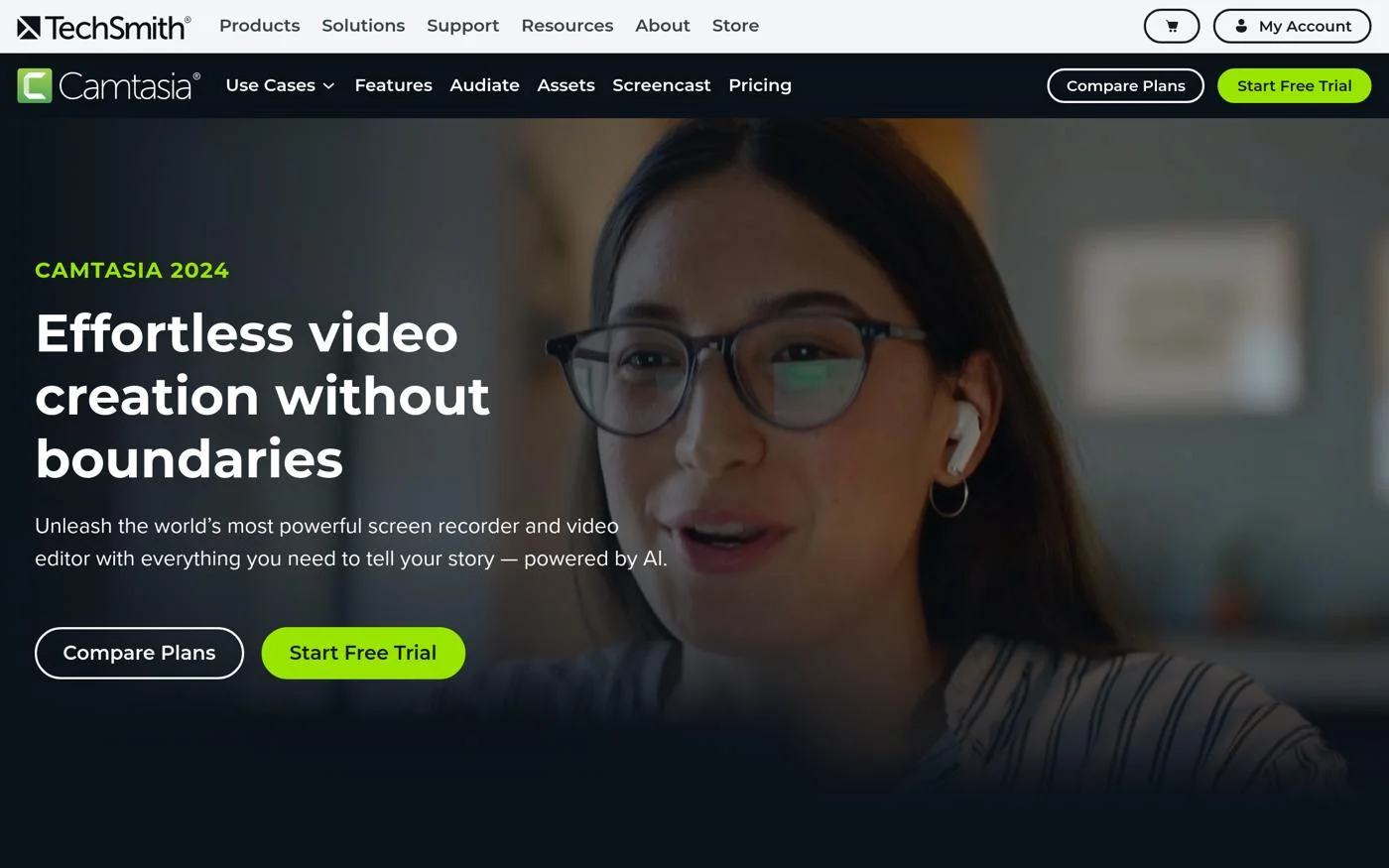
Camtasia is available for a one-time purchase of $299. A 30-day free trial is offered, allowing users to explore its features before committing.
Best Free Option for Gamers and Streamers
OBS Studio is a powerful, open-source software that provides users with the ability to record and stream high-quality video.
It is particularly favored among gamers and streamers due to its customizable settings and advanced audio mixing capabilities.
The software supports various output formats, making it versatile for different content types.
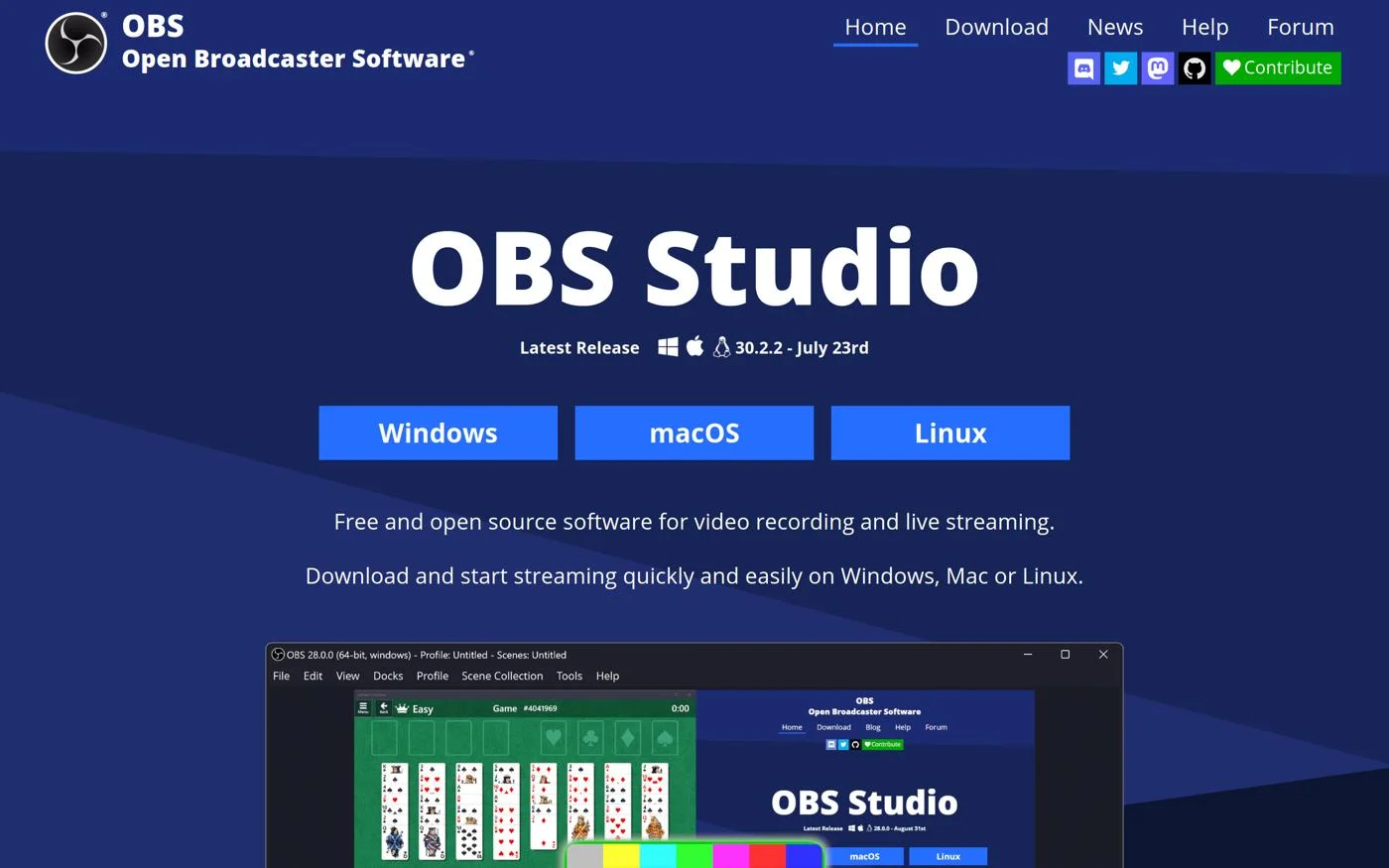
OBS Studio is entirely free to use, making it an excellent choice for budget-conscious creators.
Best for Quick Sharing and Informal Video Communication
Loom has gained popularity for its ease of use and quick sharing capabilities. This tool is ideal for creating short videos for team communication or social media.
With features like webcam overlay and quick annotations, users can create engaging content without extensive editing.

Loom offers a free plan with limitations. Business plans start at $12.50 per month per user, providing additional features and capabilities.
Best for Comprehensive Recording and Editing
ScreenPal (formerly Screencast-O-Matic) is an excellent choice for users looking for a combination of recording and editing features.
It provides a straightforward interface, making it easy for anyone to create professional-quality videos.
The software includes a media library for easy access to recordings and editing options.
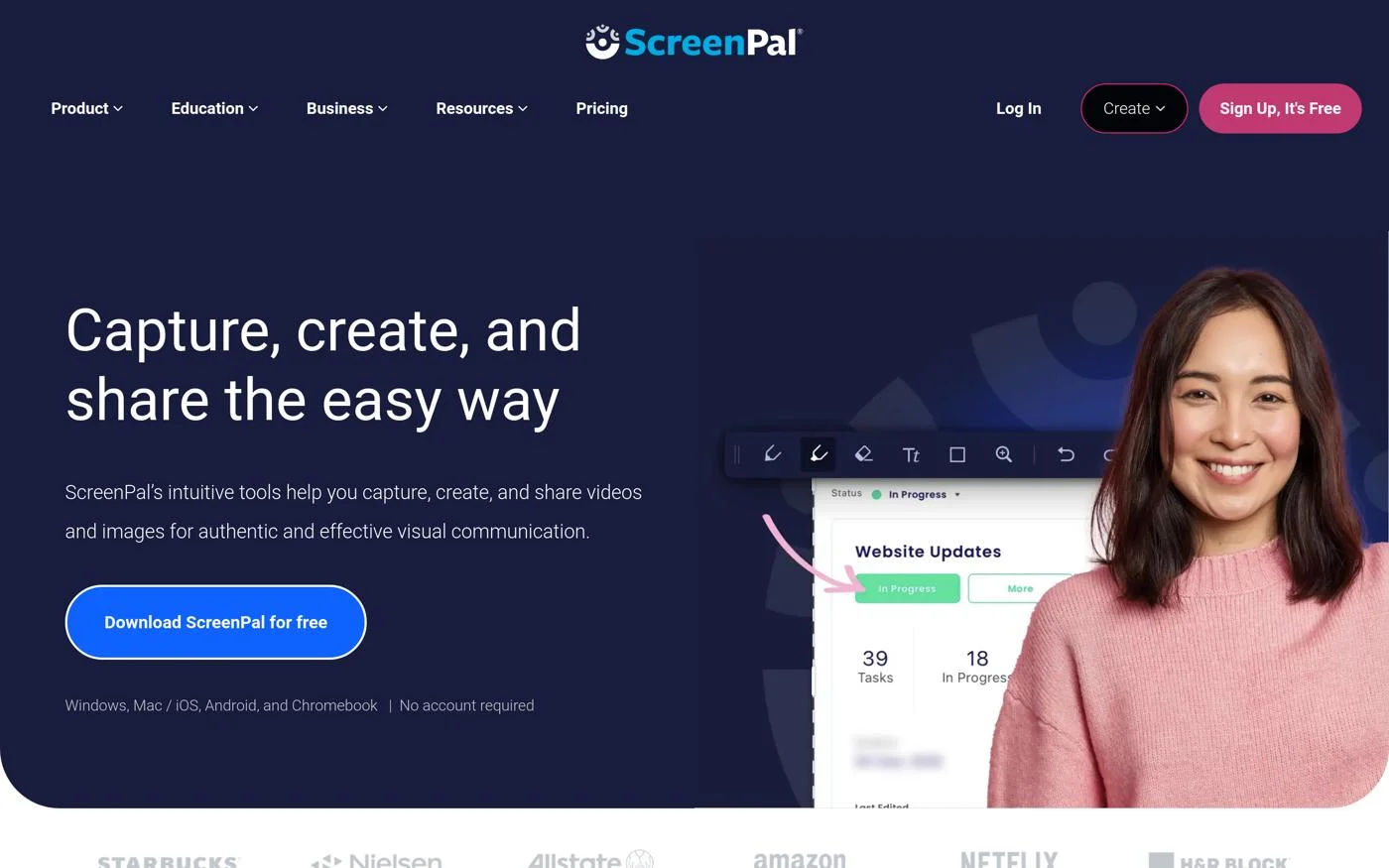
ScreenPal offers a free version with basic features. Paid plans start at $3 per month, unlocking additional capabilities.
Best for Creating Tutorials and Webinars
Movavi Screen Recorder is ideal for users needing robust recording features without a complex setup.
This software allows for easy sharing and includes features like scheduling recordings and annotations, making it perfect for creating tutorials and webinars.
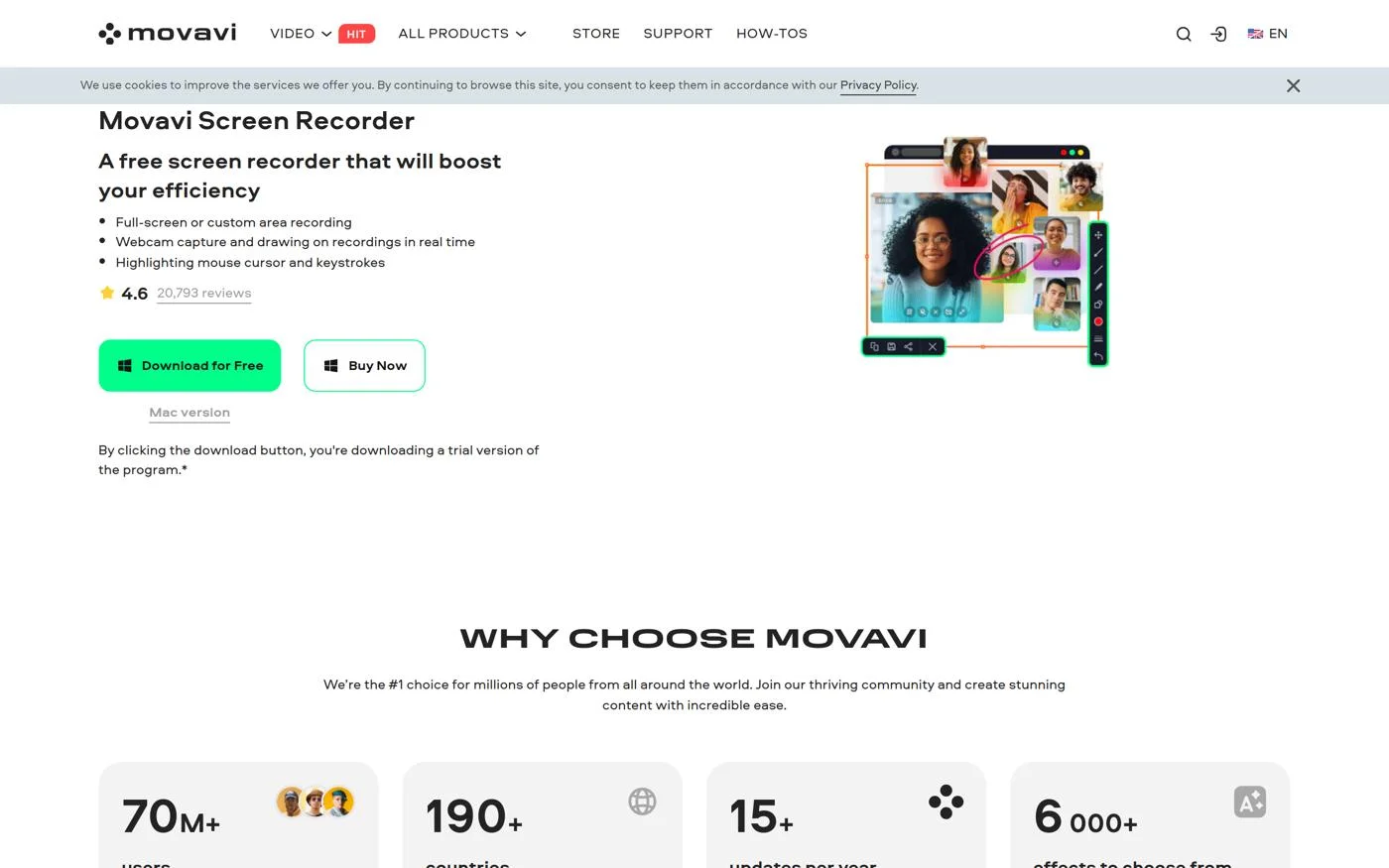
Movavi Screen Recorder offers a free version with limitations. Paid plans start at $42.95 per year.
Best for Unlimited Recording Time Without Watermarks
ScreenRec provides users with the ability to record unlimited videos without watermarks, making it an attractive option for both personal and professional use.
It includes cloud storage for easy sharing and annotation tools for added functionality.
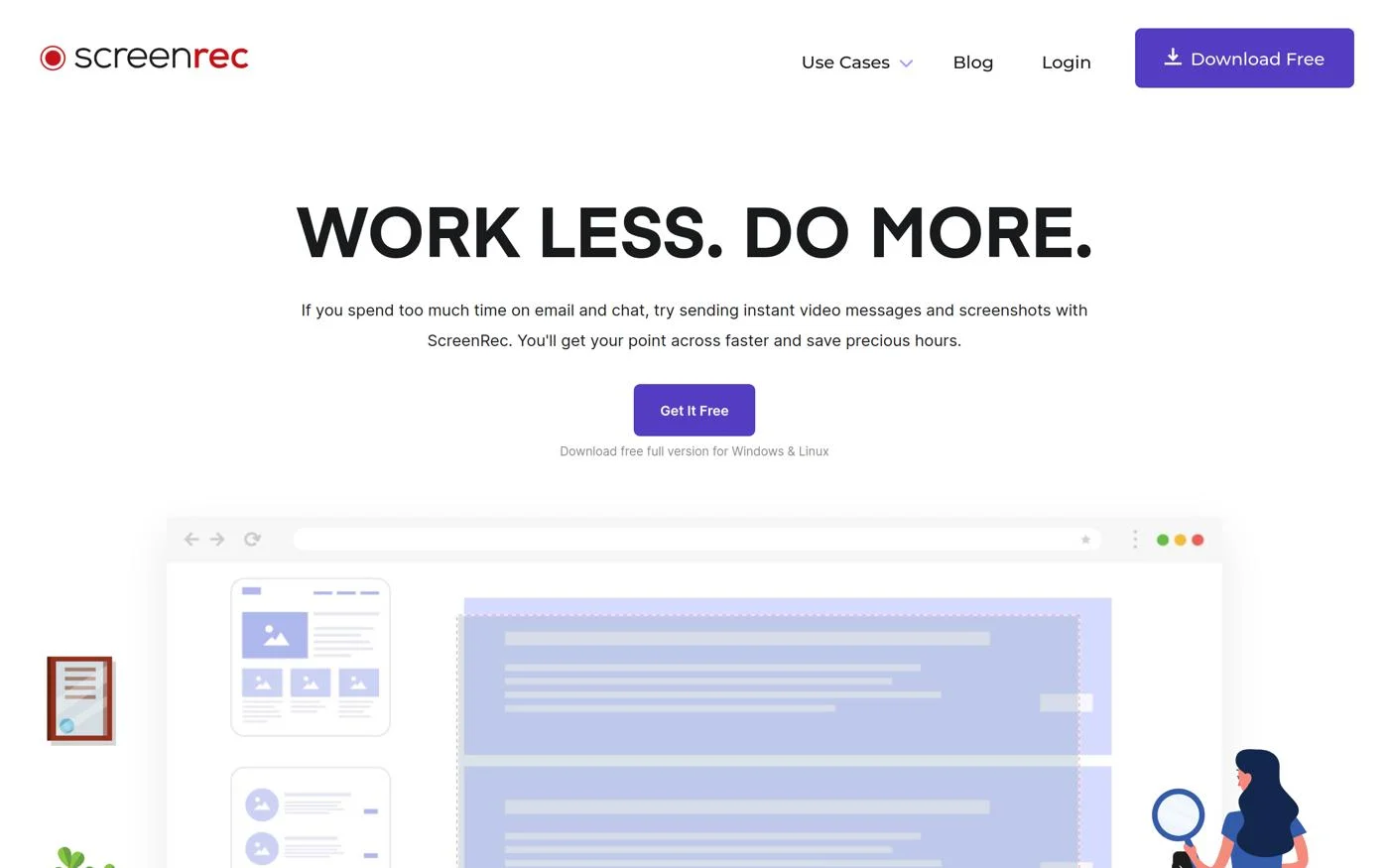
ScreenRec is completely free to use, making it an excellent choice for those seeking a budget-friendly solution.
Best for Gamers with Customizable Settings
Icecream Screen Recorder is designed for gamers and content creators who appreciate a user-friendly design.
It offers customizable recording settings and mouse effects to enhance the viewing experience.
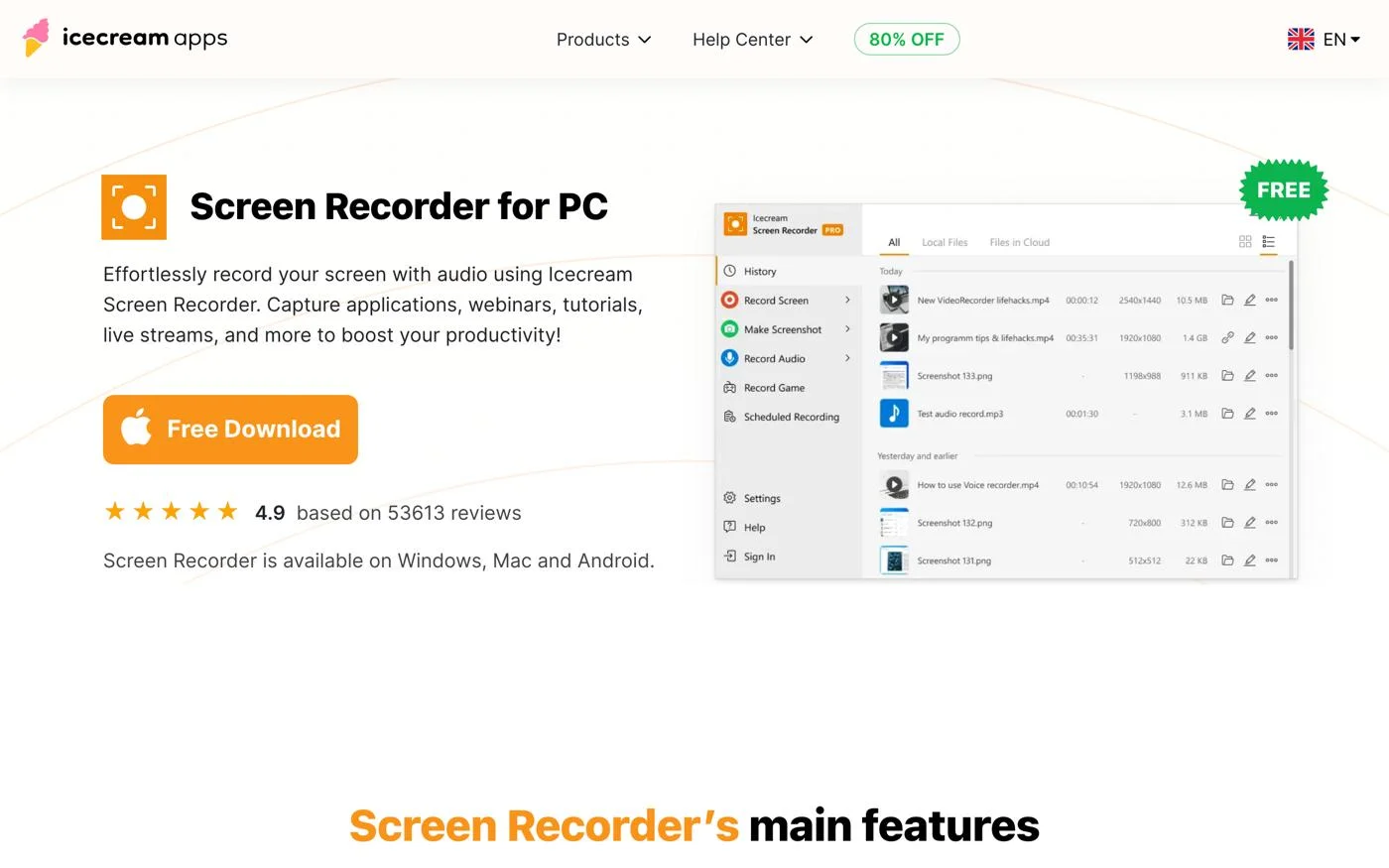
Icecream Screen Recorder offers a free version with a 5-minute recording limit. The full version is priced at $29.95.
Best for Users with Limited System Resources
ScreenCapture.com is a browser-based screencasting tool that requires no installation, making it ideal for users with limited system resources.
Its quick setup and secure recording options make it a convenient choice.
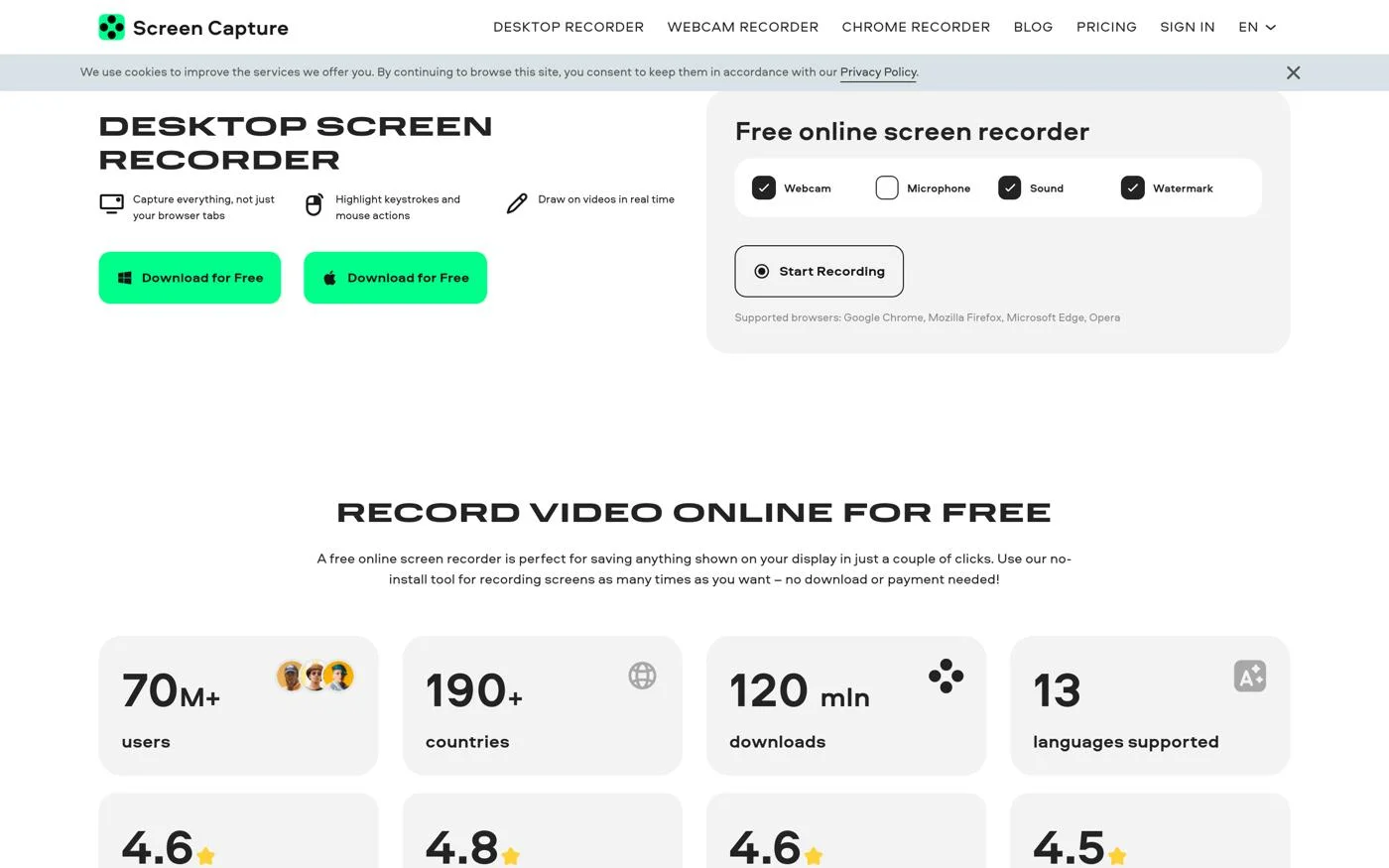
ScreenCapture.com offers a free version with basic features. Premium features may require payment.
Best for Real-Time Editing During Recording
Apowersoft combines screen recording with editing capabilities, allowing users to edit their videos in real-time.
This enhances workflow efficiency and is particularly useful for content creators who need quick edits.
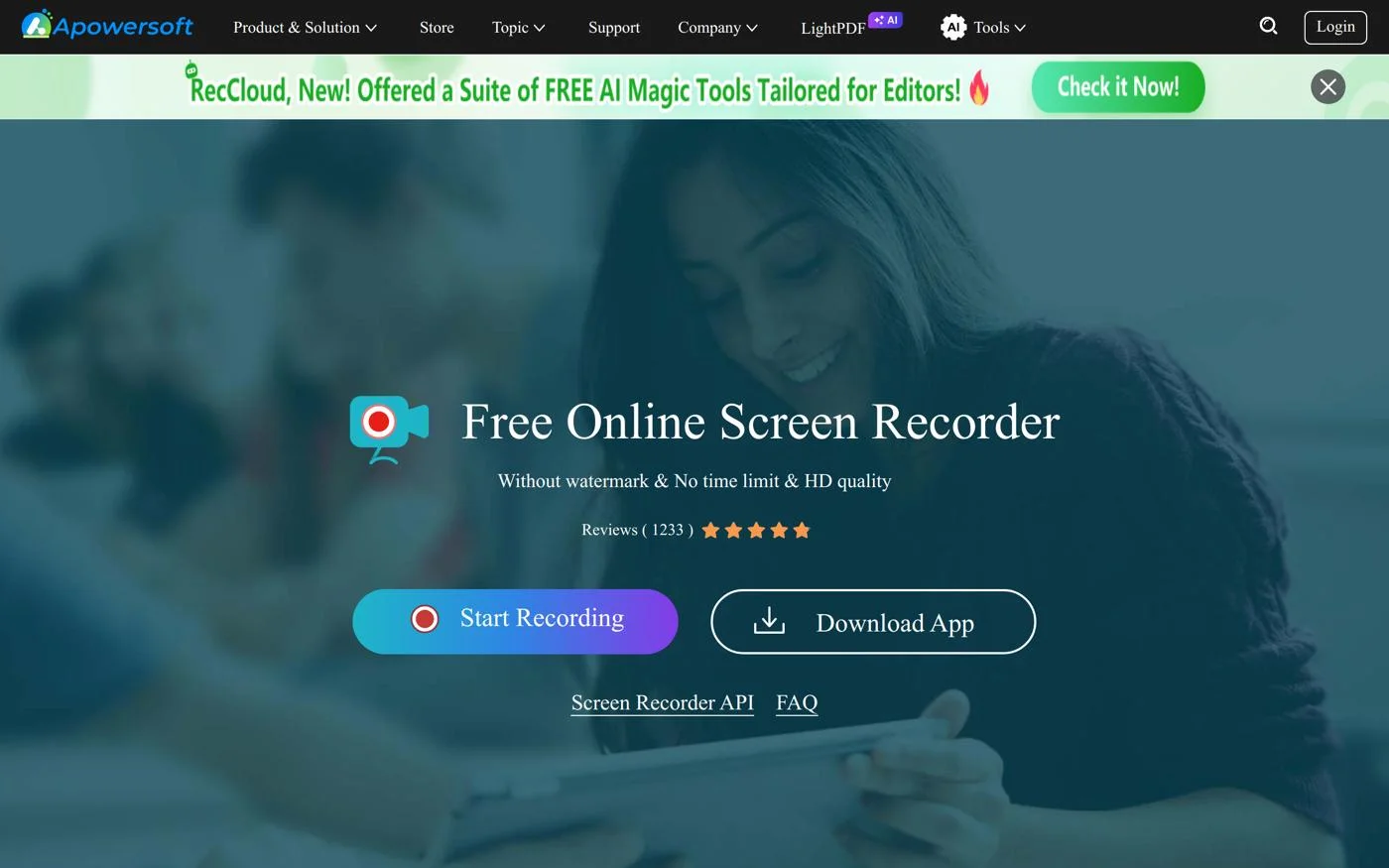
Apowersoft offers a free version with limitations. Premium features require a subscription, which varies based on selected options.
Best for Quick Recordings Without Installation
Acethinker allows users to record their screens quickly without needing to install software.
It supports various output formats and includes basic editing tools for quick enhancements.
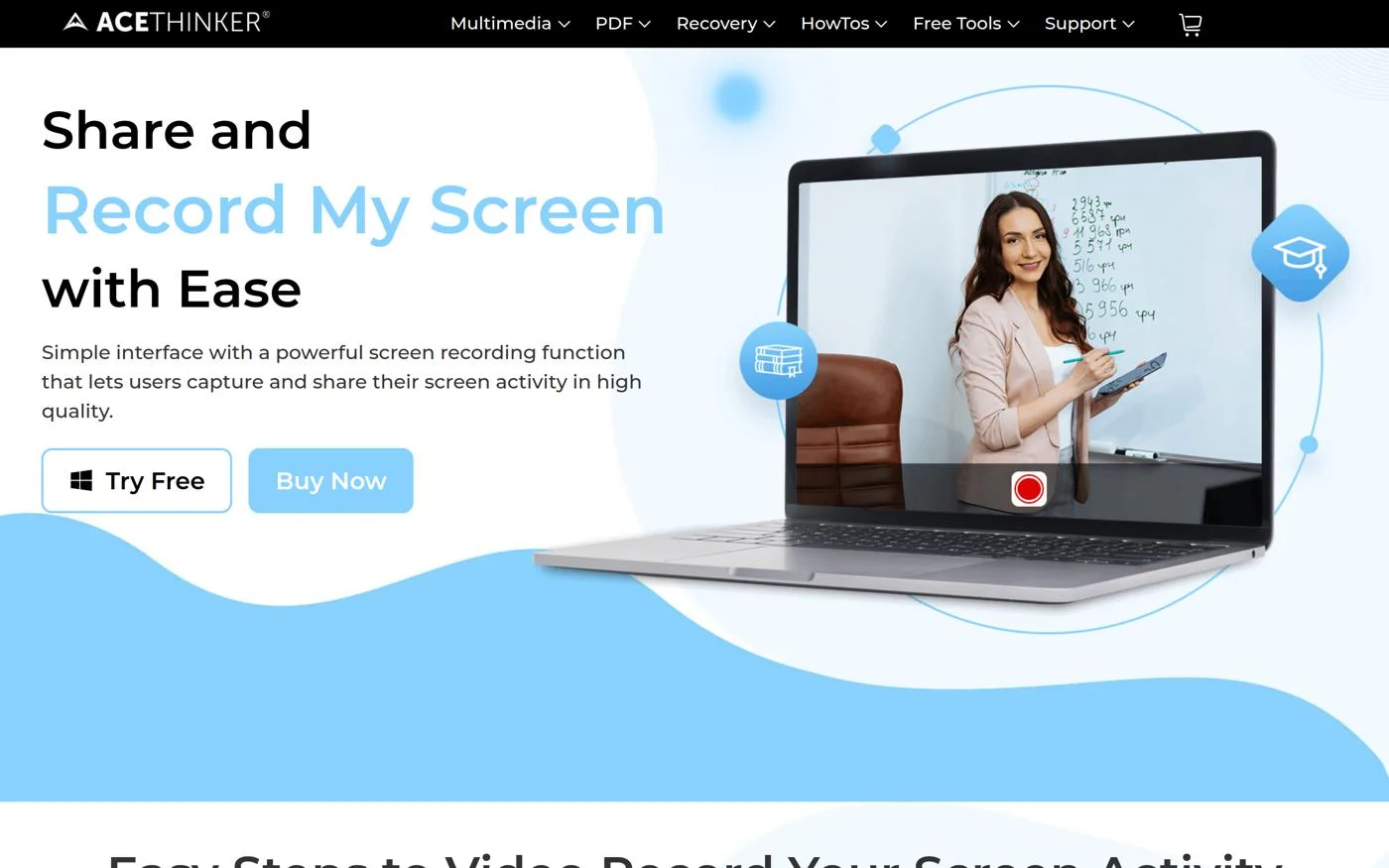
Acethinker is entirely free, making it an excellent option for users looking for a quick and easy solution.
Selecting the ideal best screencast software depends on your specific requirements and use case. Consider these crucial factors:
Common misconceptions about screencast software often revolve around the belief that more expensive tools are significantly better.
However, many budget-friendly options offer excellent features and functionality that can meet users’ needs without breaking the bank.
The screencast software landscape is evolving, with a noticeable shift towards cloud-based solutions.
Tools like Loom are gaining popularity for their ease of use and quick sharing capabilities, particularly in remote work environments.
Additionally, there is a growing demand for software that integrates seamlessly with existing productivity tools, enabling users to create and share content without disrupting their workflow.
In summary, selecting the right screencast software is crucial to enhancing your content creation process.
Each of the options listed provides unique features that cater to various user requirements, from casual users to professionals.
We recommend evaluating your specific needs, such as ease of use, required features, and budget constraints, to find the best fit for your projects.
Most common questions marketers have about the best screencast software.
There are several excellent options for Mac users, including Camtasia and ScreenFlow, which offer robust features and a user-friendly interface.
Yes, tools like OBS Studio, Loom, and ScreenRec offer free versions or are entirely free, making them accessible for budget-conscious users.
Camtasia is a professional-grade tool with extensive editing features, while OBS Studio is a powerful free option primarily focused on recording and streaming.
Consider features such as video quality, editing tools, ease of use, and platform compatibility to find software that meets your needs.
Pricing varies widely, with free options available and paid software like Camtasia typically costing around $299 for a one-time purchase or subscription models starting at $3 per month.