


10 Google Analytics Alternatives That Skip the Consent Banner
10 Google Analytics alternatives compared by privacy, pricing, and features. From free open-source tools to enterprise analytics platforms, find the right fit f
Updated 19 min read

10 Google Analytics alternatives compared by privacy, pricing, and features. From free open-source tools to enterprise analytics platforms, find the right fit f
Plausible Analytics is the best Google Analytics alternative for teams who want a clean, cookie-free dashboard without consent banners. Matomo wins for organizations that need a full GA feature replacement with 100% data ownership. Fathom Analytics is the only privacy-first tool with a built-in Google Analytics data importer, making it the smoothest migration path.
GA4's complexity and GDPR non-compliance rulings in Austria, France, Italy, and Norway have pushed thousands of teams to look elsewhere.
Google Analytics runs on ~55.5% of tracked websites globally, so walking away from it feels risky. The good news: the best alternatives cover every use case, from free self-hosted tools to enterprise-grade product analytics.
Google Analytics 4 is used by 14.2 million websites, and it genuinely does a lot: deep Google Ads integration, ML-powered predictive audiences, custom funnels, and free access for most users. The event-based model is more modern than what Universal Analytics offered, and the Looker Studio connector makes reporting flexible.
But GA4 comes with real trade-offs that are pushing teams toward alternatives in 2026.
Common reasons people look for alternatives:
Alternative | Differentiator Tag | Best For | Cookie-Free | Free Plan | Starting Price |
|---|---|---|---|---|---|
Most popular | Privacy + simplicity | Yes | Self-host only | $9/mo | |
Closest match | Full GA replacement | Yes | Self-host | €29/mo | |
Budget pick | GA migration | Yes | 30-day trial | $15/mo | |
Best for beginners | Strictest privacy | Yes (+ no fingerprinting) | Yes | ~$20/mo | |
Upgrade pick | Developers + product teams | Yes (anon mode) | Yes (1M events/mo) | Free / usage-based | |
Best for SaaS products | In-app product analytics | No | Yes (1M events/mo) | $20/mo | |
Best for enterprise | Enterprise product analytics | No | Yes (10K MTUs/mo) | Custom | |
Best free option | Developers, tight budgets | Yes | Yes (self-host + 1M events/mo cloud) | Free | |
Best for real-time | Real-time visitor tracking | Yes | Yes (1 site) | ~$10/mo | |
Best for Cloudflare users | Cloudflare-native zero-cost | Yes | Completely free | Free |
Best Google Analytics alternative for privacy-first simplicity
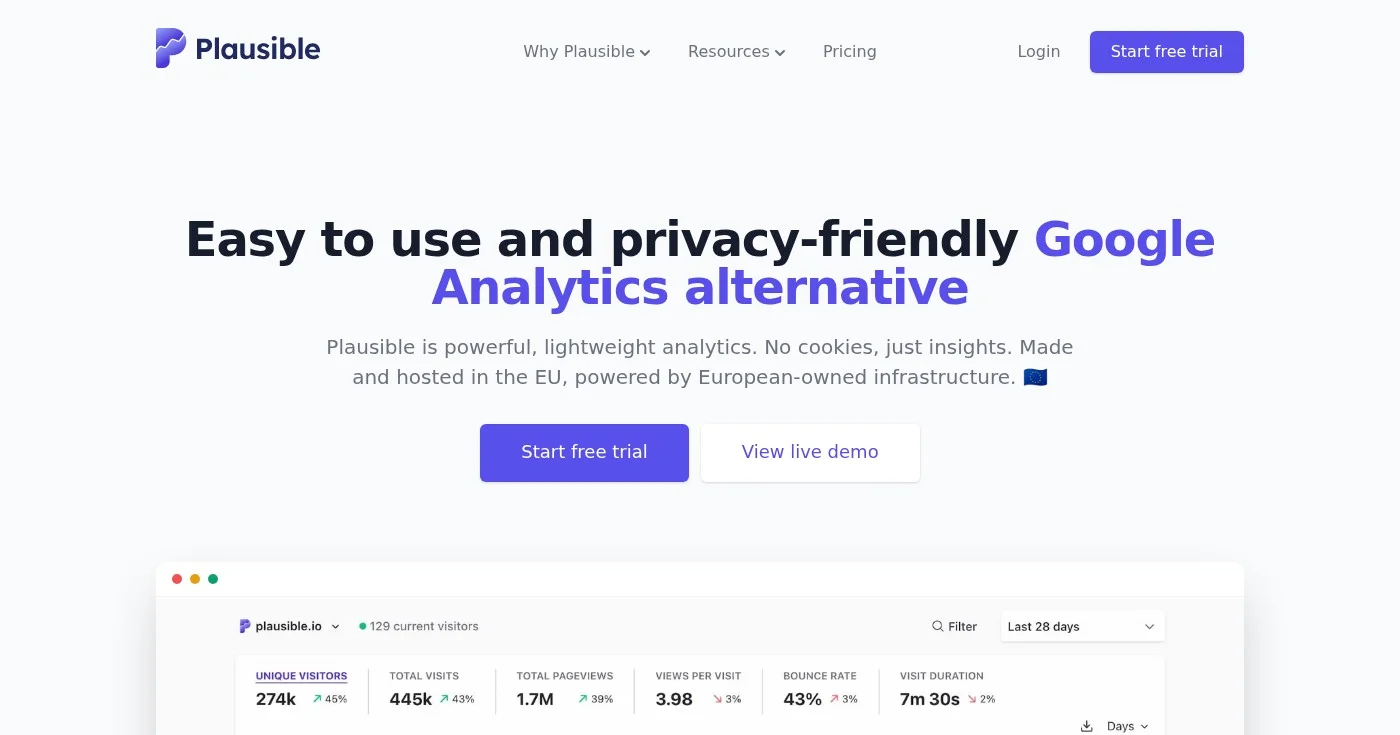
Plausible Analytics is an open-source web analytics tool built for teams that want a clean dashboard without touching cookies or personal data. It counts your pageviews, referrers, countries, devices, and goals in a single-page interface you can understand in under five minutes. No data analyst required.
Unlike GA4's event model, which requires careful configuration before you see anything meaningful, Plausible works the moment you add its script.
Plausible is AGPL-3.0 licensed, which means you can self-host it if you want full control over the infrastructure. The cloud version stores data on EU servers and operates under Dutch and Estonian law.
GA4 offers far more depth: custom funnels, predictive audiences, Looker Studio, and deep Google Ads integration. Plausible trades all of that for simplicity and privacy. There is no cookie consent banner needed, no personal data collected, and no GDPR exposure from data transfers.
Plausible's script also weighs less than 1 KB compared to GA4's 74 KB tracking library, which has a measurable effect on page speed.
Best Google Analytics alternative for full feature parity
Matomo (originally Piwik, launched 2007) is the most feature-complete open-source alternative to Google Analytics. It covers every dimension GA does: traffic sources, campaigns, goals, ecommerce tracking, custom reports, user flows, and funnels. It adds heatmaps, session recordings, and A/B testing as paid plugins with a built-in GDPR Manager for consent management.
Governments, universities, and large enterprises use Matomo precisely because it matches GA's depth while keeping data on infrastructure they control.
If your team is moving off GA4 and needs feature-for-feature parity without retraining your analysts, Matomo is the closest match available.
GA4 is hosted by Google; Matomo's self-hosted version keeps 100% of your data on your servers. GA4 samples large reports; Matomo delivers unsampled data at every tier.
GA4 has no exit path for data export; Matomo's open format lets you migrate freely. The trade-off is setup complexity: Matomo requires server maintenance, plugin management, and more configuration than GA4 out of the box.
Best Google Analytics alternative for migrating historical data
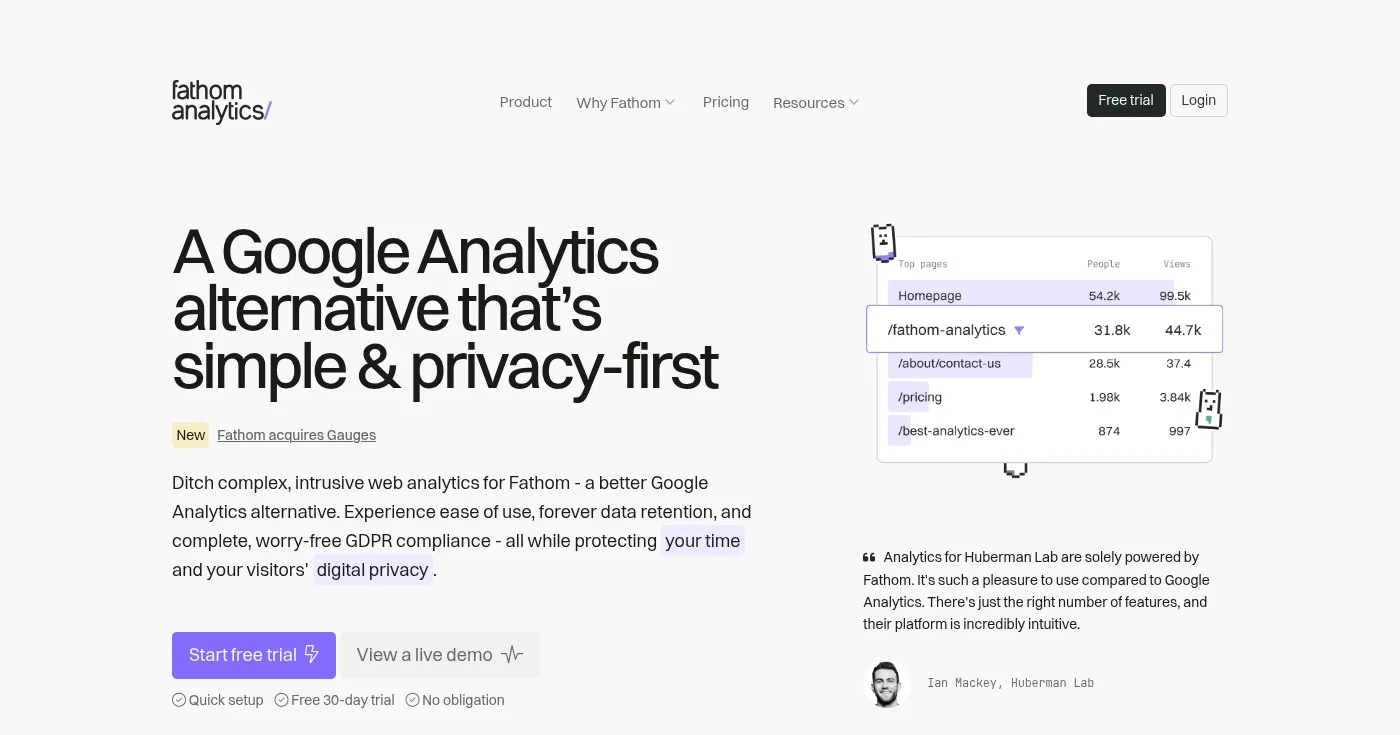
Fathom Analytics is a privacy-first web analytics tool built by an EU-based team. It is straightforward by design: cookie-free, no personal data, a clean dashboard, and transparent billing.
The feature that sets it apart from Plausible and Simple Analytics is its Google Analytics import tool. If you have three years of GA data and you are not ready to lose it, Fathom is the only privacy-first alternative that lets you migrate that history.
Fathom stores data forever (no expiry) and includes ecommerce and event tracking at all plan tiers. If you exceed your pageview limit two months in a row, Fathom notifies you before bumping your plan rather than interrupting service.
Fathom is a simpler, cookie-free layer over the same web analytics concepts GA introduced: sessions, referrers, top pages, goals, and UTM parameters. It removes the complexity and the GDPR exposure, and replaces it with a single dashboard that requires no configuration. GA4 goes deeper on behavioral segmentation, ML predictions, and Google product integrations; Fathom goes shallower and cleaner.
Best Google Analytics alternative for beginners
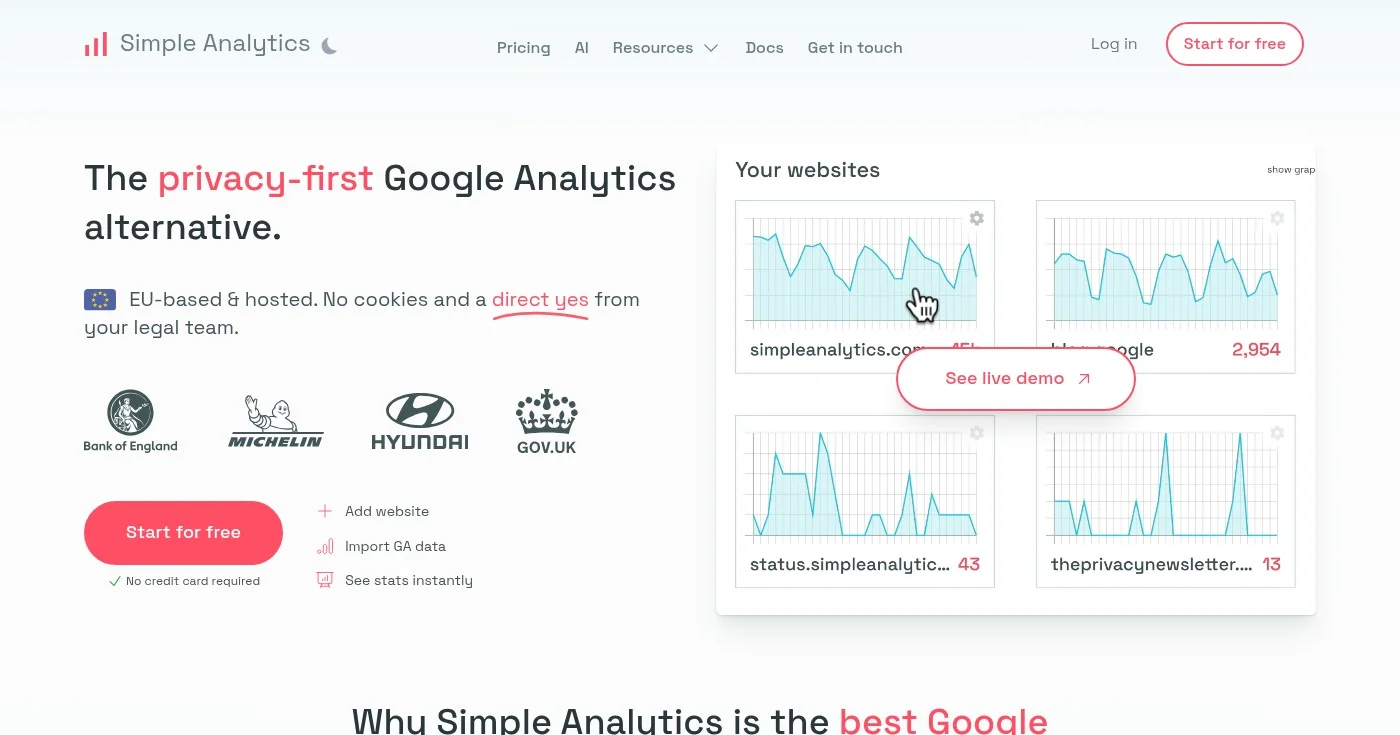
Simple Analytics takes the strictest privacy position on this list: no cookies AND no fingerprinting. Every other tool on this list uses some form of fingerprinting (hashing IP + user agent) to estimate unique visitors without cookies. Simple Analytics does not.
That makes its unique visitor counts marginally less precise, but it means the tool is mathematically more private than any competitor. Bloomberg, Michelin, Hyundai, and the UK government's gov.uk use it in production.
The interface is built for non-technical users. The AI-powered insights layer surfaces trends automatically so you do not have to build reports from scratch. A free plan is available for low-traffic sites.
GA4 uses cookies, fingerprinting, and cross-web tracking to build detailed user profiles. Simple Analytics collects none of that.
The result is a tool that passes GDPR in any EU jurisdiction without legal review, at the cost of advanced segmentation and behavioral depth. GA4 lets you build audiences and cohorts; Simple Analytics shows you traffic, referrers, top pages, countries, and device breakdown.
Best Google Analytics upgrade for developer and product teams
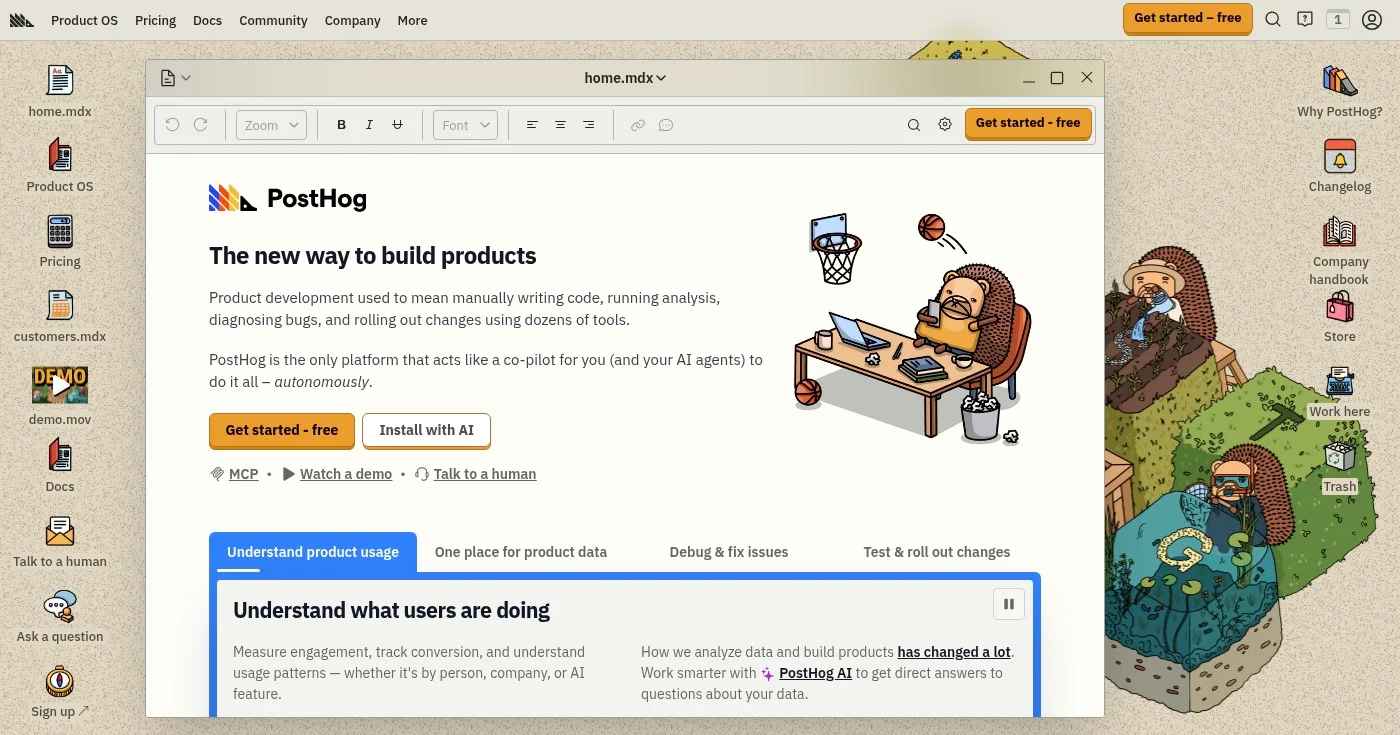
PostHog is an open-source product analytics platform that includes a web analytics module alongside session replay, feature flags, A/B experiments, error tracking, heatmaps, surveys, and LLM analytics. If GA4 is your only analytics tool today, PostHog gives you ten tools for the price of one, with a free tier that covers the vast majority of teams.
Over 90% of companies using PostHog never pay anything: the free tier includes 1 million product analytics events per month, 5,000 session recordings, 1 million feature flag requests, and 100,000 error tracking exceptions. PostHog is MIT-licensed and self-hostable via Docker Compose. Y Combinator, Airbus, and thousands of startups use it in production.
GA4 is a web analytics tool with some product analytics capabilities bolted on. PostHog is a product analytics platform with a web analytics module included.
The distinction matters: PostHog tracks individual identified users through your funnel, which GA4 cannot do cleanly without significant custom work. PostHog also supports cookieless anonymous events for GDPR-sensitive use cases, gives you SQL access to your own data, and keeps all data in infrastructure you control when self-hosted.
Best Google Analytics alternative for SaaS product teams
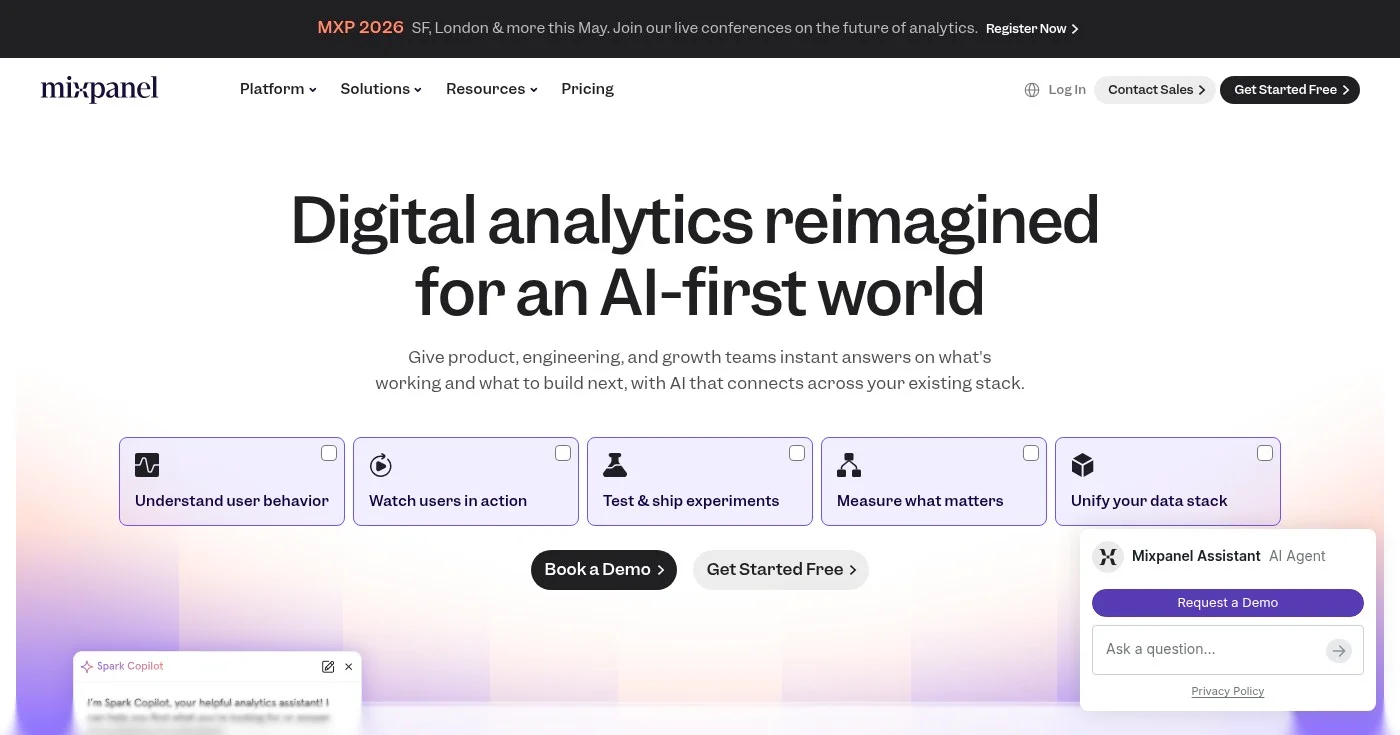
Mixpanel is a product analytics platform designed for tracking user behavior inside SaaS applications, not marketing websites. If you are building a web or mobile product and you want to understand retention, activation, and in-app conversion, Mixpanel is purpose-built for that job. Its free tier includes 1 million events per month, session replay, and heatmaps with no credit card required.
Mixpanel's Spark AI layer lets you query your analytics data in plain English. Its MCP Server enables AI agent integrations. Early-stage startups can apply for the Startup Plan: one year of full access free for companies under five years old with under $8M in funding.
GA4 tracks pages and sessions. Mixpanel tracks users and events inside your product.
Getting basic referrer and pageview data from Mixpanel requires custom event configuration, which means it is not a drop-in GA replacement for marketing sites or blogs. For product teams, however, Mixpanel's funnels, retention curves, cohort analysis, and user-level session replay go substantially deeper than anything GA4 offers.
Best Google Analytics alternative for enterprise product teams
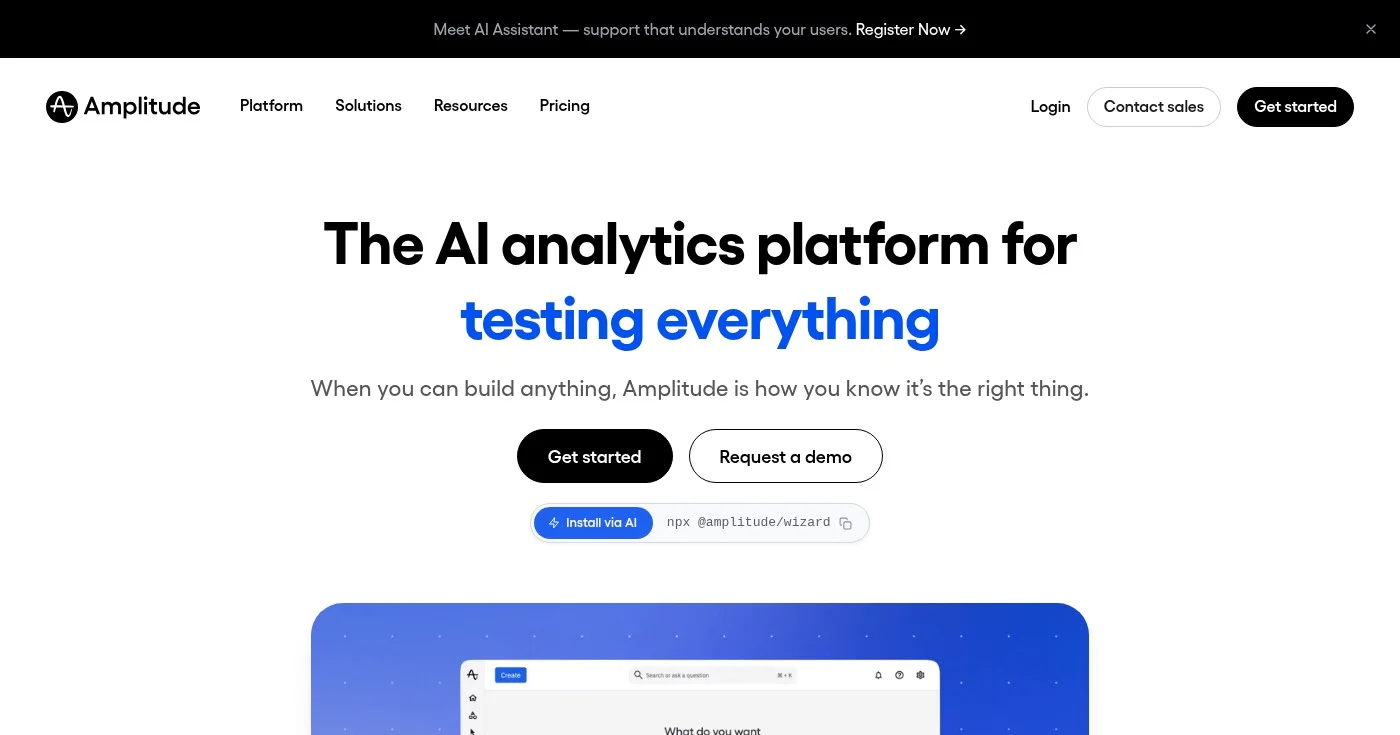
Amplitude is the enterprise-grade option for behavioral product analytics. It covers the full analytics stack: behavioral events, funnels, retention, user journeys, ML-powered predictions, web and feature experimentation, session replay, surveys, and an AI assistant. Amplitude's data governance layer makes it the standard choice for large organizations that need audit trails, role-based access, and strict data modeling.
The free Starter plan includes 10,000 monthly tracked users, session replay, and unlimited feature flags. Qualifying startups can apply for the Startup Scholarship: one year of the Growth plan at no cost.
GA4 is built for marketing teams monitoring website traffic and ad performance. Amplitude is built for dedicated analytics and product teams tracking how users move through a digital product at scale.
The setup complexity and cost reflect that difference: Amplitude requires an analyst or data team to get full value from it, whereas GA4 is self-service for most marketing use cases. Amplitude's ML predictions and governance controls go well beyond anything GA4 offers.
Best free Google Analytics alternative
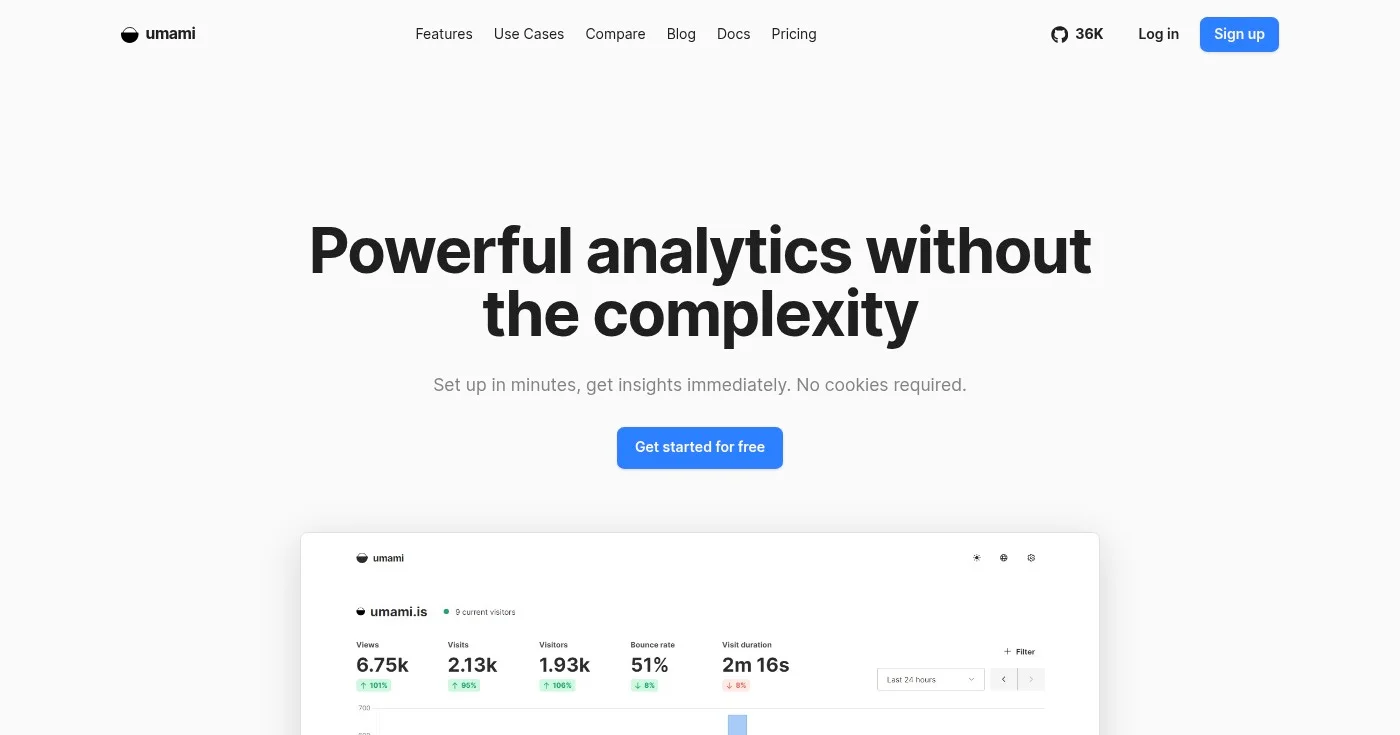
Umami is an open-source web analytics tool under the MIT license, the most permissive license on this list. Self-hosting is free with no feature limitations behind a paywall.
The cloud version offers a free tier of 1 million events per month, with usage-based billing beyond that at $0.00002 per additional event. If you are a developer who wants GDPR-compliant web analytics at zero infrastructure cost, Umami is the cleanest option.
Deployment is straightforward: Docker Compose, a database connection, and you are live. The dashboard covers pageviews, sessions, referrers, countries, devices, operating systems, and custom events with funnel support.
Umami covers the core web analytics layer GA4 offers (traffic, referrers, goals) without the GDPR exposure or the complexity. It does not have heatmaps, session recordings, or ML-powered predictions, and the plugin ecosystem is younger than Matomo's. For teams that need only clean pageview reporting with full data ownership and zero licensing cost, Umami delivers that more simply than any other tool on this list.
Best Google Analytics alternative for real-time visitor monitoring
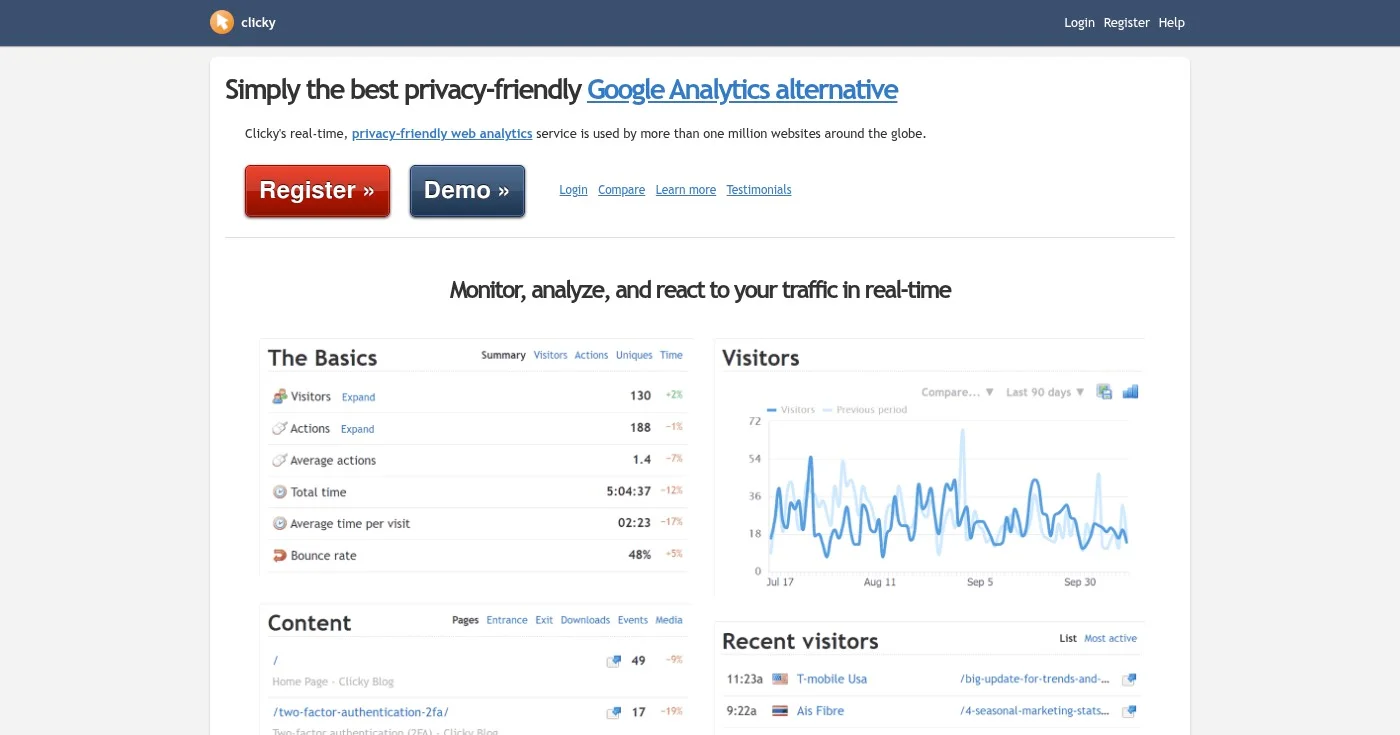
Clicky has been running since 2006, making it one of the oldest Google Analytics alternatives still in active development. Its defining feature is individual visitor session logs in real-time.
Where every other privacy-first tool on this list shows you aggregated data, Clicky shows you a live feed of individual visits. Each visit shows which page the visitor is on, where they came from, what device they are using, and what actions they took. It also includes heatmaps and uptime monitoring at all paid tiers.
A free plan is available for a single site. Paid plans start at ~$10/mo, making Clicky the most affordable option with both heatmaps and visitor-level tracking included.
GA4 aggregates everything: you see totals and segments, not individual sessions. Clicky shows you both. The interface carries its age (founded 2006, and the UI shows it), but the real-time feed and heatmap combination is unique at this price point.
GA4 has no uptime monitoring; Clicky includes it without an additional tool. Cookie-free tracking mode is available, though not the default.
Best Google Analytics alternative for Cloudflare users
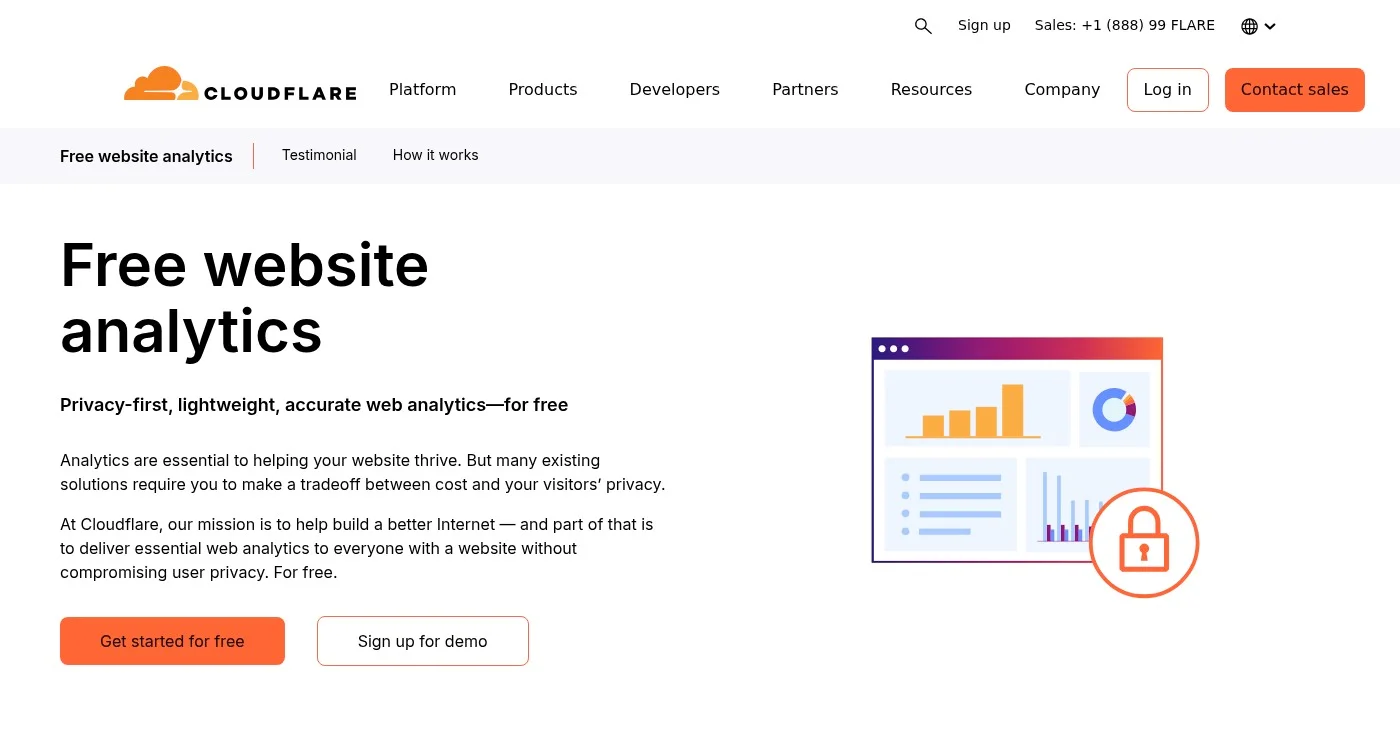
Cloudflare Web Analytics is completely free, requires no cookies, and adds zero performance overhead because it runs at the network edge rather than injecting a client-side script. If your site already runs on Cloudflare's CDN, you enable it in one click from the dashboard. It shows pageviews, unique visitors, top pages, referrers, countries, devices, and Core Web Vitals performance data.
The catch: Cloudflare uses Adaptive Bit Rate sampling that can process as little as 1-10% of traffic for longer reporting periods. The rest is extrapolated.
Data is deleted after six months. There is no UTM tracking, no custom events, no funnels, and no visitor profiles.
GA4 gives you full event tracking, conversion funnels, audience segments, and attribution models. Cloudflare Web Analytics gives you a traffic overview with significant sampling at longer time windows. It works best as a secondary dashboard for developers who want a quick performance pulse without adding a paid tool, not as a primary analytics solution for marketing and growth teams.
Open Google Keyword Planner without treating setup as running ads, then read volume, competition, and the two bid columns for what those numbers are not.
ZoomInfo alternatives have no public platform list price. Apollo publishes a seat price, Cognism covers EU phones, and Lusha starts at $49.90 a month.

HubSpot's pricing jumps from $0 to $890/month with no mid-tier. These 10 HubSpot alternatives are segmented by sales CRM, email automation, and agency use case
