


Webflow SEO Tools, Ranked by the Job You Need Done
A framework for choosing the right Webflow SEO tool by job-to-be-done: in-Designer audits, schema automation, AI search tracking, CMS alt text, and bulk metadat
Updated 19 min read

A framework for choosing the right Webflow SEO tool by job-to-be-done: in-Designer audits, schema automation, AI search tracking, CMS alt text, and bulk metadat
Semflow, AI SEO Copilot, and Google Search Console cover the core jobs for most Webflow sites: in-Designer audits, on-page scoring, and direct indexing data from Google. Your specific situation determines what else you need. CMS alt text at scale calls for FluidSEO; AI search citation tracking calls for Graphite; technical site migrations call for Screaming Frog.
One framework helps before you add anything: Webflow SEO sits on three distinct tiers. Native features (sitemap auto-submit, canonical tags, clean semantic HTML5 markup) ship with every Webflow plan. Marketplace apps extend that foundation from inside the Designer.
External tools like Ahrefs and Screaming Frog run independently of Webflow entirely. Most roundups conflate all three; knowing which tier a tool belongs to tells you whether it adds new capability or overlaps something you already have.
Ordering basis: tools ranked by use case coverage and practitioner adoption signals across SERP analysis, r/webflow, and YouTube. Webflow Marketplace apps (tools 1-6) are listed before external tools (7-10) to reflect the three-tier framework; within each tier, tools are ordered by breadth of use case.
Software | Best For | Key Features | Pricing | Free Plan | Platforms |
|---|---|---|---|---|---|
Agencies, freelancers | Audits, rank tracker, schema, PDF reports | 7-day trial | Webflow Designer | ||
Beginners, budget users | 18 on-page checks, GPT fix suggestions | Free | Yes | Webflow Designer | |
CMS-heavy sites | CMS alt text, site audits, bulk metadata | Limited | Webflow Designer | ||
Developers, technical SEOs | 13+ schema types, CMS field mapping | 10 schemas | Webflow Designer | ||
Marketing teams, AEO | AI search tracking, LLM crawler controls | Contact for AI tier | Yes (core SEO) | Webflow Designer | |
Migration specialists | CSV import/export, bulk metadata editing | Available in-app | No | Webflow Designer | |
Every Webflow site | Search performance, indexing, Core Web Vitals | Free | Yes (free only) | Web | |
Technical SEOs | Crawl, redirect verification, duplicate content | £199/yr unlimited | Up to 500 URLs | Desktop (Win/Mac/Linux) | |
SEO specialists | Backlinks, keyword research, site audit | Limited tools | Web | ||
Content teams | Content Editor, SERP Analyzer, NLP scoring | No | Web, Google Docs |
Best Webflow SEO tools compared at a glance
Best for freelancers and agencies managing multiple Webflow client sites
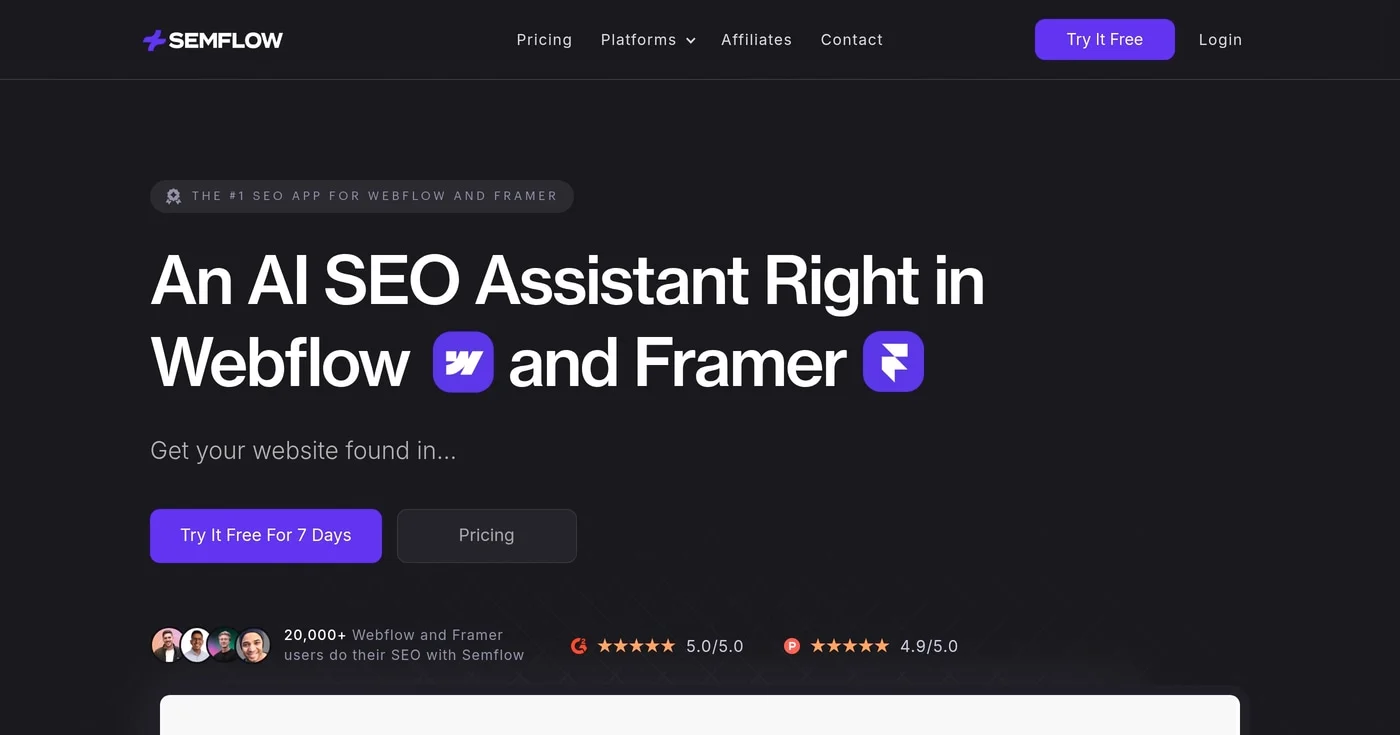
Semflow is the most-mentioned Webflow SEO app across the research corpus, appearing in 8+ SERP results and carrying 20,000+ users across Webflow and Framer. The core proposition: a Yoast-style audit workflow embedded inside the Webflow Designer. You run real-time checks as you design, flagging missing keywords in title tags, thin meta descriptions, duplicate tags, and missing alt text, then generate AI-assisted fixes in one click without opening a separate dashboard.
The Pro plan's PDF client reports are what separate Semflow at the agency tier. You audit a client site, generate a branded PDF, and send it without context-switching to another tool. The rank tracker monitors keyword positions over time, and the keyword research module (Pro plan) surfaces volume, difficulty, and related terms from inside the Designer.
Matthew H., quoted on semflow.com, put it directly: "The simplicity of this tool has given me real confidence in managing SEO for my clients, and it's an absolute steal vs other platforms on the market."
Semflow's Smart Schema Builder covers FAQ, LocalBusiness, Article, and Services types. The AI Visibility Guide (Pro) gives guidance for optimizing toward ChatGPT and Google AI Overviews, though it advises on strategy rather than tracking live AI citations. Graphite handles that job.
Best for solo founders, beginners, and teams starting with Webflow SEO
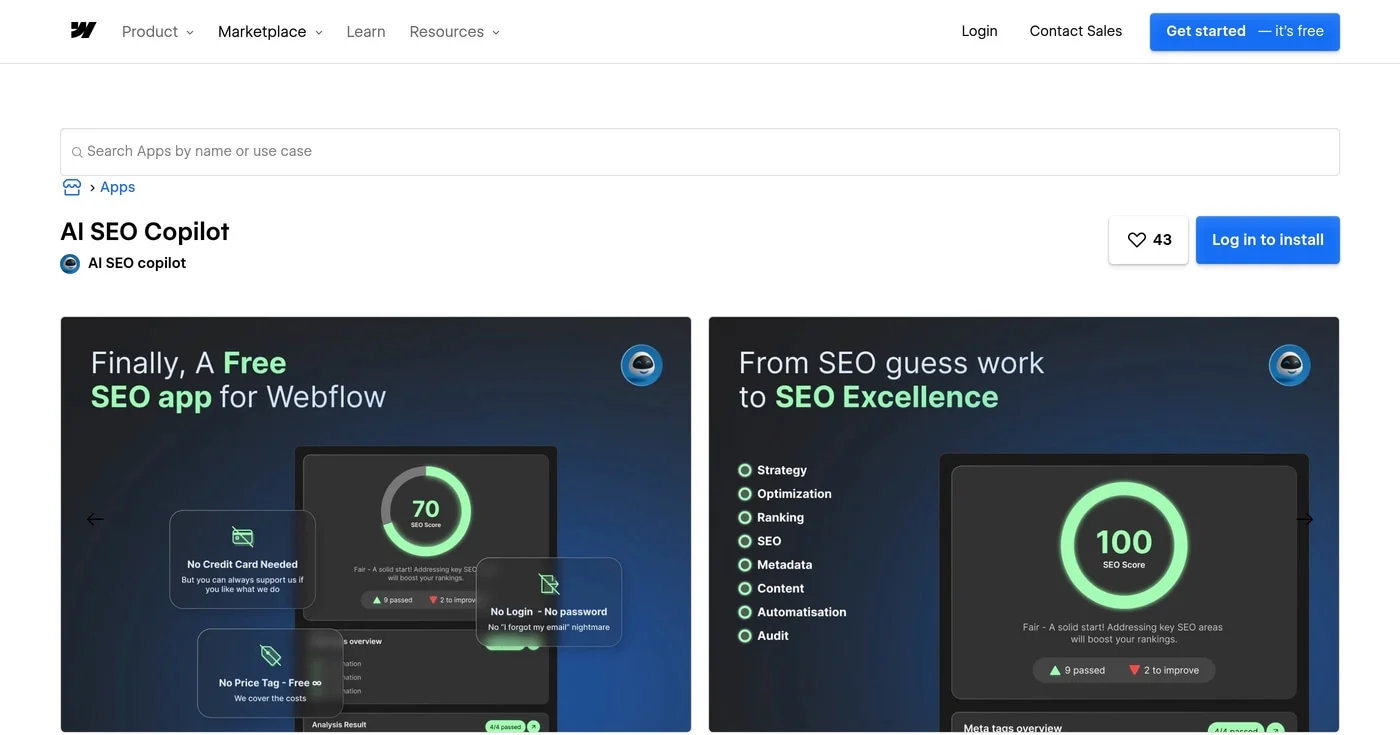
15,000+ installs make AI SEO Copilot the most widely adopted free SEO app in the Webflow Marketplace, per the tool's creator. It runs 18 on-page checks covering title tags, meta descriptions, H1 tags, image alt text, and keyword placement, then surfaces GPT-powered fix suggestions when you bring your own OpenAI API key.
The framing is "the Yoast SEO alternative for Webflow." The comparison holds: structured hygiene checks, keyword presence detection, a page-level SEO score, and in-Designer documentation that teaches fundamentals as you build. There is no rank tracking, keyword research, or schema generation.
Open source and updated monthly by the community. The Webflow Marketplace page shows 43 installs, while independent reviews consistently cite 15,000+; the gap likely reflects counting methodology (the 15,000+ figure includes Framer and other integrations per the creator's review).
Best for agencies managing large, image-heavy Webflow CMS sites
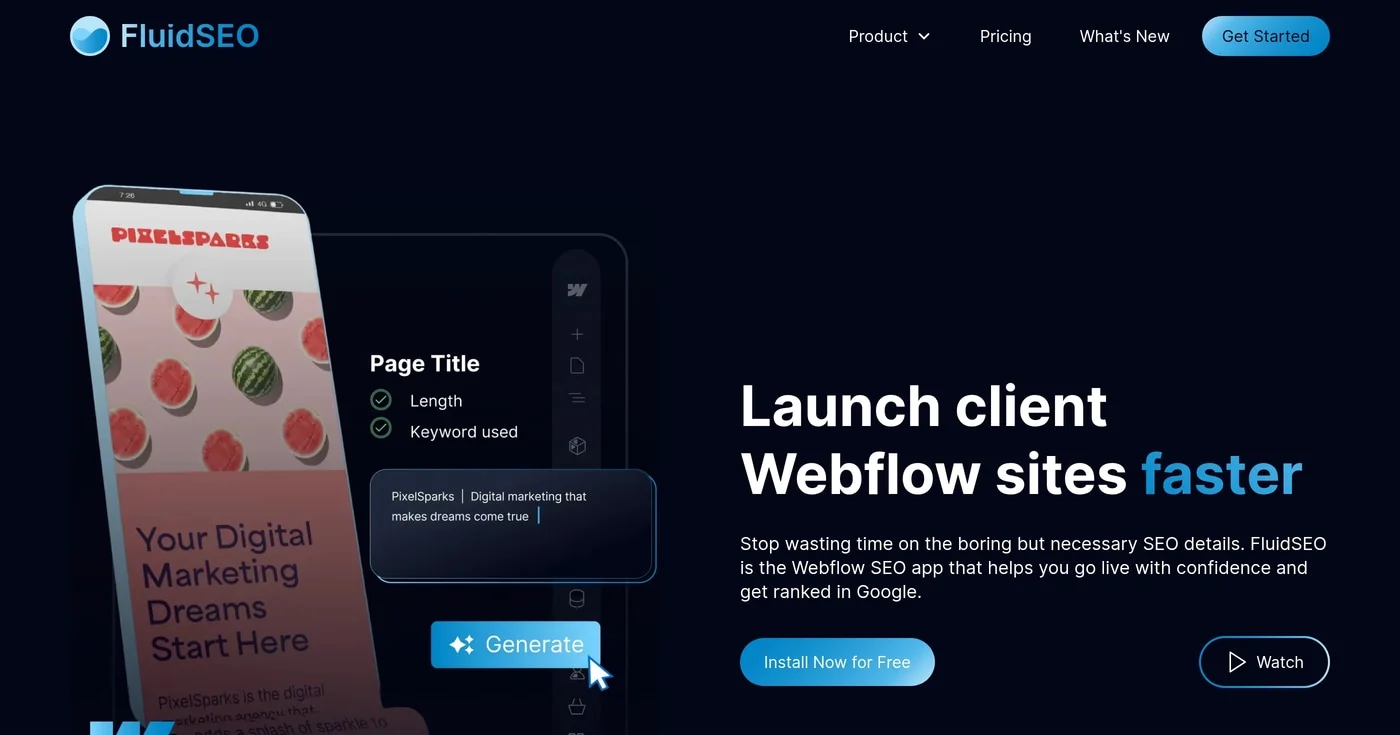
FluidSEO's primary differentiator is CMS image alt text generation. Almost no other Webflow SEO tool addresses CMS collection images; FluidSEO reads surrounding content (not just the filename) to generate contextually accurate alt text for each item. For a Webflow photography portfolio, e-commerce catalog, or news publication with hundreds of CMS items, this alone justifies the subscription.
The full-site SEO audit generates a prioritized fix list, not a raw dump of issues. AI-generated meta titles and descriptions work across static and CMS pages. CSV bulk updates let you export metadata to a copywriter or client who doesn't need Webflow access, then import the corrected file back in bulk.
Peter Tomanka, a Webflow Professional Partner, described the pre-launch workflow impact on fluidseo.app: "I used to have to set aside a day for my pre-live checks for clients, but FluidSEO streamlines the process."
5,000+ installs on the Webflow Marketplace. One limitation: schema is limited to Article and Organization types, and CSV bulk editing applies to static pages only. If CMS-level schema automation is the priority, Schema Flow is the better pick.
Best for developers and technical SEOs needing schema markup across CMS collections
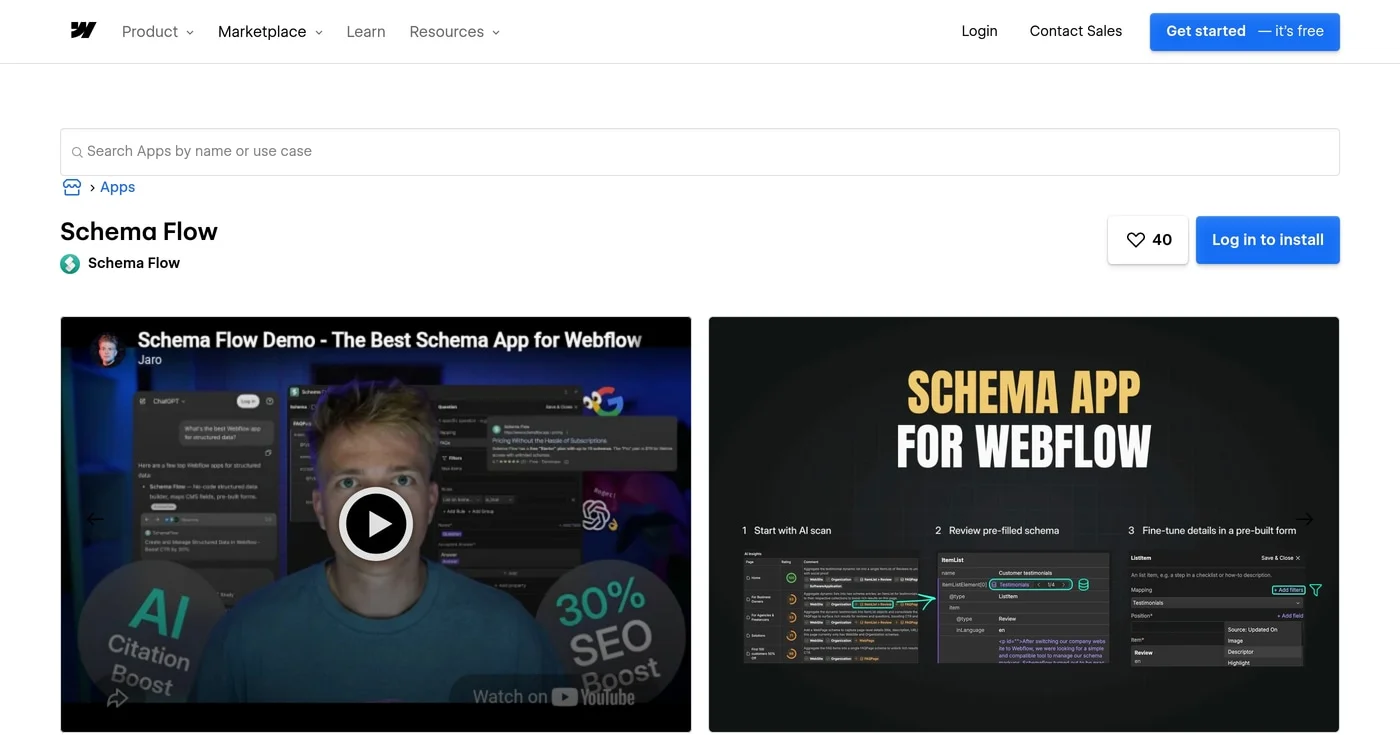
Schema Flow automates JSON-LD structured data for Webflow CMS collections. You map a CMS field to a schema property once; every collection item gets structured data generated automatically on publication. For a Webflow blog running 200+ articles, that is the difference between manually adding schema to each post and wiring it once on the collection template.
Type coverage is the widest in the Webflow Marketplace: 13+ schema types including Article, Product, LocalBusiness, FAQ, Recipe, Event, HowTo, and BreadcrumbList. You can filter CMS items by criteria (schema only on items meeting specific conditions), edit JSON-LD visually for custom configurations, and schema persists through Webflow site transfers, which protects quality during agency client handoffs.
Webflow's native schema AI handles single-page schema generation, but r/webflow users report catch-22 failures: the tool flags a page as too short for generation, then separately flags it for missing schema. In r/webflow, u/Jambajamba90 described the workaround: "Added CMS FAQs and schemas (not Webflow generated ones as they can be hit and miss) but as you say, strong SEO means good AEO."
Schema Flow is that workaround, systematized.
Pricing is a category outlier: a one-time $79 lifetime Pro plan in a subscription-heavy market, confirmed from the primary source.
Best for marketing teams tracking brand visibility in AI-generated search results
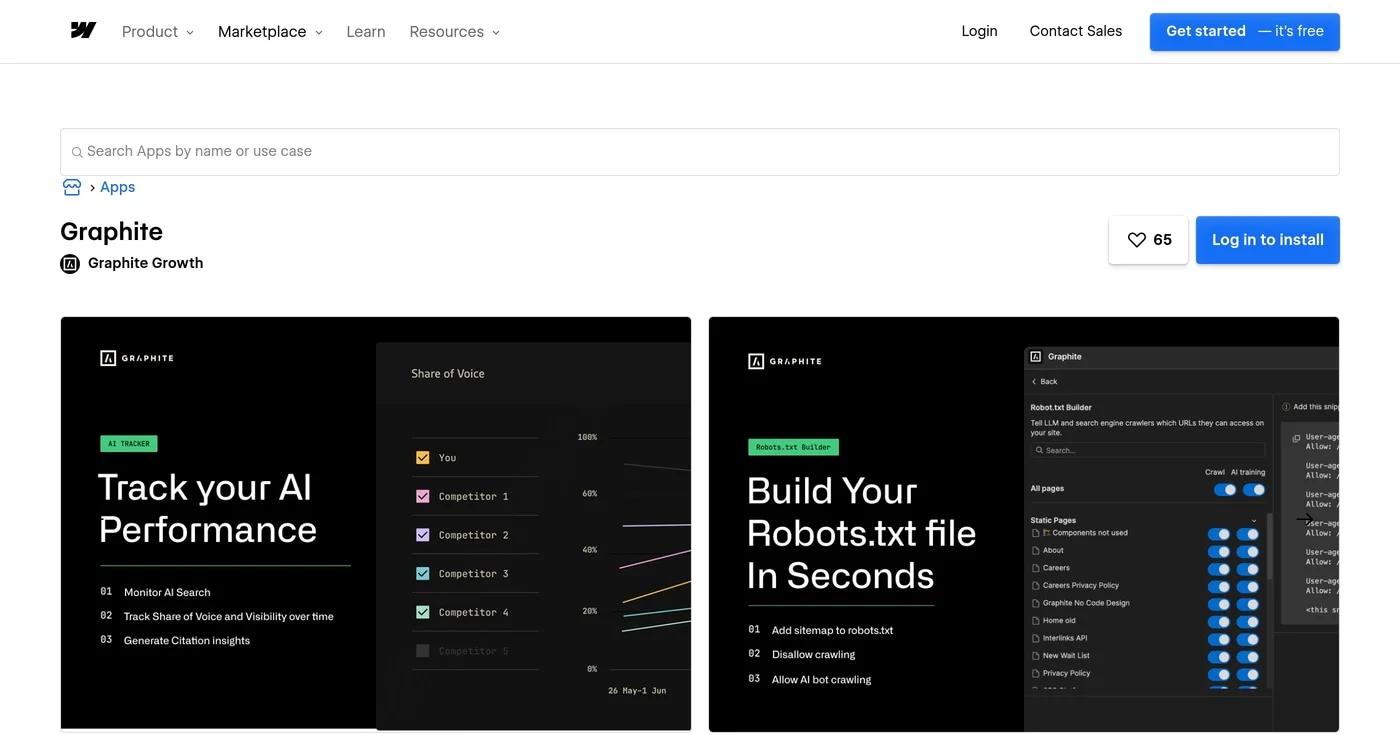
Graphite occupies a niche no other Webflow Marketplace app covers: tracking brand citations and share of voice across ChatGPT, Perplexity, Google AI Overviews, Claude, and Gemini. Classic rank tracking tells you where you stand on Google; Graphite tells you what AI says about you.
The AI Tracker is the headline feature. Graphite also includes a bulk meta editor (all pages on one screen), a robots.txt builder, and schema support for static and CMS pages.
The LLM crawler control is a category-first capability: per-page control over whether AI crawlers can train on your content versus simply index it. No other Webflow app offers this distinction as of June 2026.
u/Over-Excitement-6324 in r/webflow described the core challenge: tracking what changed (schema, answer-first sections, FAQs, comparison pages, third-party mentions) and whether AI answers, branded search, referrals, or qualified leads moved after. Webflow's AEO announcement positions this measurement gap as a company-level product priority. Graphite makes the attribution traceable.
Best for migration specialists and agencies doing periodic site-wide metadata refreshes
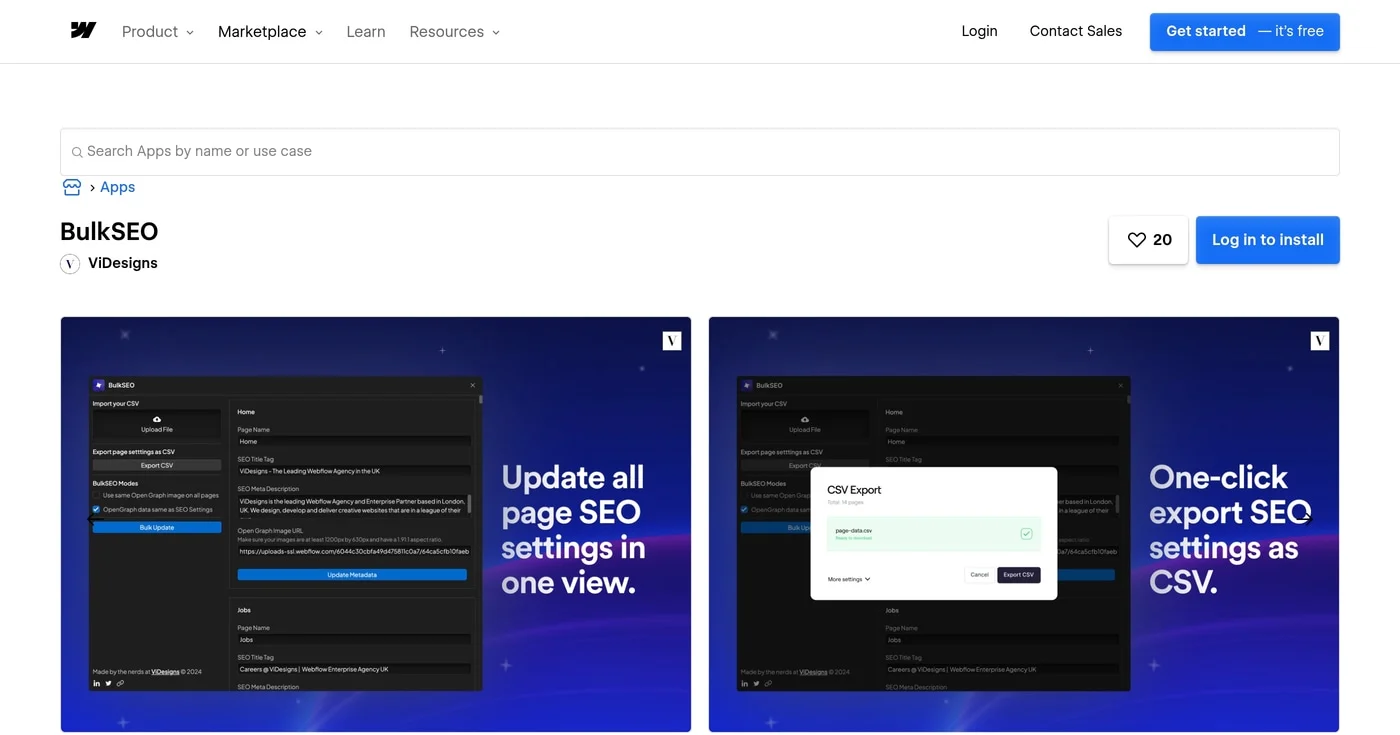
BulkSEO does one job: metadata management at scale. A single dashboard surfaces every static and CMS page on your Webflow site. Export to CSV, hand the spreadsheet to a copywriter or client who does not need Webflow access, receive the corrected file, import it back, and apply changes across hundreds of pages in one click.
The CSV workflow removes Webflow Designer access from the metadata editing loop. Global OG image setting and OG/SEO field sync round out the feature set.
BulkSEO does not do audits, schema, alt text generation, AI analysis, or rank tracking. Use it alongside an audit tool (Semflow or FluidSEO) rather than as a standalone solution.
For WordPress to Webflow migrations, the standard agency workflow pairs BulkSEO for metadata transfer, Screaming Frog for redirect chain verification, and Google Search Console for post-migration indexing confirmation. Pricing is available inside the app and is not publicly disclosed.
Best for every Webflow site: the free non-negotiable baseline
Google Search Console provides direct data from Google's crawler: search performance (clicks, impressions, CTR, and average position per query and page), Index Coverage, and Core Web Vitals. URL Inspection confirms immediate indexing; Mobile Usability and Rich Results validation are built in at no cost.
Webflow auto-generates and submits the XML sitemap to GSC. Development mode commonly leaves pages on noindex; GSC is the verification source for confirming pages are actually indexed after launch. Payton Clark Smith, in a 2026 Webflow SEO walkthrough, said it plainly: "Both of these tools are free and I would not ever start an SEO campaign without them" (referring to GSC and GA4).
Lily Ray (@lilyraynyc), VP of SEO at Amsive, documented a three-step GSC indexing workflow. Export HTML URLs from GSC Crawl Stats, run them through Screaming Frog's URL Inspection API, then check Coverage for URLs Google crawls but doesn't index.
Pair GSC with Google Site Tools for Webflow (5,000+ installs, free) to surface GA4 and GTM data inside the Webflow Designer.
Best for technical audits, redirect chain verification, and site migrations
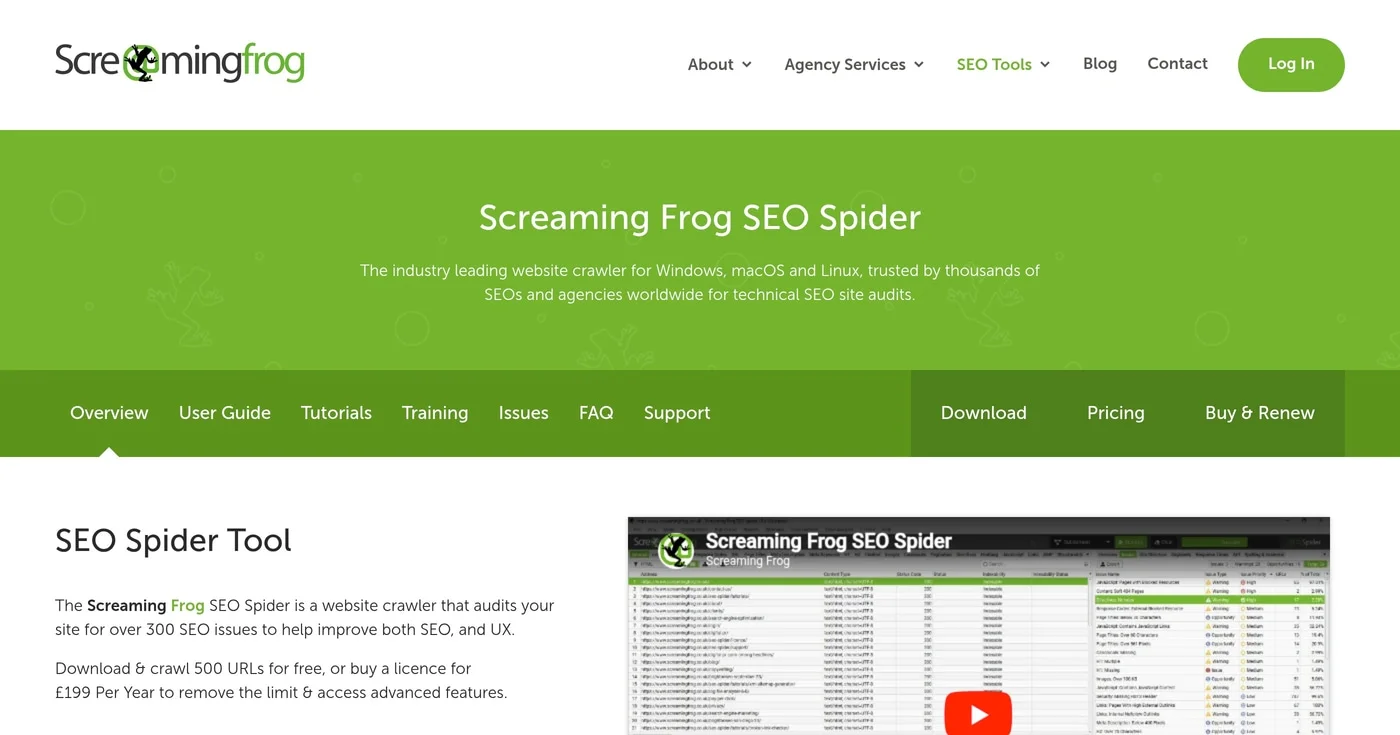
Screaming Frog SEO Spider is the industry-standard desktop crawler for technical SEO work on Windows, macOS, and Linux. You point it at a Webflow site URL and it maps every page: redirect chains, broken links, duplicate content, missing or duplicate meta tags, blocked resources, and pages accidentally left on noindex.
Screaming Frog catches the redirect errors that cause post-migration traffic drops. For WordPress to Webflow migrations, it verifies that 301 redirects are in place, confirms no redirect chains were introduced, and audits that all migrated pages are accessible to crawlers. The Lily Ray indexing workflow (GSC Crawl Stats export plus Screaming Frog URL Inspection API) requires the paid license but costs a fraction of any enterprise SEO platform.
In May 2026, Screaming Frog added MCP server integration, allowing AI agents to trigger crawls programmatically. Screaming Frog is the first major technical SEO crawler to support agentic workflows.
The free tier covers up to 500 URLs. Most small Webflow sites fall under that threshold and don't need a paid license. Sites over 500 pages need the £199/year paid license, which adds JavaScript rendering, Google Analytics integration, and the GSC URL Inspection API connection.
noindex issues that in-Designer tools cannot seeBest for SEO specialists needing backlink intelligence and competitive keyword research

Ahrefs is the reference tool for backlink analysis and keyword research. Founded in 2010, with $149.1M ARR in 2024, it maintains a 28.7 billion keyword index across 217 countries and 35 trillion external backlink records. Tim Soulo (@timsoulo), Ahrefs CMO, confirmed Core Web Vitals data is natively integrated into Site Audit, relevant for Webflow sites where page speed is a ranking factor.
Webflow use cases include Site Audit (external crawler, no plugin required), Keywords Explorer, Site Explorer for competitor keyword overlap and backlink profiles, and Rank Tracker. In January 2026, Ahrefs added Custom Prompts for tracking AI search visibility across AI engines.
One r/webflow practitioner, u/alistairswilson, replaced the Ahrefs + Semrush stack with DataForSEO API calls at a fraction of the cost. That pattern works for solo practitioners comfortable with API tooling; for most agency teams, Ahrefs' interface is the more practical path.
Best for content teams writing and optimizing articles for Webflow CMS blogs
Surfer SEO centers on content optimization. You write in the Content Editor inside Google Docs, optimize against a real-time NLP score covering keyword density, heading structure, and word count, then paste the finished article into your Webflow CMS. Founded in 2017 in Poland, Surfer serves 150,000+ users across content creators, agencies, and SEO teams.
The SERP Analyzer gives you the content profile of top-ranking pages for your target query before you write: average word count, heading structure, keyword density, and related questions competitors address. This informs Webflow CMS article structure upfront rather than requiring retroactive fixes. The internal linking automation (Pro plan and above) suggests cross-links between your existing CMS articles.
Surfer handles content production for teams publishing at volume to Webflow blogs, knowledge bases, and resource libraries. Technical SEO and backlink analysis are outside its scope. If your Webflow site is primarily a marketing page with minimal blog activity, Surfer adds less value than an audit or rank-tracking tool.
AI Visibility tracking was added to recent plans. At $99/month on annual billing, Surfer's entry plan costs less than Ahrefs Lite (€119/month) while covering the content-optimization job more completely.
AEO has moved from niche to standard. Tools tracking AI search citations (Graphite, Finseo, Webflow's native AEO panel for Enterprise) were experimental in 2025 and are now appearing in agency tool stacks in 2026. Finseo research found that AEO-formatted content (H2 questions, definition lists, comparison tables) is cited by Perplexity and ChatGPT 3-5 times more often than unstructured paragraphs. One agency on r/webflow documented a 233% increase in ChatGPT brand mentions after implementing AEO-optimized FAQs.
Webflow's clean HTML5 is now an explicit AI indexing advantage. LLMs can't parse JavaScript-rendered content; Webflow sites index better than React-based builders in AI engines. Multiple practitioners name this as a core structural advantage for AI search.
Pete Meyers of Moz noted on LinkedIn that clean code does not substitute for content quality. In his framing: "Commodity Content is a Liability: If your content only provides basic knowledge that an LLM can easily synthesize, it will get lost." Clean Webflow HTML is the floor, not the ceiling.
AI agents are replacing subscription dashboards for advanced practitioners. Anastasia Kotsiubynska of SE Ranking built three Claude-powered workflows covering ~70% of her weekly SEO work by connecting Claude to GSC, SE Ranking, Firecrawl, and Slack. One r/webflow practitioner replaced Ahrefs plus $300/month of Semrush with DataForSEO API calls for "pennies," using Claude for analytical synthesis. Screaming Frog's May 2026 MCP server integration signals the same shift: crawls triggered by AI agents, not manual configuration.
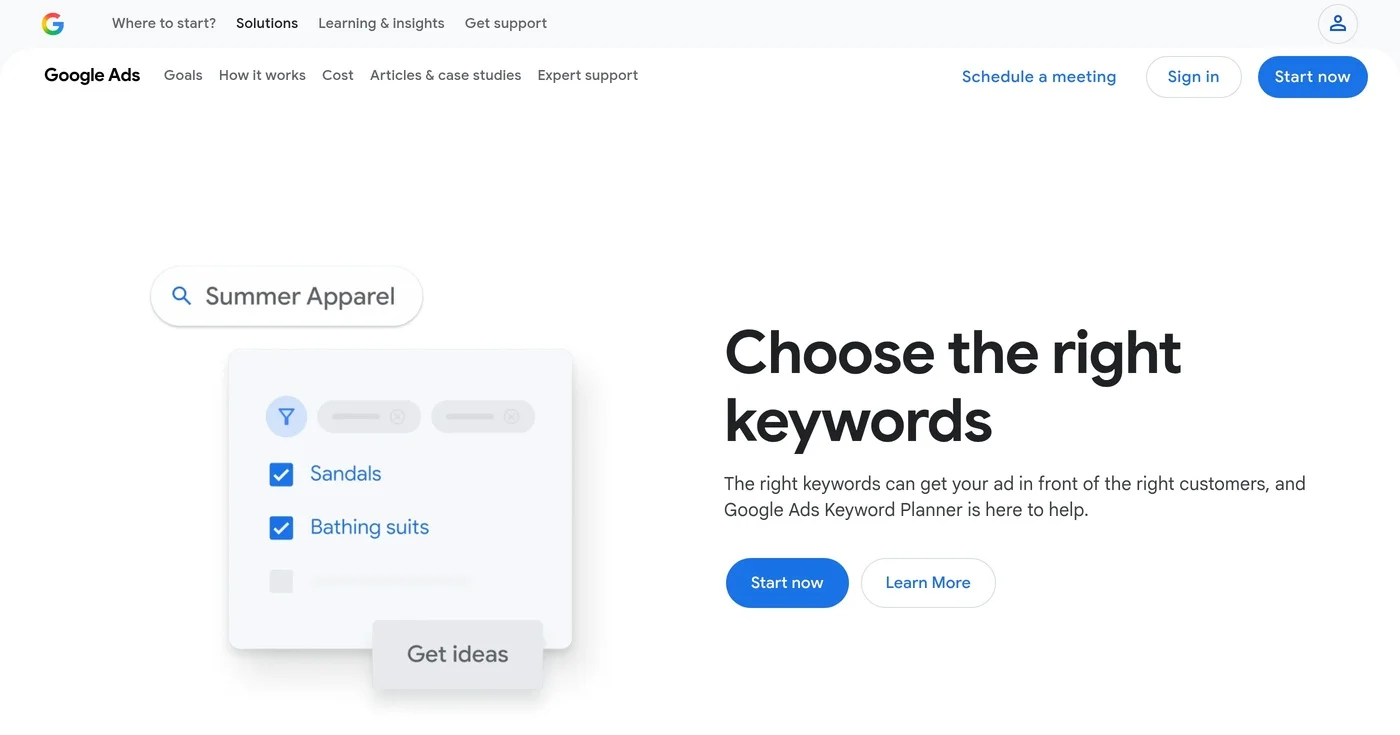
Open Google Keyword Planner without treating setup as running ads, then read volume, competition, and the two bid columns for what those numbers are not.
ZoomInfo alternatives have no public platform list price. Apollo publishes a seat price, Cognism covers EU phones, and Lusha starts at $49.90 a month.

HubSpot's pricing jumps from $0 to $890/month with no mid-tier. These 10 HubSpot alternatives are segmented by sales CRM, email automation, and agency use case
