
12 AI Communication Tools Worth Adding to Your Stack in 2027
The 12 best AI communication tools in 2027, organized by use case: team messaging, meeting intelligence, customer support, writing, coaching, and voice AI.
Updated 18 min read


The 12 best AI communication tools in 2027, organized by use case: team messaging, meeting intelligence, customer support, writing, coaching, and voice AI.
Fathom is the best free option for meeting intelligence, Grammarly leads for writing and email consistency across your entire team, and Intercom Fin reports a 76% average resolution rate across its customers. Below, 12 tools organized by use case, because "best AI communication tool" means something completely different if you run customer support vs. coach a distributed sales team.
Gartner predicts that by 2029, agentic AI will autonomously resolve 80% of common customer service issues without human intervention. Most buyers now have to decide which category to start with.
Ordered by use-case category (team messaging, meeting intelligence, customer support, writing and email, coaching, voice), then by market maturity within each category.
Software | Best For | Key Features | Pricing | Free Plan | Platforms |
|---|---|---|---|---|---|
Teams on Slack | Conversation summaries, AI search, daily recaps, Claude Tag | $7.25/user/mo (annual) | Yes (free plan) | Web, iOS, Android, Desktop | |
Microsoft 365 orgs | In-meeting AI, Cowork, doc generation | Copilot Chat included with eligible plans | Web, Desktop, Mobile | ||
Solo users, SMB | Bot-free recording (beta), templates, unlimited free | $15/user/mo (annual, Team) | Yes (unlimited) | Web, Desktop | |
Enterprise meetings | Transcription, MCP integration, email follow-ups | $8.33/user/mo (annual, Pro) | Yes (300 min/mo) | Web, iOS, Android | |
Sales CRM teams | CRM auto-push, talk-ratio analytics, bot-free Chrome extension | $10/user/mo (annual, Pro) | Yes (free plan) | Web, Browser ext. | |
Cross-functional teams | Brand tones, style guide, team analytics, tone suggestions | $12/user/mo (Pro) | Yes (100 AI prompts/mo) | Web, Browser ext., Desktop | |
B2B sales reps | In-inbox email scoring, manager analytics, reply coaching | See lavender.ai | Yes (free Email Coach) | Gmail, Outlook ext. | |
SaaS support at scale | AI agent, $0.99 per outcome, 76% average resolution rate | $19/seat/mo + $0.99 per outcome (Essential, annual) | No (14-day trial) | Web, Mobile, API | |
Ecommerce, SMB | Lyro AI chat, live chat, Shopify native | From $24.17/mo (Starter, annual) | Yes (first 50 Lyro conversations free, lifetime) | Web, Shopify, WooCommerce | |
Real-time call coaching | Real-time feedback on filler words, hedging words, interruptions (private) | From $13/mo (annual) | Yes (Mac Shortcut, limited time) | Mac, Windows | |
Public speaking practice | Simulated scenarios, AI feedback, private sessions | From $8/mo (Pro, annual) | Yes (Starter) | Web | |
Cloud phone + AI | Real-time transcription, CSAT prediction, live coaching | $25/user/mo (Pro) | No (free trial) | Web, iOS, Android, Desktop |
12 best AI communication tools compared
Best for teams already on Slack who want AI embedded in their channels
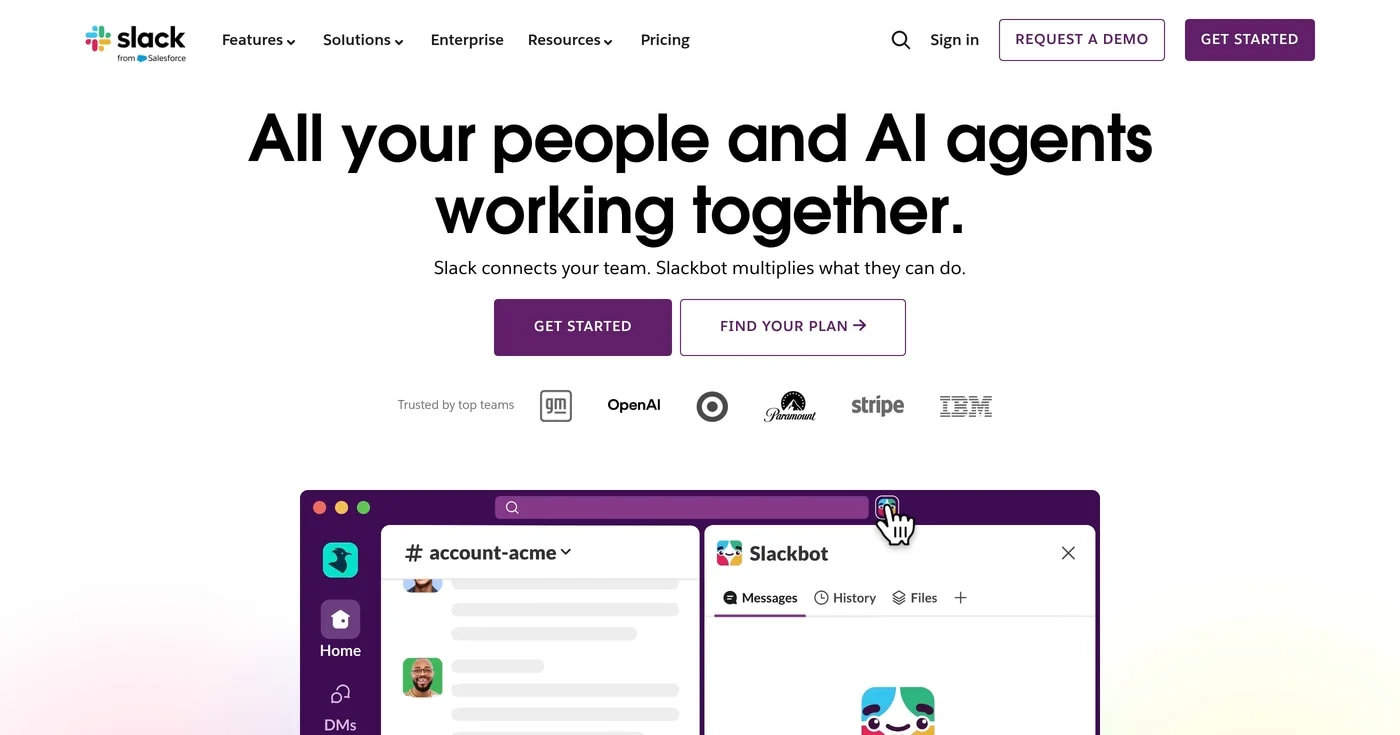
Slack AI works inside channels, threads, and DMs without a new app or login. It summarizes conversations and answers questions from workspace history.
On June 23, 2026, Anthropic launched Claude Tag, an AI teammate you can tag into Slack channels to delegate work. VentureBeat says it replaces Anthropic's earlier Slack app, and Reuters reports a beta for Claude Enterprise and Team customers.
Slack AI is built into Slack. Salesforce made Slackbot generally available on January 13, 2026, as a personal AI agent for work; CNBC reported it is offered to Business+ and Enterprise+ subscribers. Slack's pricing page lists AI conversation summaries, AI search, daily recaps and file summaries under paid plans starting at $7.25/user/mo billed annually.
The practical ceiling: Slack AI summarizes and searches your workspace, and reaching outside it takes a connected agent such as Claude Tag.
A Free plan also exists, limited to 90 days of message and file history.
Best for organizations already running Microsoft 365
If your organization runs Microsoft 365, Copilot is likely your fastest path to AI communication: it's embedded in Teams, Outlook, Word, and PowerPoint under one license. Copilot Cowork reached general availability on June 16, 2026. Microsoft's overview says it can send emails, schedule meetings, create documents, post in Teams and manage your calendar, with you approving each action.
Microsoft says more than 320 million people use Teams each month, which means AI capabilities here reach more people than any standalone tool in this roundup. Meeting summaries, auto-generated action items, and live transcription are available during calls. Copilot can also reference your organization's content in SharePoint and OneDrive to answer in-context questions.
The key constraint: Microsoft 365 Copilot is a paid license. The Copilot Business add-on lists at $21/user/mo billed yearly, discounted to $18 between July 1 and December 31, 2026, and needs an eligible Microsoft 365 Business plan. Copilot Chat comes with eligible plans at no extra cost, and advanced features such as Cowork are billed by usage through Copilot Credits.
Larger organizations buy through Microsoft sales.
Best free AI meeting recorder for solo users and small teams
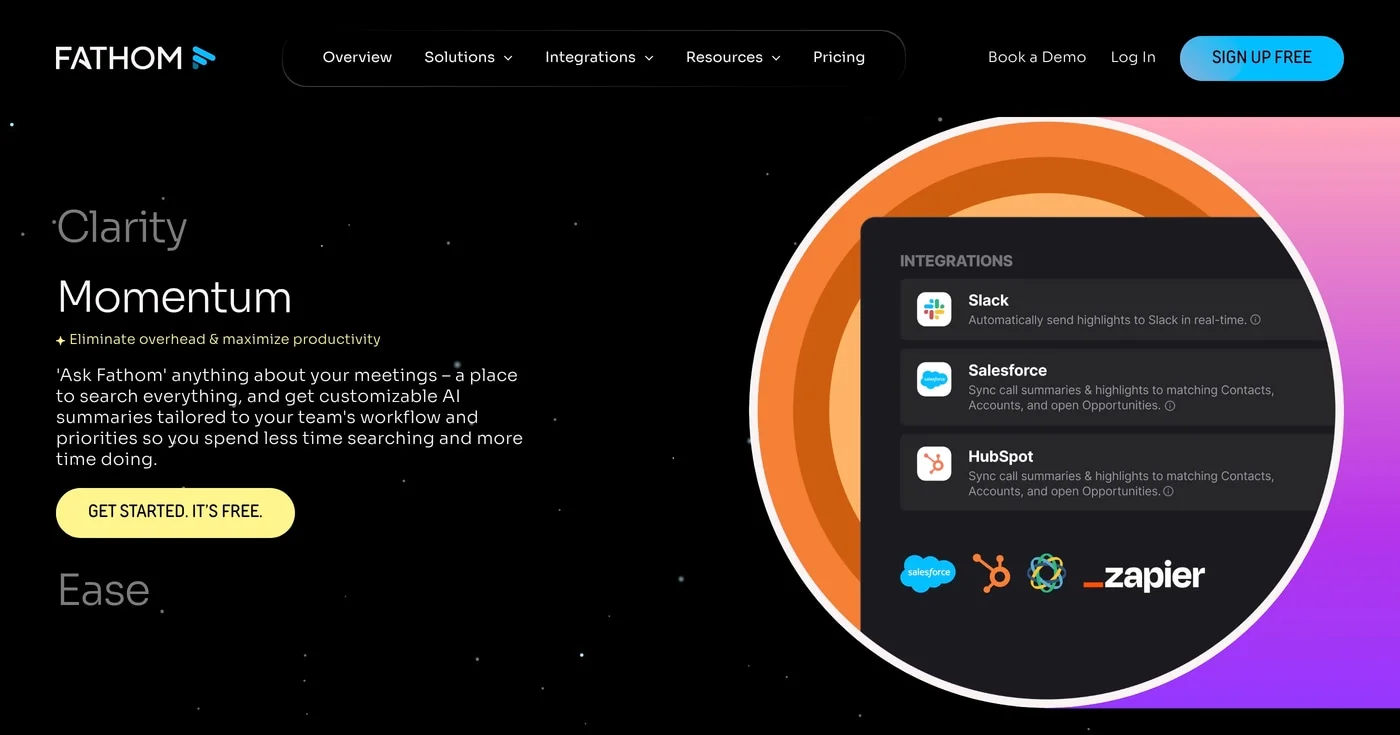
Fathom offers unlimited call recordings, transcriptions, and AI summaries on its free plan: no seat fee, no recording cap. That combination makes it the most generous free tier in the meeting intelligence category. The free plan also includes customizable note templates, useful for structuring sales calls, discovery sessions, and 1:1s.
Fathom's differentiator in 2027 is its bot-free recording option (currently in beta), which lets you record without a meeting bot joining the call. Fathom's pricing page lists a choice of bot-free (in beta) or bot capture.
The YouTube channel Tool Finder called Fathom "probably one of the best free options in this list" in a video comparison of AI meeting note-takers, citing its generous free plan and templates.
CRM integrations (Salesforce, HubSpot) require the Business plan at $25/user/mo, and the bot-free option is still labeled beta on Fathom's pricing page.
Best for enterprise meeting intelligence with forward-looking platform integrations
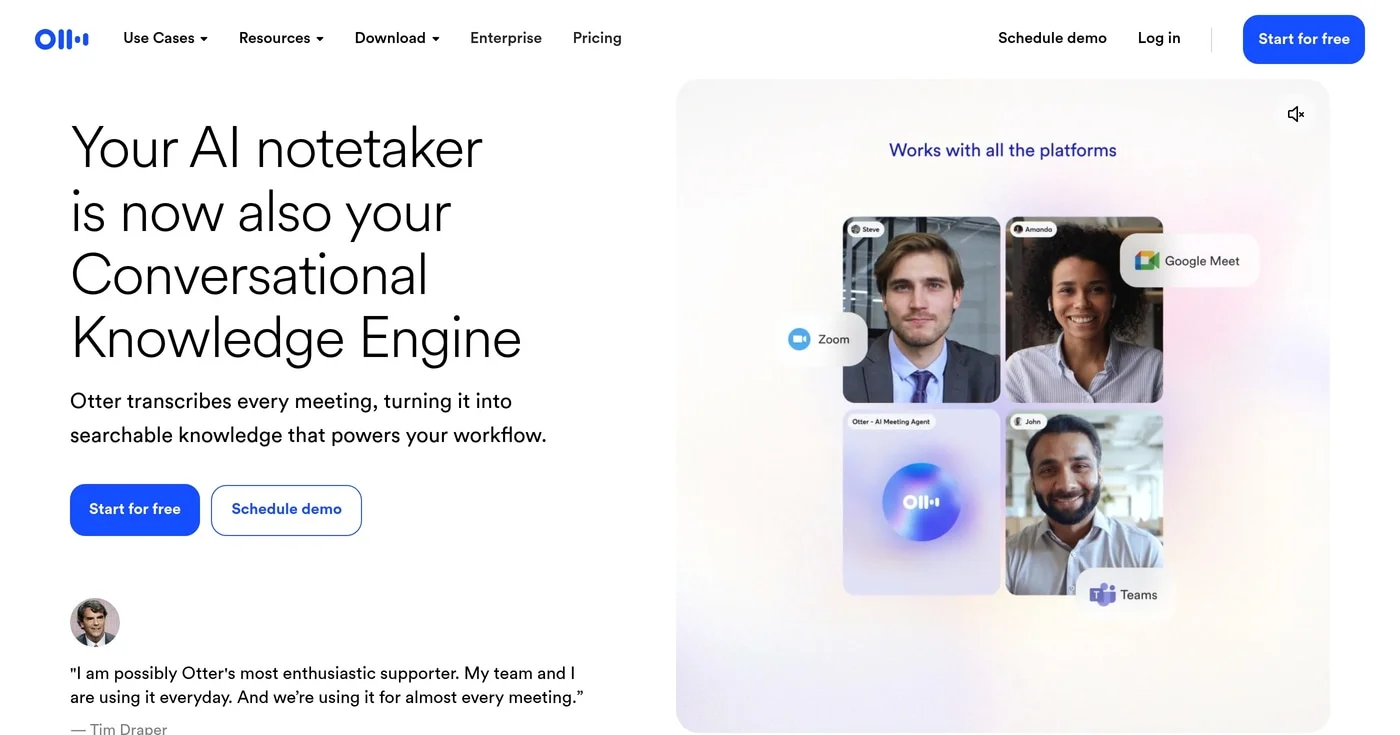
Otter.ai says it has 35 million+ users and passed $100M in ARR in 2025. Its pricing page lists an Otter MCP server on every plan, including the free one, which lets an AI assistant that supports the Model Context Protocol pull from your meeting notes.
Otter's paid plans list Salesforce, HubSpot and Zapier integrations, and its Business plan adds custom AI workflows and unlimited meetings.
The free plan gives 300 transcription minutes a month, so heavy users will hit the cap quickly.
Best for sales teams who need meeting intelligence pushed directly to their CRM
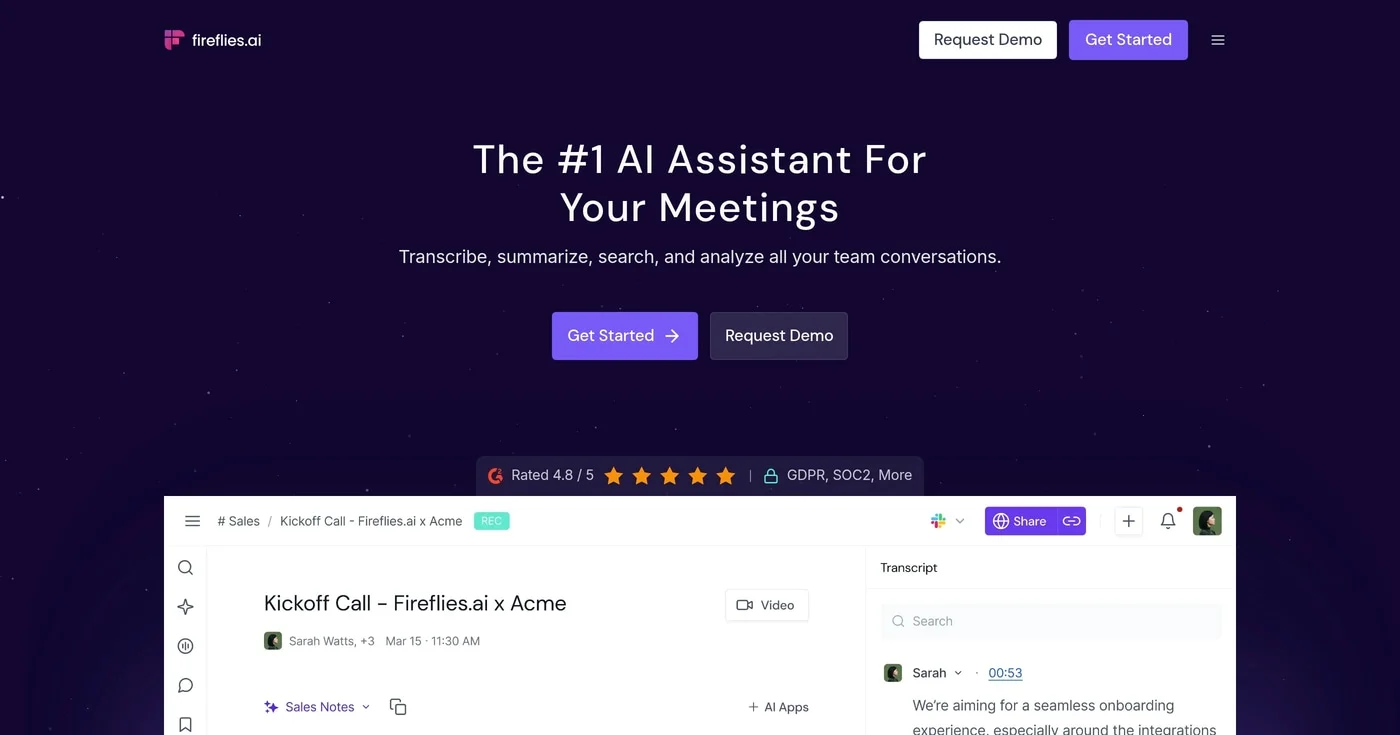
Fireflies.ai auto-pushes transcription data, deal stage notes, and action items to Salesforce, HubSpot, Pipedrive, and 10+ other CRMs after every call, without manual entry. For sales teams running 20+ discovery and demo calls per week, the difference between Fireflies and manual CRM updates is the difference between reliable pipeline data and CRM decay.
The platform also tracks talk-ratio analytics, showing which reps are listening vs. monologuing across calls. Sales managers can identify coaching opportunities without watching full recordings. At $10/user/mo on the Pro plan, Fireflies is one of the more accessible meeting intelligence tools for sales teams watching per-seat costs.
Fireflies' meeting bot is visible to other participants, but its pricing page also lists recording with a Chrome extension without the Fireflies bot. For legal discussions, executive briefings, or sensitive client calls, check which capture method your plan and meeting platform allow.
Best AI writing assistant for cross-functional marketing and communications teams
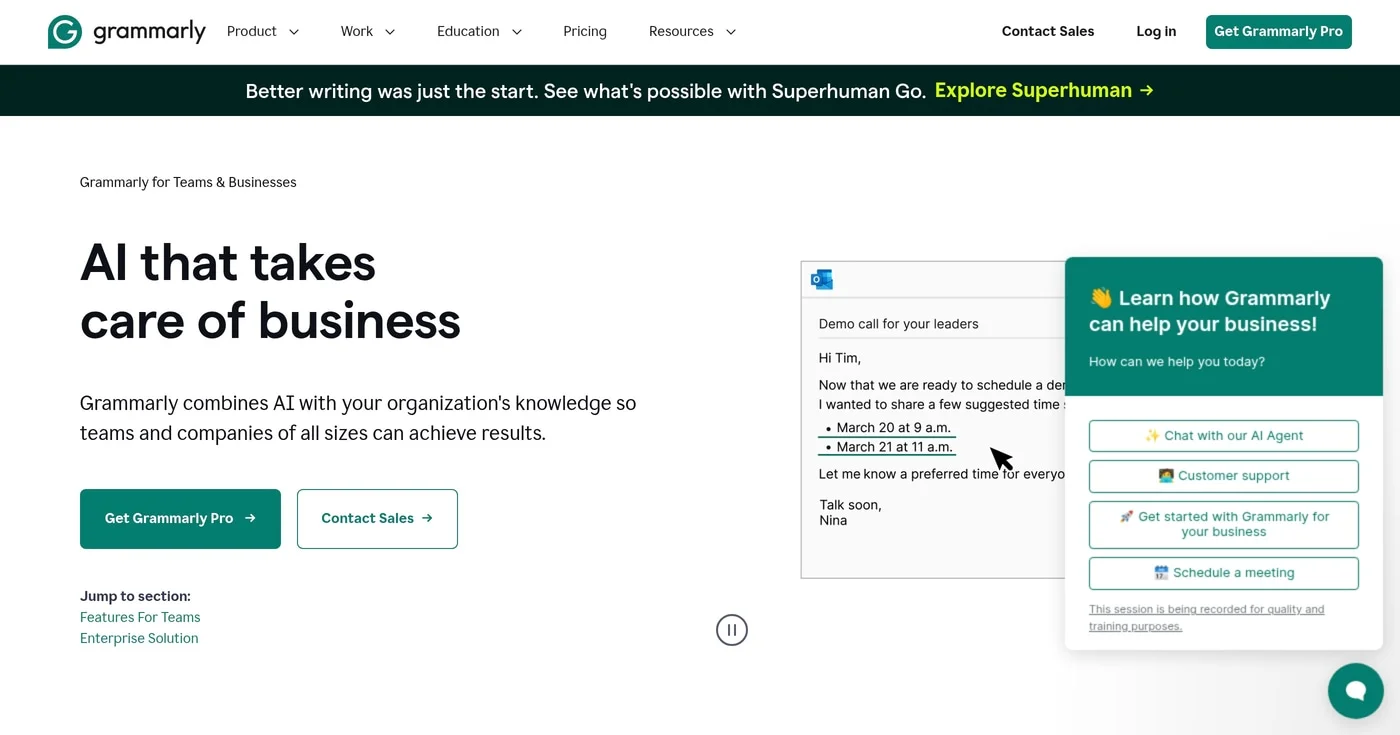
Grammarly says it is trusted by 40 million+ people and 50,000+ organizations. Its parent company renamed itself Superhuman in October 2025, and the product keeps the Grammarly name. For marketing and content teams, the Pro plan adds a style guide and brand tones on top of tone suggestions, and Grammarly cites over 1 million app and website integrations.
On May 29, 2025, Grammarly announced $1 billion in growth financing from General Catalyst, which Slator framed as a move toward an AI platform.
The free plan (100 AI prompts/month) suits solo users and freelancers. Teams that want brand tones, a style guide and team analytics need the Pro plan.
Best AI email coach for B2B sales reps writing cold and warm outreach
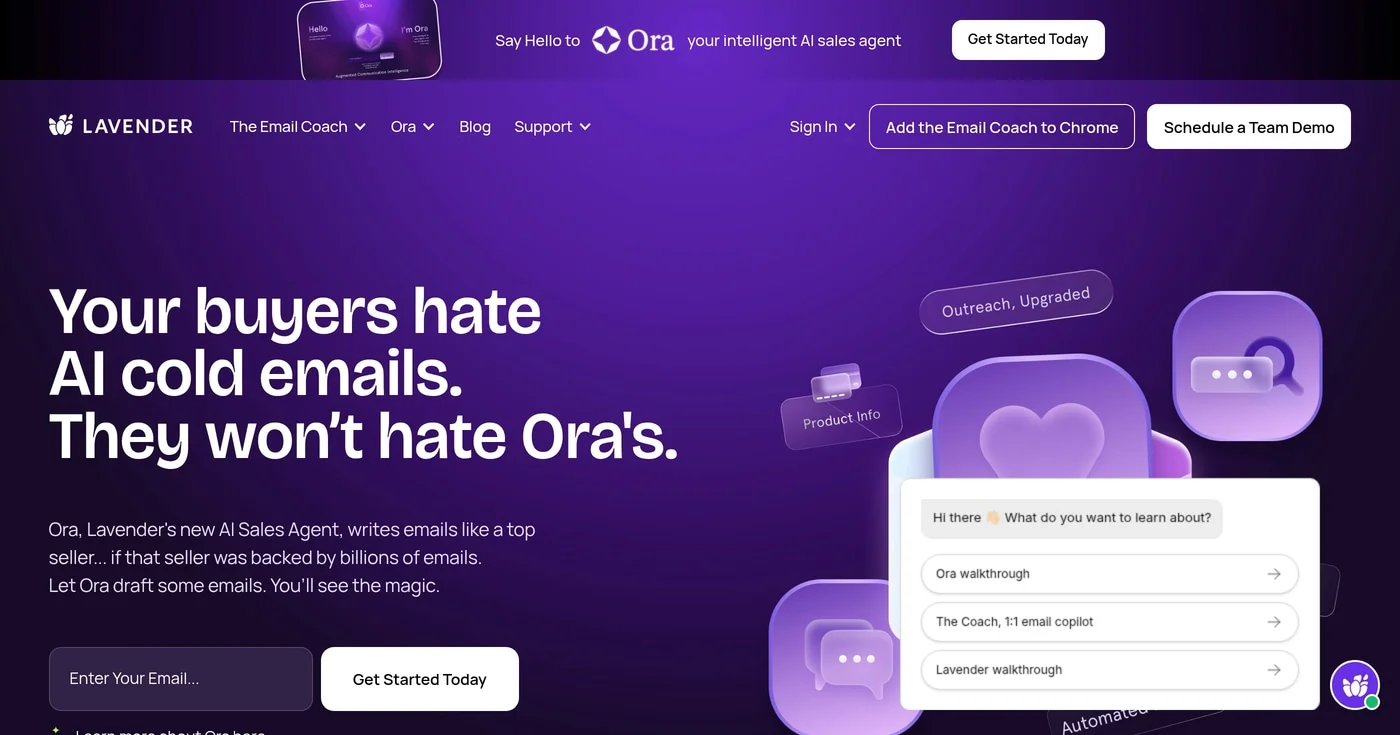
Lavender works as a browser extension inside Gmail and Outlook, scoring your email 0 to 100 as you write it. The score reflects personalization depth, mobile readability, subject line quality, and likelihood of a reply, updated in real time before you send. Lavender's analytics let managers see how reps' emails score and where they need coaching.
Lavender is a specialized overlay with a narrow scope: cold and warm B2B email, not internal Slack messages, not content writing, not customer support. Its homepage says it analyzes billions of emails to learn what works, and it also now sells Ora, an AI sales agent, next to the Email Coach.
Lavender's site offers the Email Coach for free. We could not find a current public pricing page for paid plans (the /pricing URL returns a 404), and third-party sites list conflicting prices, so confirm paid pricing with Lavender before you buy.
Best AI customer support agent for SaaS companies with high support ticket volume
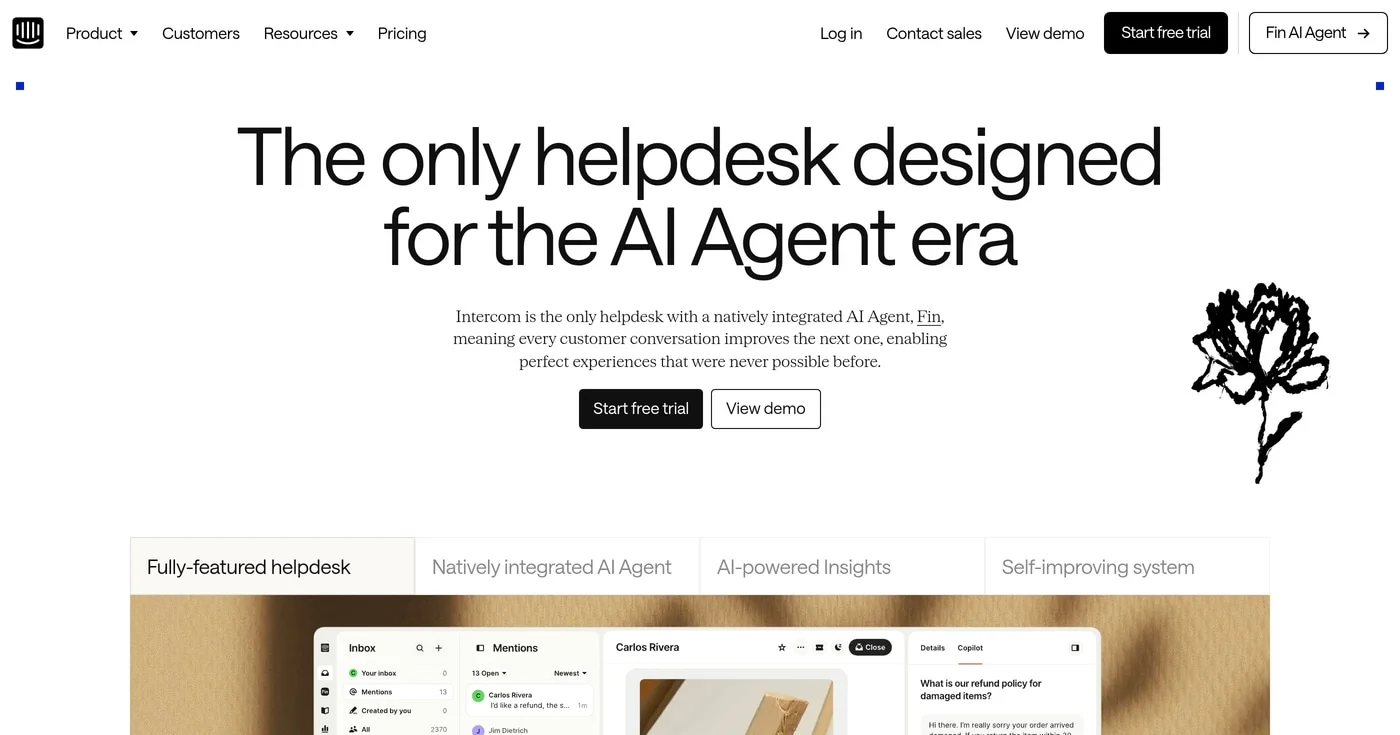
Intercom's AI agent, Fin, has a 76% average resolution rate across more than 12,000 customers, by the company's own measure. The company has since renamed itself Fin, and its helpdesk keeps the Intercom name.
Fin's pricing is $0.99 per outcome: a customer confirming the issue is solved, a customer not asking for more help after Fin responds, or Fin completing a workflow. If Fin produces no outcomes, you pay nothing for AI usage, though a minimum monthly commitment applies when you use Fin with another helpdesk.
Before committing, test Fin against your own edge cases rather than clean demo questions, because a vendor-wide average says little about your help content.
Intercom offers a 14-day cardless free trial.
Best AI chatbot for ecommerce and SMB teams
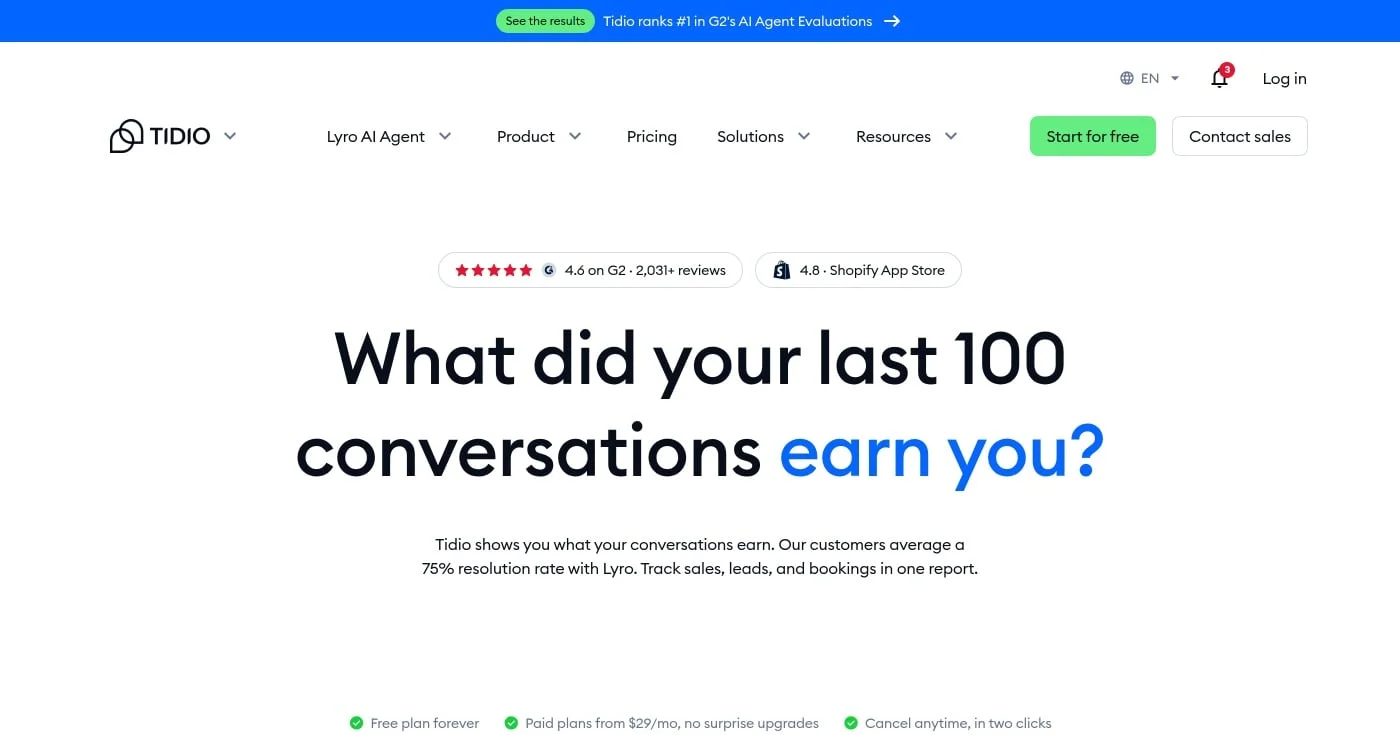
Tidio is a customer service platform with native Shopify and WooCommerce integrations. Lyro, its AI agent, answers customer questions from your existing help content. Tidio's pricing page says your first 50 Lyro conversations are free for life, then you buy a quota of 50 to 1,000.
Tidio combines AI chat, live chat, and email support in one inbox, useful for small support teams managing multiple channels without dedicated tooling per channel. Tidio also lists a free plan, and Starter costs $24.17/mo billed annually (paid plans start from $29/mo on monthly billing).
The ceiling: large enterprise teams with complex multi-CRM requirements and branching escalation logic will find Intercom more configurable. Tidio is optimized for transactional support, not SaaS onboarding or complex B2B service workflows.
Best real-time AI communication coach for professionals on video calls
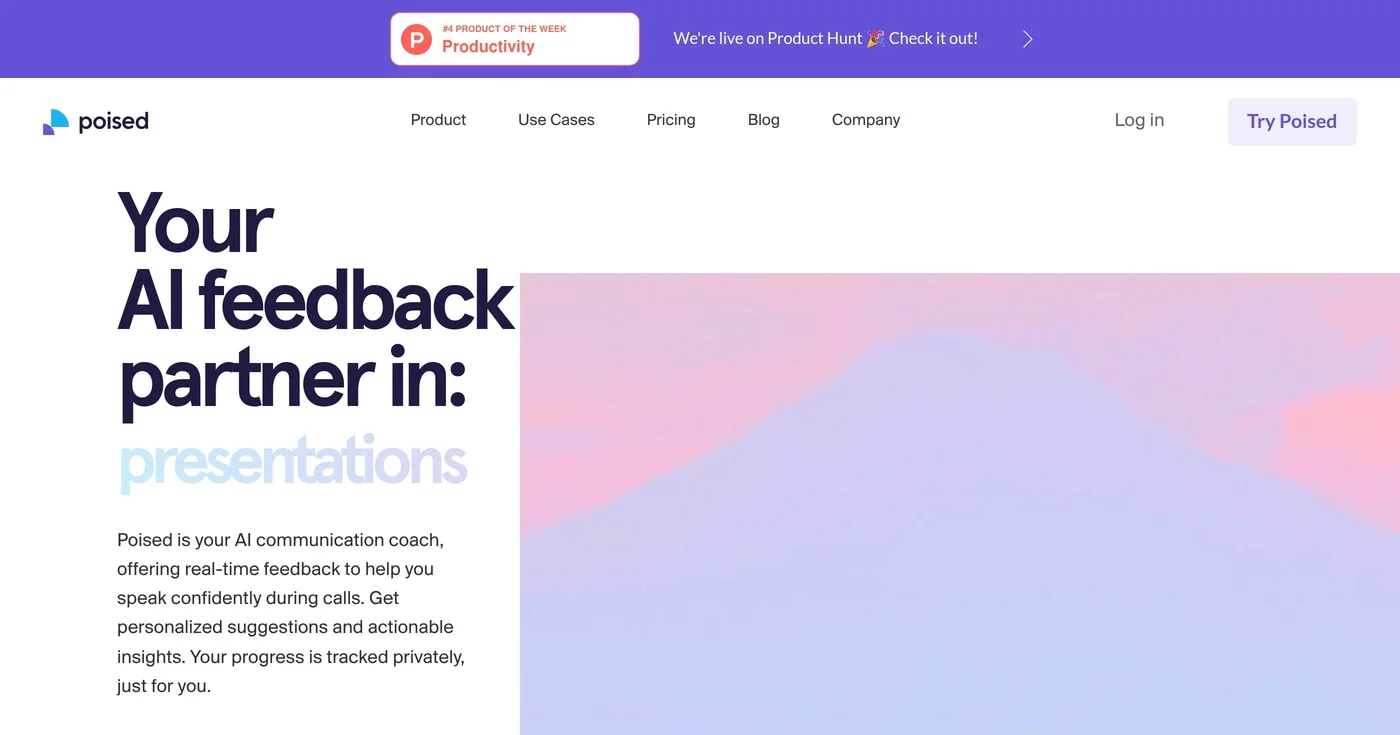
Poised listens to your calls and gives you real-time feedback that only you can see. Its pricing page lists feedback on conciseness, hedging words, interruptions and filler words, and its product page adds confidence, energy and empathy meters.
Poised says no one else knows you're using it. That privacy model separates it from practice tools like Yoodli, which improve you before a call rather than during one.
Poised's Shortcut Mac app is listed as free for a limited time, and the Pro plan works on macOS and Windows. For sales reps and executives, real-time coaching during a client call addresses a different problem than post-call review: the feedback arrives at the moment when change is possible.
Poised also sells a Team plan with multiple members on one account. For call intelligence built into a phone system, Dialpad AI covers a related use case.
Best AI tool for practicing communication before high-stakes calls
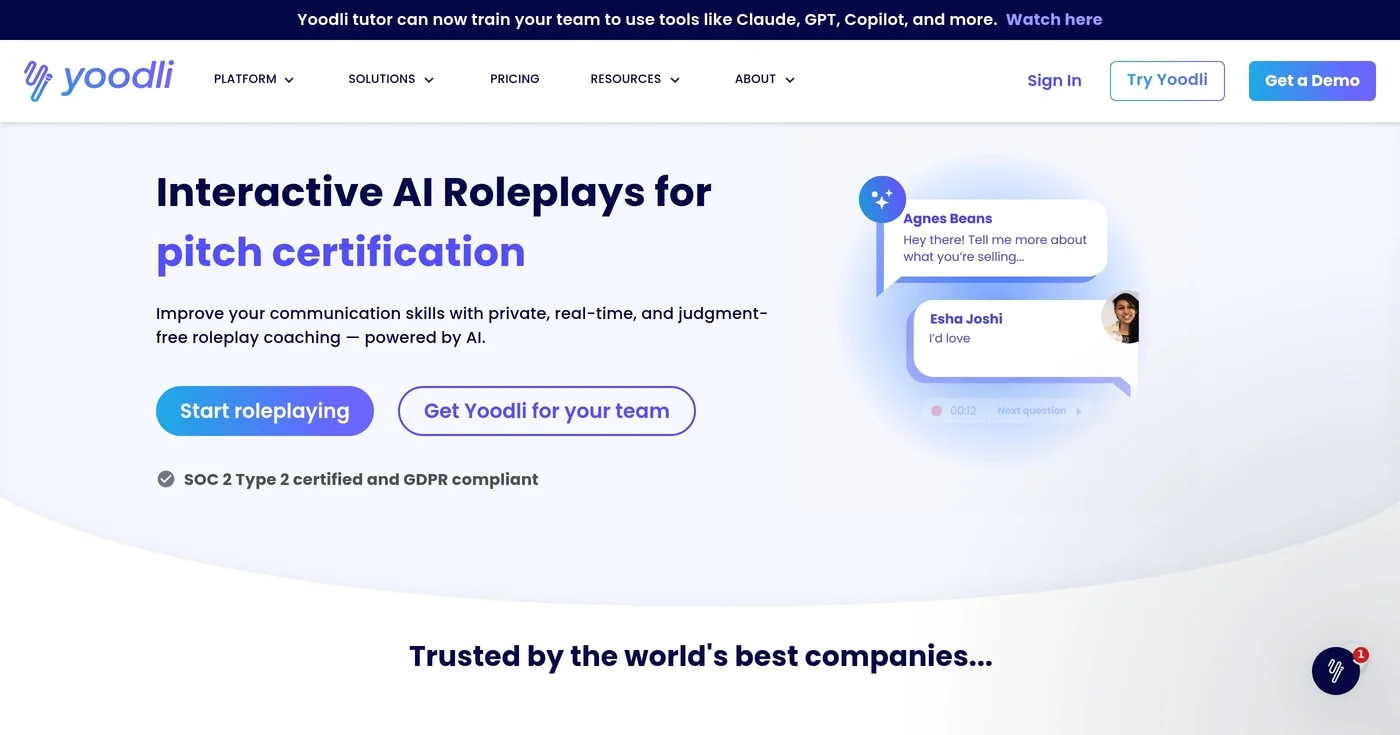
Yoodli creates simulated practice environments for specific communication scenarios: a cold sales call, an investor pitch, a customer discovery session, a performance review. You practice in private and get AI feedback before the real conversation. Yoodli counts any practice session over 30 seconds as a roleplay.
Where Poised improves you during a live call, Yoodli improves you before one. The two tools address different stages of the communication improvement loop. Yoodli is most valuable for new AEs, BDRs, managers preparing for performance conversations, and anyone facing a first pitch or investor meeting.
Yoodli publishes individual plans: Starter is free with 5 lifetime sessions, Pro is $8/month billed annually with up to 10 roleplays a week, and Advanced is $20/month billed annually with unlimited roleplays. Business and Enterprise plans are per seat and sold through a demo.
Best AI-powered cloud phone system for sales and support teams on calls all day
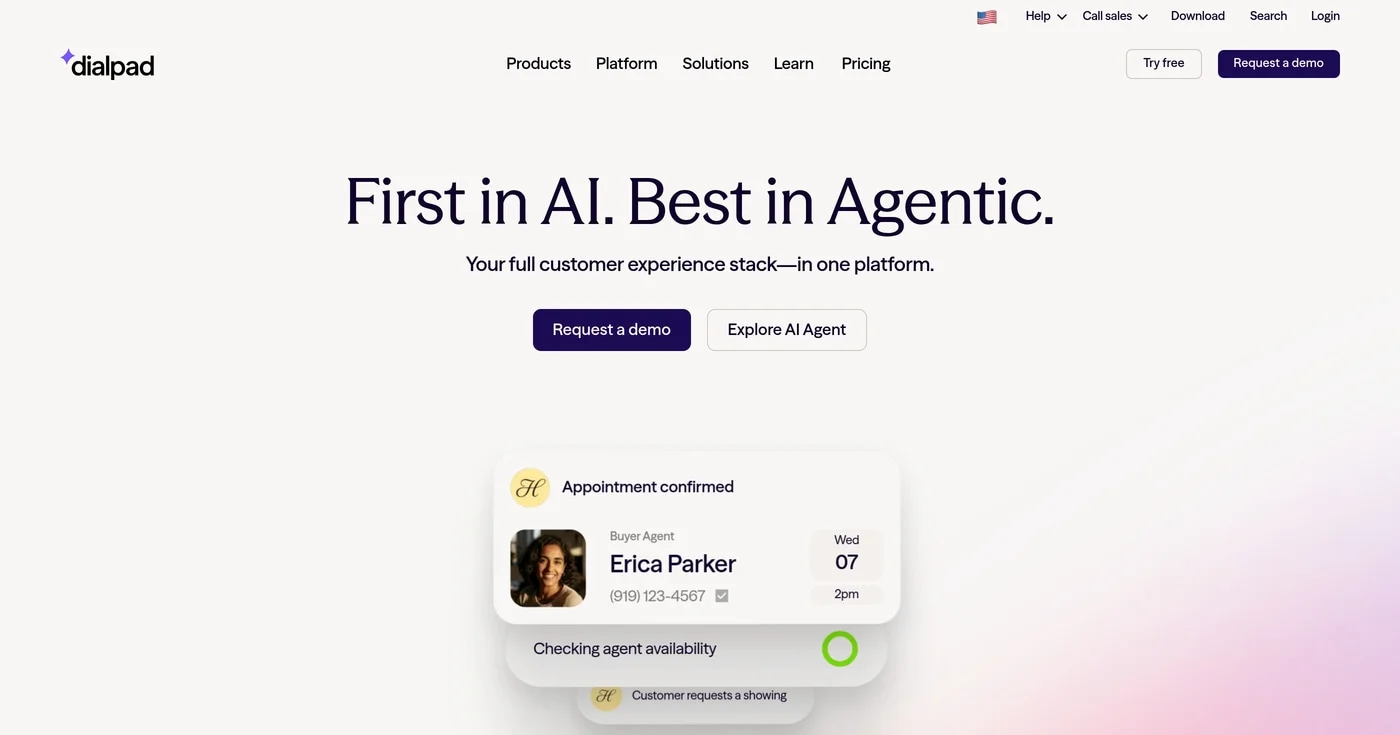
Dialpad's Voice Intelligence transcribes and analyzes every call in real time: talk-time ratios, sentiment, CSAT predictions, and live coaching prompts for reps mid-conversation. Unlike post-call tools, Dialpad is built to act during the conversation itself. Dialpad was valued at $2.2 billion in its December 2021 Series F and lists 30,000+ customers on its site.
Dialpad's AI sits at the telephony infrastructure level. Every call is transcribed and analyzed without adding a third-party integration on top of a separate phone system. For teams that live on the phone, that consolidation can simplify the stack.
The switching cost is real: replacing your existing phone system requires a migration. Teams on Zoom or Microsoft Teams for voice should evaluate Dialpad only if they're also considering a phone system change.
Dialpad offers a free trial.


Open Google Keyword Planner without treating setup as running ads, then read volume, competition, and the two bid columns for what those numbers are not.
