


Best AI Screen Recorders: Top 9 Software Tools for 2026
Discover the best AI screen recorders to elevate your content creation and virtual communication.
Updated 9 min read

Discover the best AI screen recorders to elevate your content creation and virtual communication.
Screen recording software is crucial for creating tutorials, capturing gameplay, and conducting virtual meetings.
The best AI screen recorders are becoming essential tools for training and onboarding, as video content is projected to constitute 76% of total Internet traffic by 2025, according to Ericsson’s forecast.
AI features, such as automatic transcription and content summarization, are becoming standard, further enhancing their value.
In this guide, we’ll explore the top 9 best AI screen recorders available in 2026.
The evaluation process for best AI screen recorders focused on these key criteria:
We conducted extensive testing, consulted industry experts, and analyzed user feedback to create this comprehensive list.
Software | Best For | Key Features | Pricing | Free Plan | Platforms Available |
|---|---|---|---|---|---|
Professional tutorials | Advanced editing, annotations, webcam recording | $299.99 for a lifetime license | No | Windows, Mac | |
Gamers and live streamers | Free, live streaming, customizable | Free | Yes | Windows, Mac, Linux | |
Quick video sharing | Cloud storage, webcam overlay | Free for 25 videos; $12.50/month for unlimited | Yes (limited) | Web, Windows, Mac, Chrome extension | |
Mac users | High-quality recording, powerful editing tools | $149 for a one-time purchase | No | Mac | |
Educators | Affordable editing features, simple UI | Free for 15 min recordings; $3/month for Deluxe | Yes | Web, Windows, Mac | |
Quick sharing on Mac | GIF creation, quick recording | Free for local recordings | Yes | Mac | |
Presentations | High-resolution recording, user-friendly | $19.95/month; $37.95/year | No | Windows, Mac | |
Casual users | Simple recording interface, format support | Free (limited); $29.95 for Pro | Yes (limited) | Windows, Mac | |
Online solutions | Free, no installation required | Free | Yes | Web |
Best for professional tutorials
Camtasia is a powerful screen recorder designed for creating high-quality tutorials and educational content.
It offers advanced video editing features, allowing users to add annotations, effects, and transitions. With its intuitive interface, Camtasia makes it easy for users to create polished videos that captivate audiences.
Camtasia is priced at $299.99 for a lifetime license, which includes all features and updates. For more information, visit the pricing page.
Best for gamers and live streamers
OBS Studio is a free and open-source software that is widely used for live streaming and screen recording. Its flexibility and customization options make it a favorite among gamers and content creators.
OBS allows users to capture high-quality video and stream directly to platforms like Twitch and YouTube.
OBS Studio is free to use. For more information, explore the features page.
Best for quick video sharing
Loom is designed for quick and easy video sharing, making it perfect for professionals who need to communicate efficiently.
With Loom, users can record their screen, add a webcam overlay, and share videos instantly via a link.
Loom offers a free plan for 25 videos, with a paid plan starting at $12.50/month for unlimited videos. Learn more on the pricing page.
Best for Mac users
ScreenFlow is a robust screen recording software specifically designed for Mac users.
It combines screen recording with powerful editing features, making it perfect for creating high-quality videos.
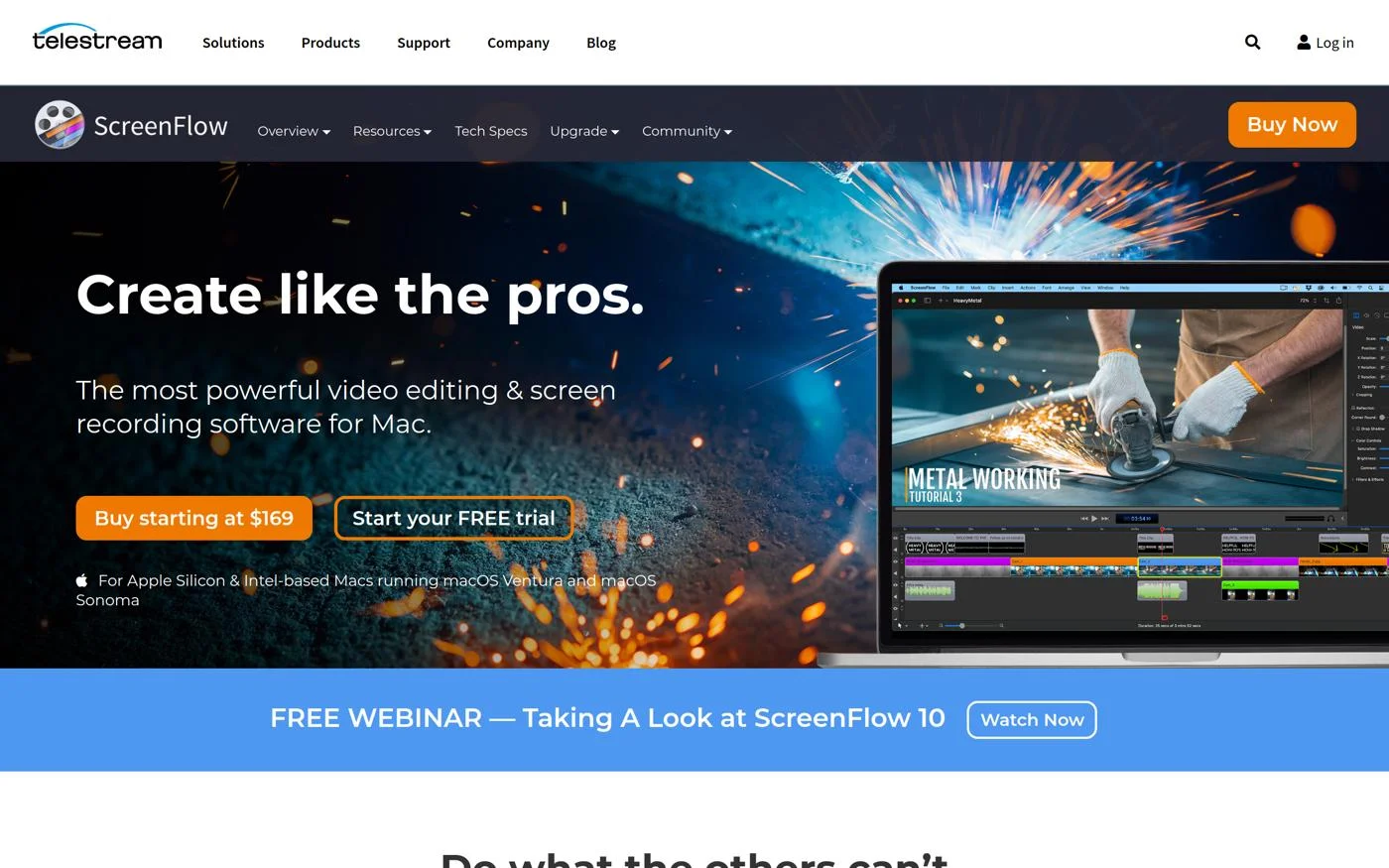
ScreenFlow is offered at $149 for a one-time purchase. For additional information, please visit the pricing page.
Good for educators
ScreenPal is an affordable screen recording solution perfect for educators and casual users.
With its simple interface and essential editing features, it’s easy to create educational videos quickly.
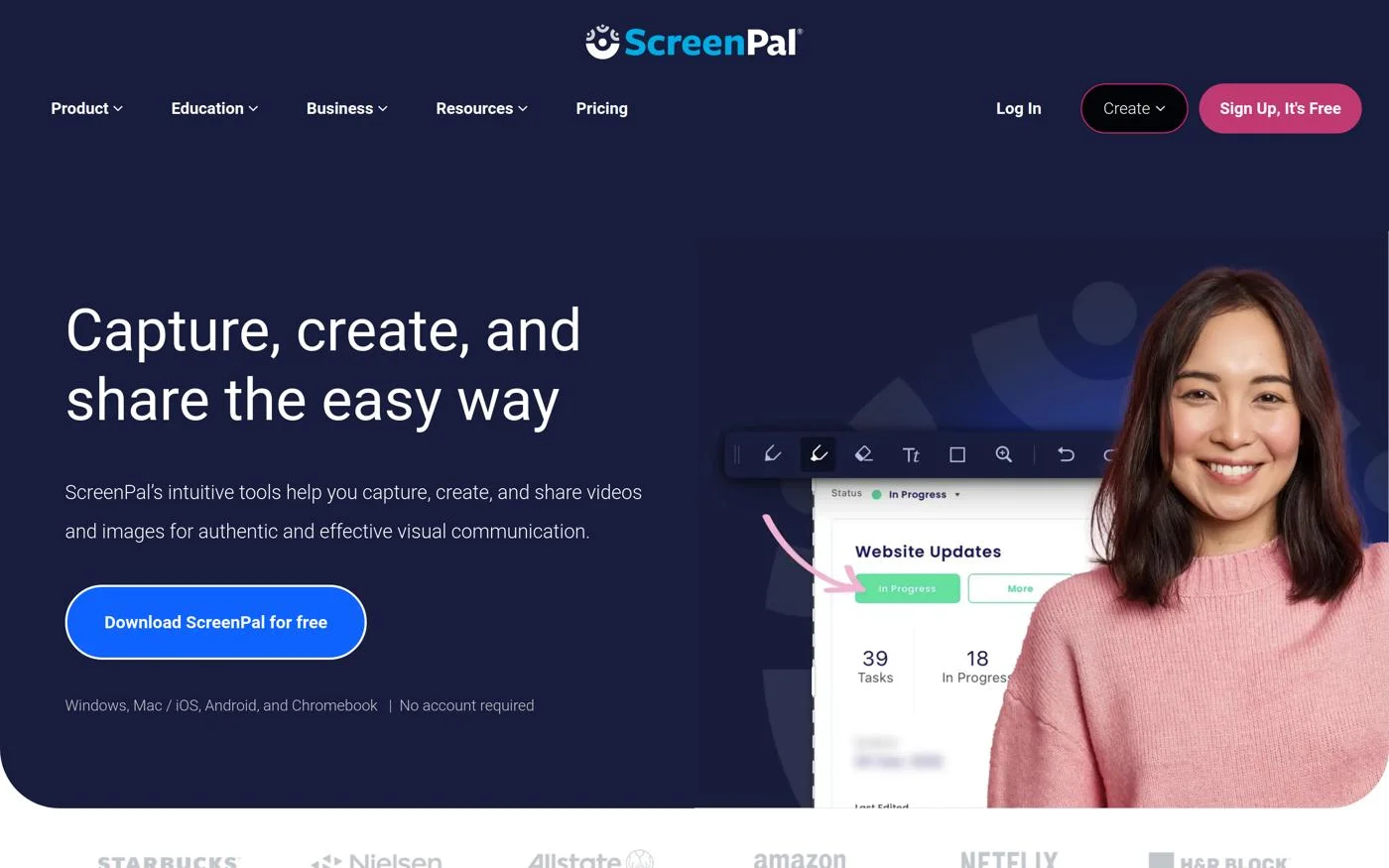
ScreenPal offers a free plan for 15-minute recordings and a $3/month Deluxe plan. For more details, visit the pricing page.
Ideal for quick sharing on Mac
Zappy is a screen recording tool that allows Mac users to create quick recordings and GIFs. It’s perfect for users who need to share their screens swiftly.
Zappy is free for local recordings. For more information, check out the features page.
Best for presentations
EaseUS RecExperts offers high-resolution recording and user-friendly features, making it ideal for creating presentations and webinars.
EaseUS RecExperts costs $19.95/month or $37.95/year. More details can be found on the pricing page.
Good for casual users
Icecream Screen Recorder provides a simple recording interface that appeals to casual users.
It’s straightforward and supports multiple formats for easy sharing.
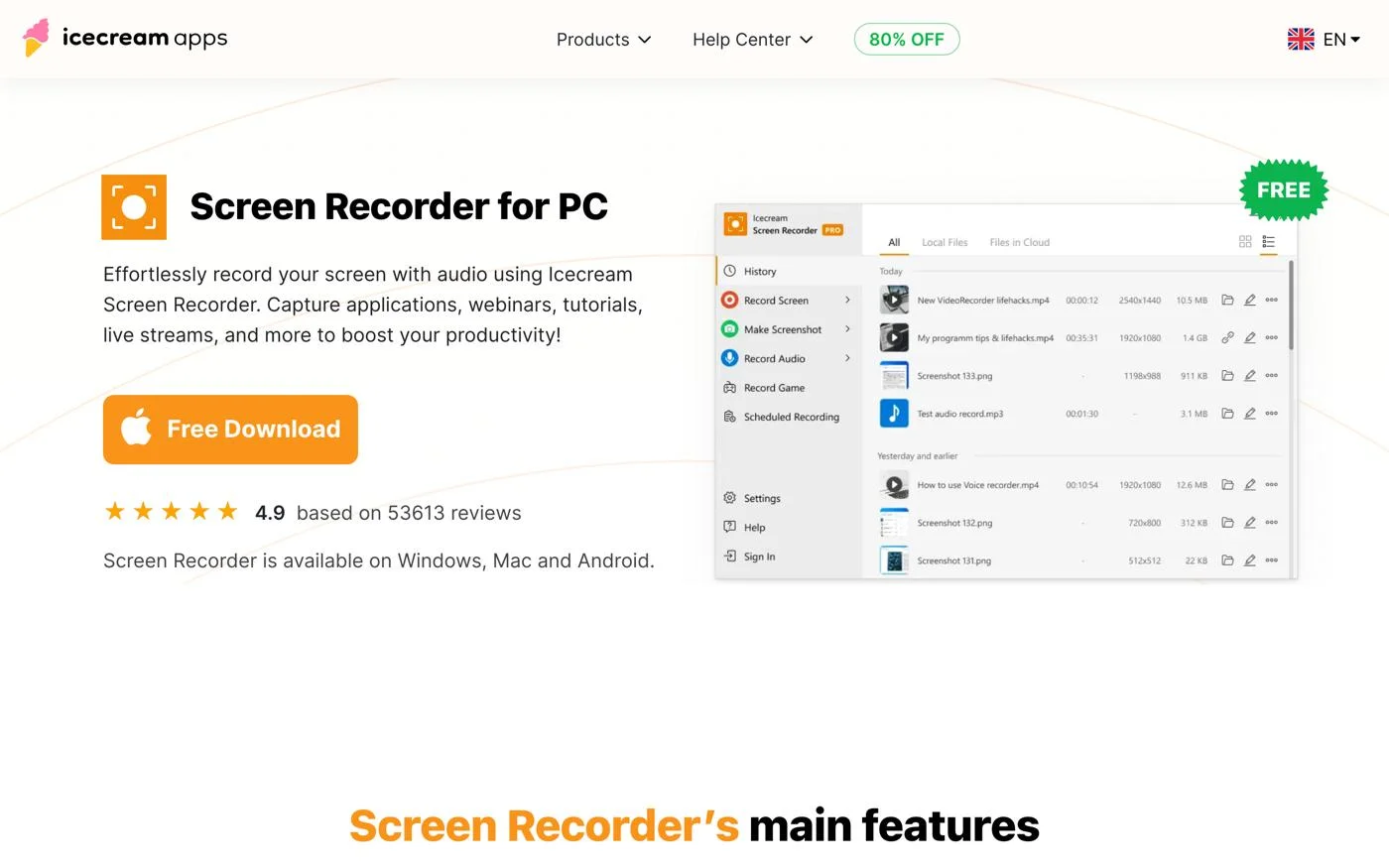
Icecream Screen Recorder is available for free (limited), with a Pro version for $29.95. Check the pricing page for more information.
Best for online solutions
Apowersoft Free Online Screen Recorder is a free online tool that requires no installation, making it convenient for users who prefer a straightforward solution.
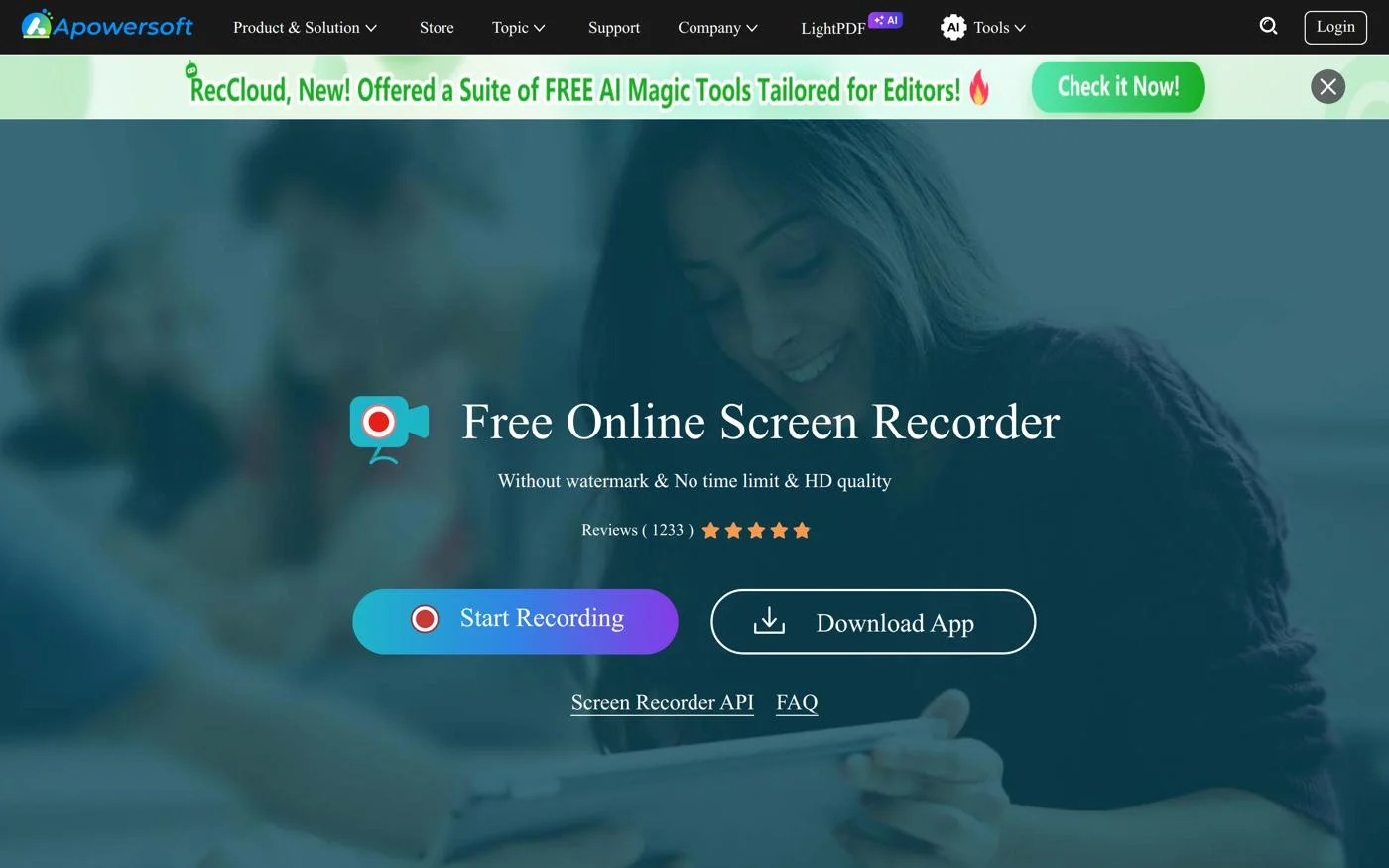
Apowersoft Free Online Screen Recorder is free to use. For more details, visit the features page.
Selecting the ideal AI screen recorder depends on your specific requirements and use case. Consider these crucial factors:
As remote work and digital content creation continue to rise, screen recorders are evolving.
Industry experts predict this trend will continue, as users seek tools that enhance productivity and streamline workflows.
Choosing the right AI screen recorder is essential for maximizing the effectiveness of your video content.
From professional tutorials to casual sharing, the tools listed above offer a variety of features suited to different user needs. Assess your requirements and explore our top picks to find the ideal solution for your projects.
The best AI screen recorders include Camtasia, OBS Studio and Loom, each catering to different user needs.
Look for tools with advanced editing features, ease of use, and good customer support to ensure a smooth experience.
Yes, several screen recorders, such as OBS Studio and Loom, offer free versions with limited features.
Consider features like editing capabilities, compatibility with your operating system, and ease of sharing videos.
Many modern screen recorders, such as Loom, are beginning to incorporate AI features, including transcription.
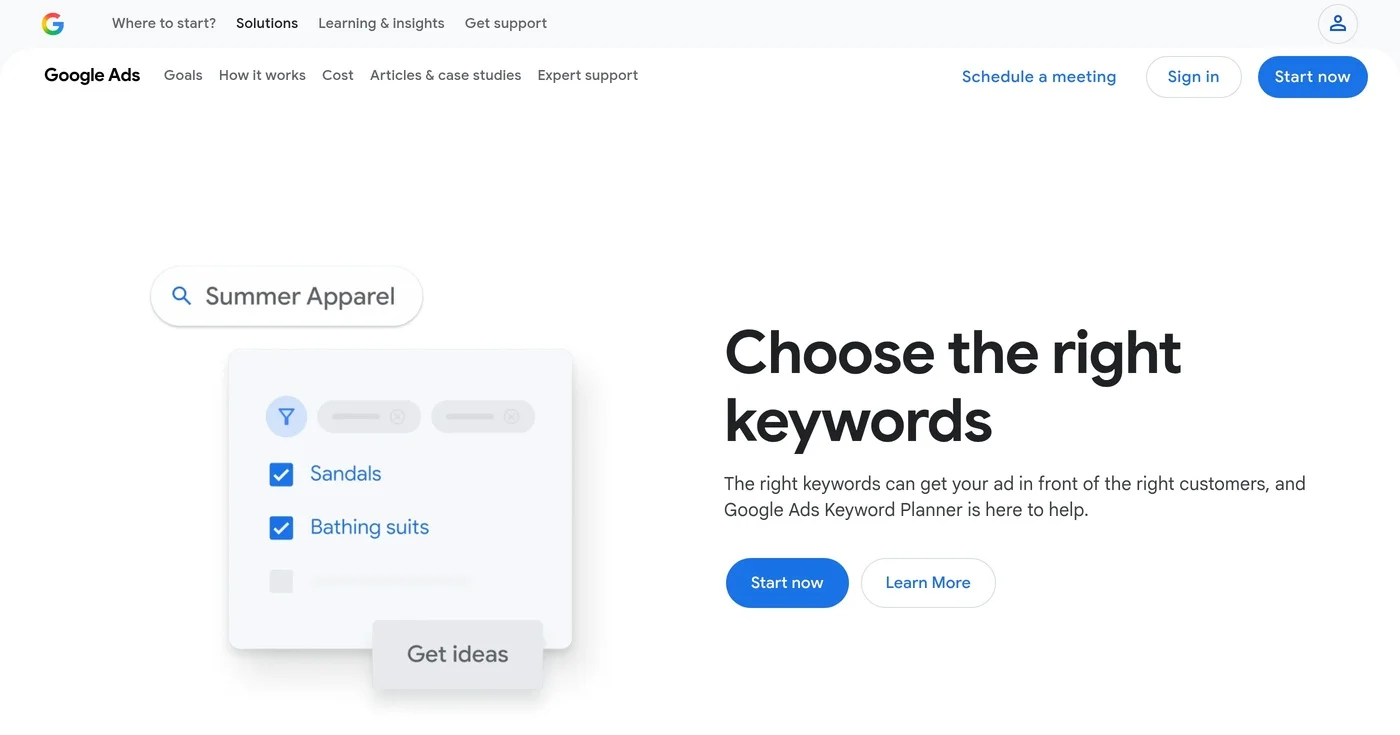
Open Google Keyword Planner without treating setup as running ads, then read volume, competition, and the two bid columns for what those numbers are not.
ZoomInfo alternatives have no public platform list price. Apollo publishes a seat price, Cognism covers EU phones, and Lusha starts at $49.90 a month.

HubSpot's pricing jumps from $0 to $890/month with no mid-tier. These 10 HubSpot alternatives are segmented by sales CRM, email automation, and agency use case
