


10 CRM Platforms Compared by Customization Depth, Not Marketing Claims
Discover the top 10 customizable CRM software options for 2024, featuring key insights, pricing, and unique features to enhance your business operations.
Updated 16 min read

Discover the top 10 customizable CRM software options for 2024, featuring key insights, pricing, and unique features to enhance your business operations.
Salesforce, Attio, and Zoho CRM lead the 2026 field for teams that need a CRM shaped around their actual sales process. Salesforce has the deepest pro-code ceiling: Apex code and 4,000+ AppExchange integrations. Attio wins on AI-native object models; Zoho combines no-code Canvas UI redesign with Blueprint process automation at the lowest price point.
91% of companies with more than 11 employees use CRM software, yet 43% switch within two years because the tool failed to adapt to their process. This guide ranks 10 platforms by actual customization depth, true total cost of ownership, and adoption fit: three criteria the typical top-10 listicle skips.
Ordered by customization depth tier, then by use-case fit within each tier.
Software | Best For | Key Features | Pricing | Free Plan | Platforms |
|---|---|---|---|---|---|
Enterprise, 200+ reps | Apex/LWC, Agentforce 2, Flow, AppExchange | No (30-day trial) | Web, iOS, Android | ||
Mid-large enterprise | AI Studio, composable no-code, Unlimited Enterprise | From $15/user/mo | No | Web, iOS, Android | |
CRM + project management | Agent Factory, 200+ automation recipes, MCP | ~$9/user/mo | No (trial) | Web, iOS, Android | |
SMB, 10-200 seats | Breeze AI, Revenue Hub, Visual Workflow Builder | Free | Yes | Web, iOS, Android | |
Budget SMB/mid-market | Canvas, Blueprint, Zia AI, 50+ apps | Yes (3 users) | Web, iOS, Android | ||
Startups, PLG/SaaS | Object-first model, AI enrichment, API-first | Yes (3 users) | Web, iOS, Android | ||
Enterprise on Microsoft | Power Platform, Copilot for Sales, 1,000+ connectors | $65/user/mo | No (trial) | Web, iOS, Android | |
Sales-first SMBs | AI Sales Assistant, 500+ integrations, visual pipeline | No (14-day trial) | Web, iOS, Android | ||
CRM + project management | Custom fields, 5,000 automations/mo, ClickUp Brain | Free | Yes | Web, iOS, Android | |
Google Workspace teams | Gmail-native, auto-enrichment, workflow automation | No (14-day trial) | Web, iOS, Android |
10 customizable CRM platforms compared
Best for enterprise teams that need the deepest pro-code customization ceiling
Salesforce holds 20.7% CRM market share on the most extensible customization layer in the category. Apex (a Java-like proprietary language), Lightning Web Components, and five Salesforce Flow automation types give developers and admins the tools to build nearly any logic on the CRM data model. The AppExchange adds 4,000+ pre-built integrations, from CPQ to field service.
Agentforce 2 (2025) moves Salesforce into AI-native territory: autonomous agents handle deal qualification, outreach drafting, and scheduling without rep input. The FY26 Q4 remaining performance obligations exceeded $72B (up 14% year-over-year).
The honest trade-off: TCO regularly reaches $200+/user/month after add-ons. A 50-seat implementation costs six figures, and the platform requires a dedicated certified admin.
Check current Salesforce pricing directly. Einstein 1 and add-ons price separately. No free tier; a 30-day trial is available.
Best for mid-large enterprises with complex multi-department workflows
Creatio's composable architecture lets teams assemble only the modules they need (Sales, Marketing, Service) rather than paying for a monolithic platform. In May 2026, Unlimited Enterprise pricing removed per-user charges at the top tier, addressing the scaling cost barrier that makes Salesforce prohibitive at 500+ seats. Customers in 100+ countries process tens of millions of workflows daily on the platform.
AI Studio is Creatio's differentiator in 2026: a full agent lifecycle manager with a Prompt Agent Designer, Workflow Agent Designer, and Code Agent Designer. Unlike platforms that bolt on a single AI assistant, Creatio lets you build, deploy, and govern multiple AI agents across sales, marketing, and service without touching code. One BSN Sports customer reported 60% sales book growth after restructuring their workflow on Creatio.
"I ended up on Creatio mainly because I could change how things flow myself instead of forcing my process into a default setup." u/Heavensdoor16 in r/CRM (2025)
See Creatio pricing. The Unlimited Enterprise model launched May 2026 and requires a sales conversation for exact figures.
Best for teams wanting CRM integrated with project management and AI agents
Monday.com CRM runs on the Work OS platform. Your deal data connects natively to project delivery boards, marketing campaigns, and HR onboarding, without API work or third-party integration. The platform offers 200+ pre-built automation recipes and carries a G2 rating of 4.7/5 among CRM users.
In June 2026, monday.com launched Agent Factory, a no-code builder for connecting any AI agent (Claude, OpenAI, Azure AI Foundry, ElevenLabs) directly to your CRM data. Model Context Protocol (MCP) support means your AI agent strategy stays independent of monday.com's own AI roadmap. Microsoft Copilot Cowork also added monday.com as a day-one plugin in June 2026.
Teams evaluating monday.com purely as a CRM should account for the full Work OS pricing structure rather than CRM-only rates. The integration value is real, but so is the pricing bundling.
Verify current monday.com CRM pricing. CRM-specific rates may differ from the base Work OS plan. No free tier; a trial is available.
Best for SMBs and mid-market teams wanting sales and marketing in one platform
HubSpot CRM serves 299,000+ global customers, making it the most widely adopted all-in-one platform for teams under 200 seats. The Visual Workflow Builder covers all CRM object types and carries the lowest learning curve among major CRM platforms. A non-technical sales manager can build multi-step automations in an afternoon without IT involvement.
In June 2026, HubSpot launched Revenue Hub: quotes, contracts, billing, and payments built directly into the CRM, eliminating the fragmentation practitioners name as their top pain point. Breeze AI agents auto-route leads, draft sequences, and summarize customer history on 2026 paid plans.
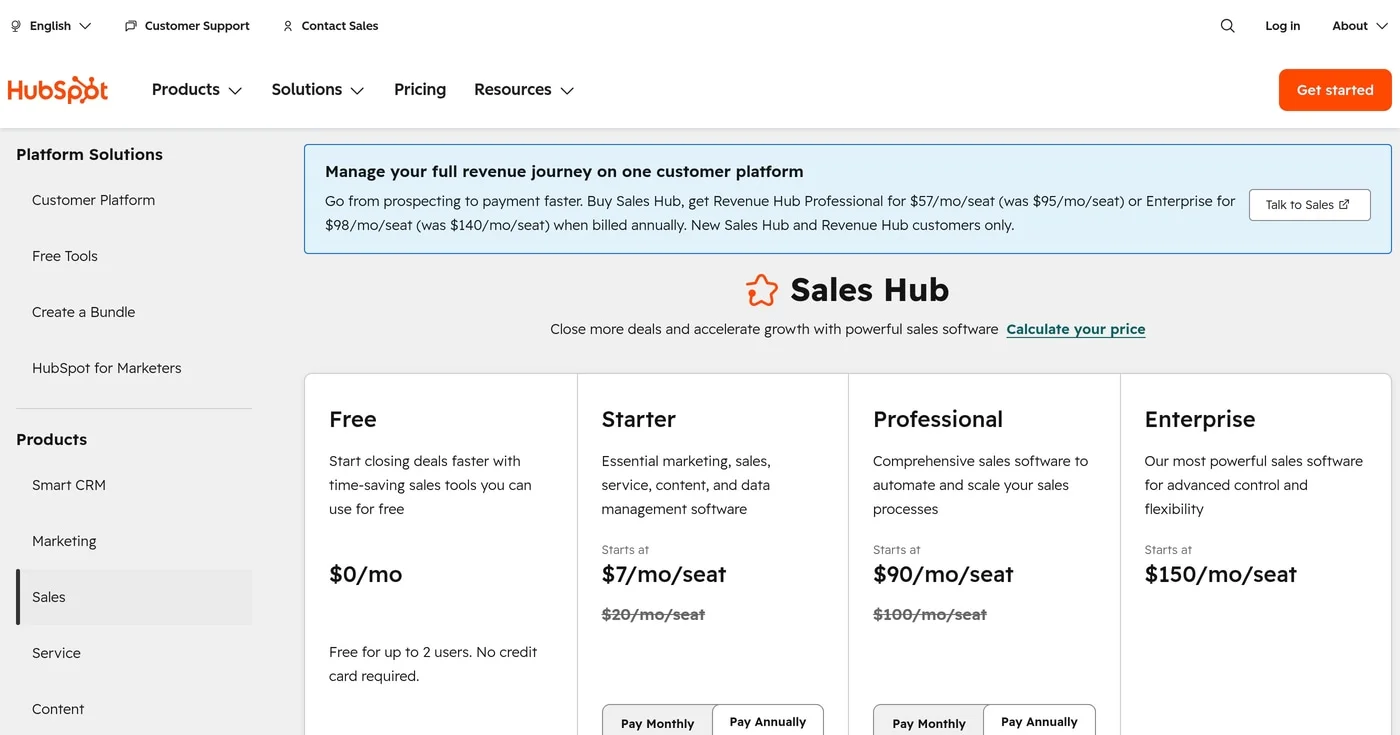
The honest gate: automation sequences, custom objects, and advanced reporting sit behind Professional ($100/seat/mo) and Enterprise ($150/seat/mo). For 10 users on Pro, budget ~$1,000/month. In head-to-head benchmarks, HubSpot's enterprise customization depth scores "Basic" against Salesforce.
See HubSpot pricing. The free CRM never expires; sequences and custom objects gate at Professional and above.
Best for budget-conscious teams needing deep no-code customization
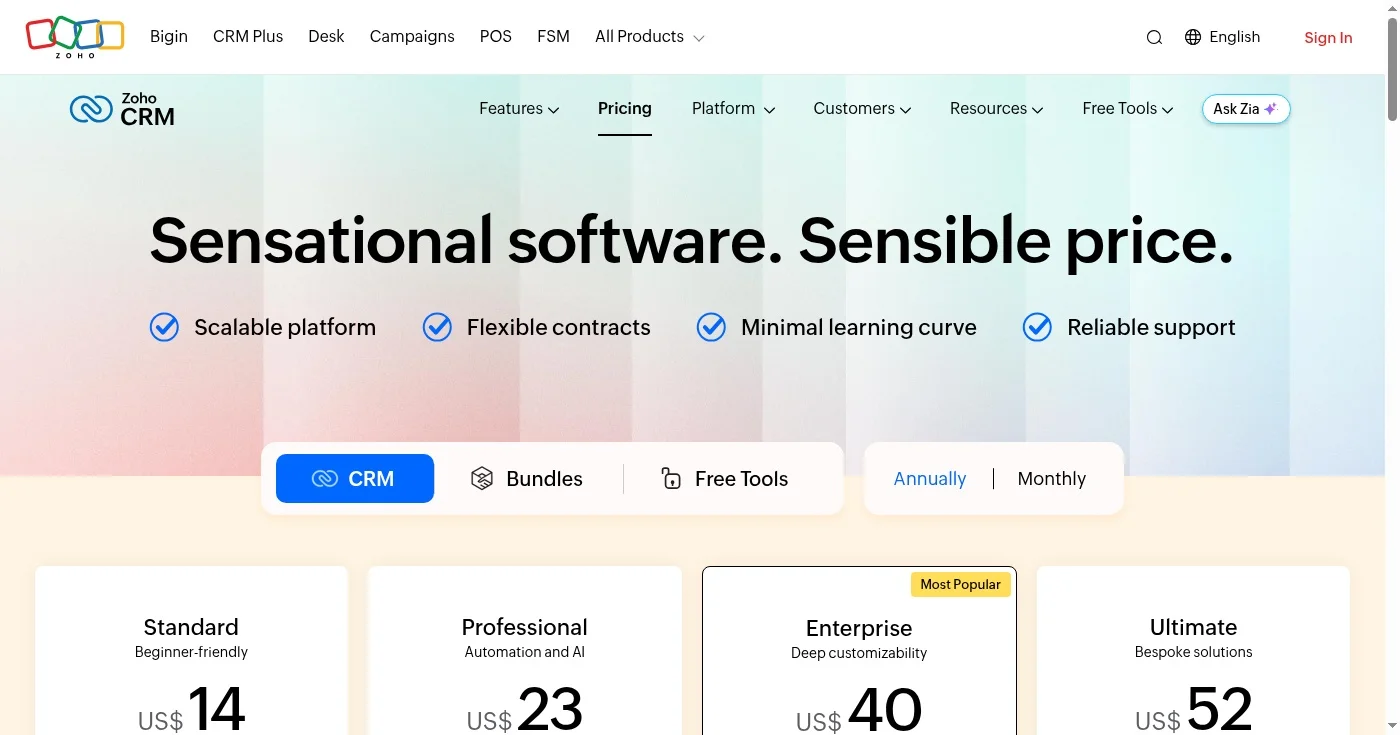
Zoho CRM packs the widest no-code customization toolset in the market at its price tier. Canvas (Zoho's drag-and-drop UI designer) lets you redesign every CRM screen without code. Blueprint provides visual step-by-step process automation that enforces your actual sales workflow: approval gates, mandatory fields at each stage, and automatic follow-up triggers.
Forbes ranked Zoho #1 for CRM value among major platforms in 2026. Zia AI handles predictions, anomaly detection, best-time-to-contact signals, and email sentiment analysis, and gained agentic capabilities in 2026. The Zoho ecosystem includes 50+ native apps (Zoho Books, Zoho Desk, Zoho Projects) that connect without middleware.
The caution is real: one agency practitioner described a Zoho bill reaching $21,000/year as their team scaled. The modular pricing model means adding features across the Zoho suite accumulates quickly, and UI complexity grows with each added module.
Full breakdown at Zoho CRM pricing. Zoho One (all 50+ apps) is a separate bundle available at a consolidated rate.
Best for venture-funded startups and PLG teams with non-standard GTM motions
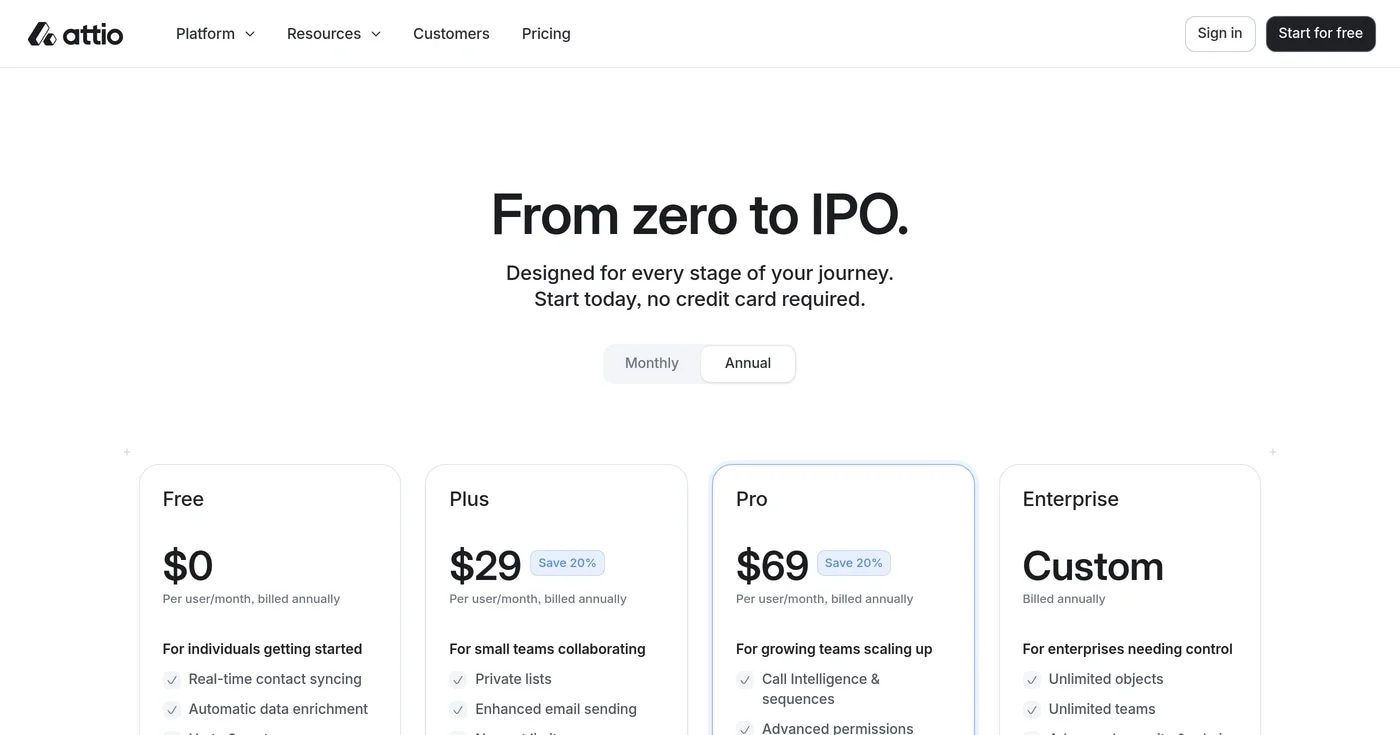
Attio raised $116M to date (Series B: $52M in August 2025) to build what it calls the "first AI-native CRM for go-to-market builders." The core differentiator is an object-first data model. Instead of forcing your business into contacts and deals, Attio lets you define any object type (funds, workspaces, cohorts, candidates, partnerships) and build CRM logic around your actual business structure.
Universal Context means Attio's AI reads and understands all custom objects and their relationships automatically. Native AI enrichment pulls company data, ARR estimates, and stakeholder maps without manual entry, solving the adoption-friction problem that kills most CRM deployments.
Multiple early-stage founders on Reddit described Attio as the first CRM their team consistently updated, crediting automatic contact sync from email as the key unlock. "Attio just works. Simple things like automatically sorting out all of your contacts (via email sync) and categorising them from when the last interactions and meetings were." u/Acceptable_Ad_8842 in r/CRM (2025)
The role of a CRM is shifting fast. From a system of record -> system of context for your agents. Studio Sessions Ep. 1 @byteofbits https://t.co/tTPUjhXM2u
See Attio pricing. The object-first data model is available on all plans; Universal Context AI requires Pro and above.
Best for enterprise organizations already standardized on Microsoft
Microsoft Dynamics 365 runs on the Power Platform as its customization engine. Power Automate connects 1,000+ services for workflow automation without code; Power BI handles custom reporting; and Power Apps builds business applications directly on CRM data.
Native Microsoft 365 integration (Outlook, Teams, Azure, SharePoint) means CRM context moves through tools your team already uses all day. LinkedIn Sales Navigator is available via Microsoft Relationship Sales (a separate add-on; contact Microsoft for pricing).
Copilot for Sales (2026) adds AI-generated email summaries, meeting transcripts, deal recommendations, and pipeline gap analysis directly in Outlook and Teams. IT Negotiation Services benchmarked Dynamics workflow customization against Salesforce and HubSpot and ranked Dynamics highest on enterprise workflow depth in hybrid Microsoft environments.
Dynamics 365 is not a simple setup. Implementation requires Power Platform expertise, and layered licensing means total costs can rival Salesforce for complex deployments. Teams outside the Microsoft ecosystem rarely find the integration benefits worth the trade-off.
Verify current rates at Microsoft Dynamics 365 pricing. No free tier; a 30-day trial is available.
Best for sales-first SMBs prioritizing fast setup and pipeline clarity
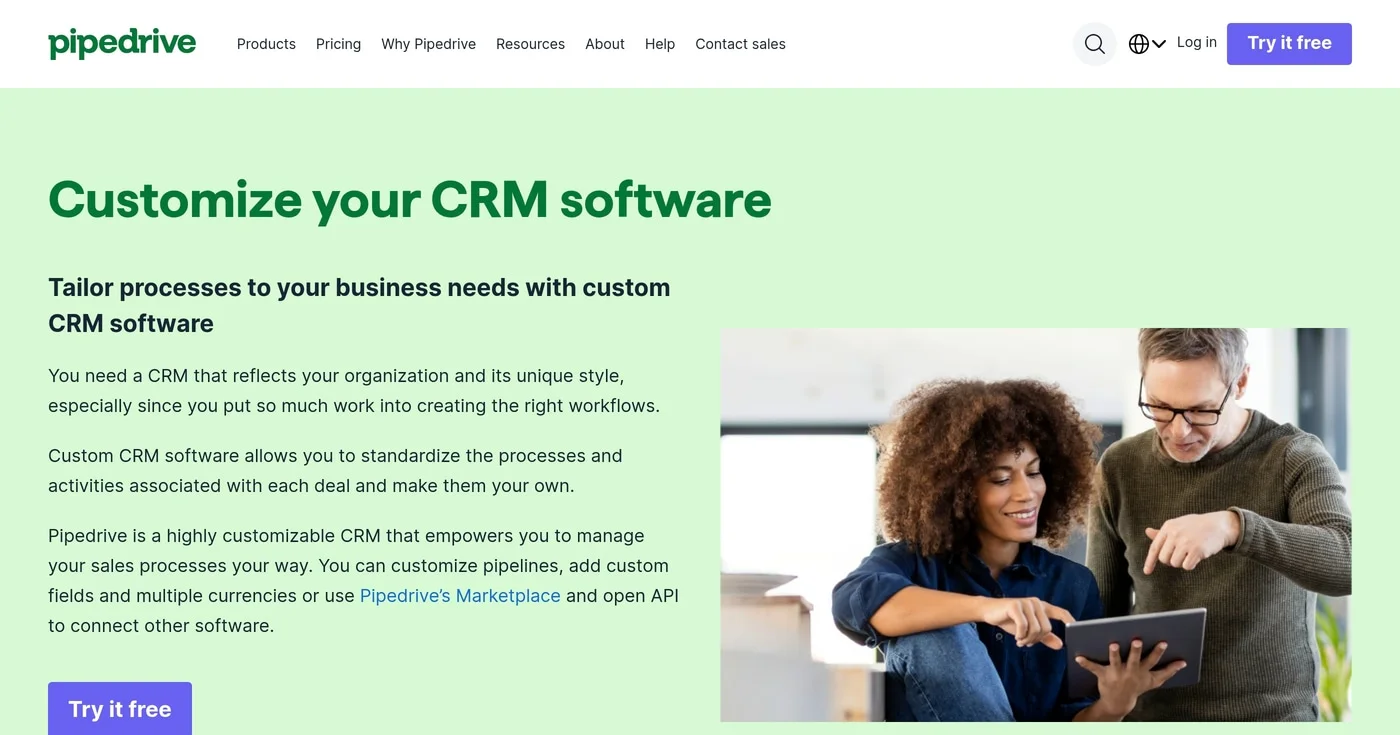
Pipedrive was built by salespeople who wanted a CRM that reflects how deals actually move. The drag-and-drop pipeline maps your specific deal anatomy without configuration complexity: custom fields, custom stages, custom filters. 100,000+ companies across 179 countries use Pipedrive and consistently rate it highest for pipeline clarity and ease of use.
The AI Sales Assistant ($19/seat add-on) provides deal probability predictions, next-step suggestions, and performance alerts without technical setup.
Pipedrive's ceiling: custom objects and marketing automation require third-party integrations, not native tools. Teams that outgrow Pipedrive's pipeline focus migrate to HubSpot Pro or Salesforce rather than building native workarounds.
Verify current rates at Pipedrive pricing. The AI Sales Assistant is a $19/seat/mo add-on not included in any base plan.
Best for teams needing CRM and project management in one workspace
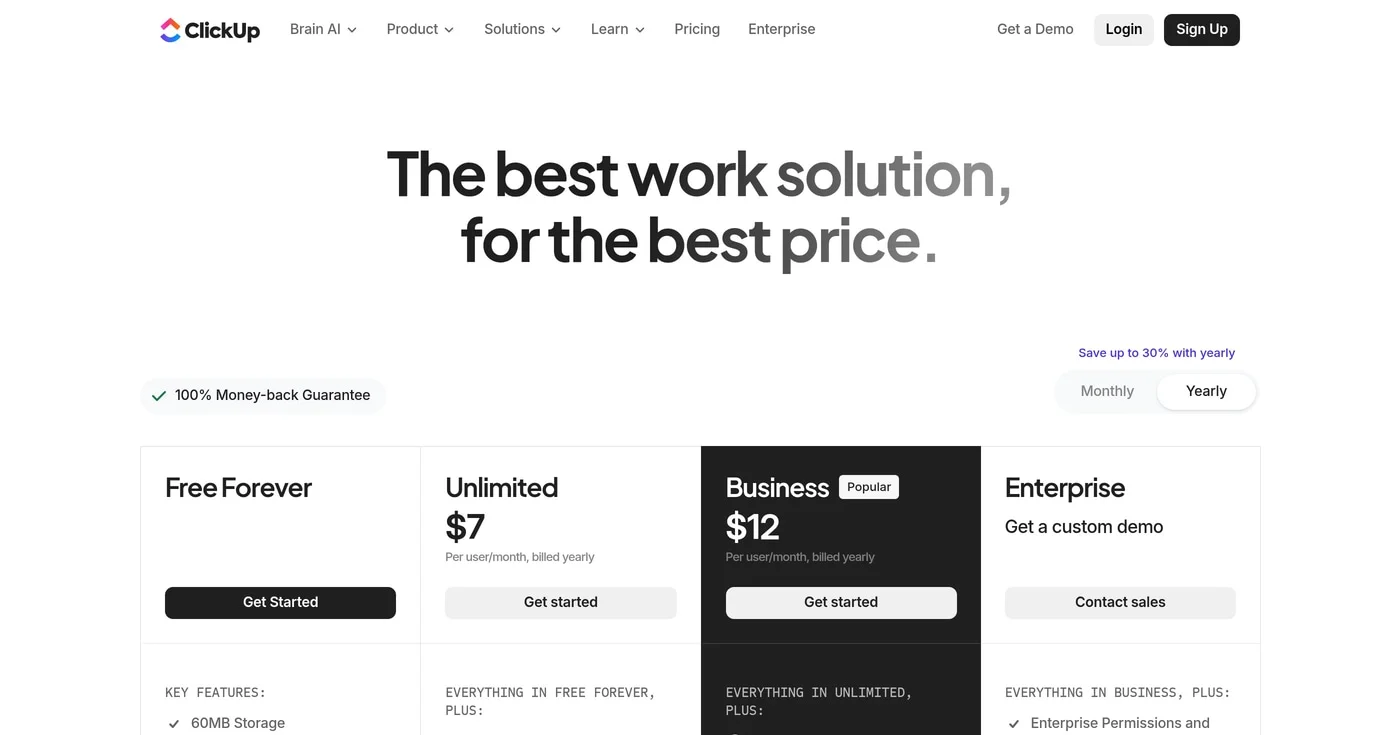
800,000+ teams use ClickUp across sales, project management, and operations in a single workspace. Custom fields, multiple view types (list, board, calendar, Gantt, timeline), and 5,000 automation actions per month (Business plan) cover most CRM customization needs without a separate tool.
ClickUp Brain (AI) is available on all paid plans and handles task creation, meeting summaries, and context retrieval across CRM and project data. The Business plan at $12/user/month is among the most affordable full-featured options in this list.
CRM feature depth is the trade-off. Lead scoring, deal probability, pipeline analytics, and sales sequencing are lighter than Salesforce, HubSpot, or Pipedrive. Sales teams with complex deal cycles will outgrow ClickUp's CRM layer faster than its project management layer.
Full breakdown at ClickUp pricing. ClickUp Brain is included on all paid plans; automation limits differ significantly between Unlimited and Business.
Best for small businesses and agencies running entirely on Google Workspace
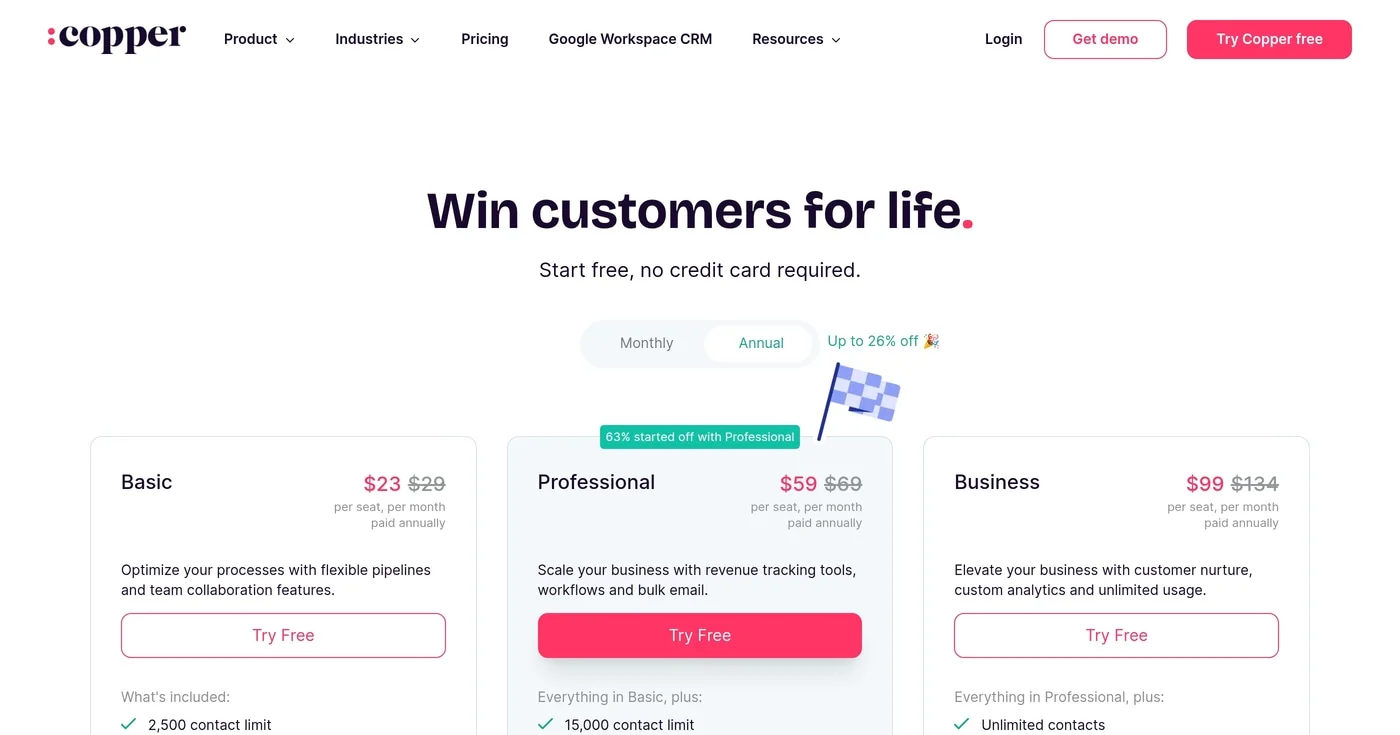
Copper is the only major CRM built natively for Google Workspace. It lives inside Gmail, Google Calendar, and Google Drive, auto-enriching contacts from existing email history and surfacing deal context in every Gmail thread. 30,000+ companies use Copper because it eliminates the manual entry that drives rep abandonment.
Custom fields, customizable pipelines, and workflow automation (Professional plan and above) give Copper a solid SMB customization surface. Setup time from install to usable CRM is measured in hours for teams already on Google Workspace.
Copper's hard constraint: it doesn't work for Outlook users. The Basic plan limits contacts to 2,500, a ceiling many agencies hit within the first year.
Full breakdown at Copper pricing. No free tier; a 14-day trial is available. All plans require a Google Workspace account.
Match your CRM to your team's technical capacity before evaluating features:
Open Google Keyword Planner without treating setup as running ads, then read volume, competition, and the two bid columns for what those numbers are not.
ZoomInfo alternatives have no public platform list price. Apollo publishes a seat price, Cognism covers EU phones, and Lusha starts at $49.90 a month.

HubSpot's pricing jumps from $0 to $890/month with no mid-tier. These 10 HubSpot alternatives are segmented by sales CRM, email automation, and agency use case
