


15 Form Builders With Pricing That Makes Sense for Growth Teams
Compare 15 form builders by free plan limits, AI features, CRM integration, and pricing. Fillout, Jotform, Tally, Typeform, and more, ranked for 2026.
Updated 21 min read
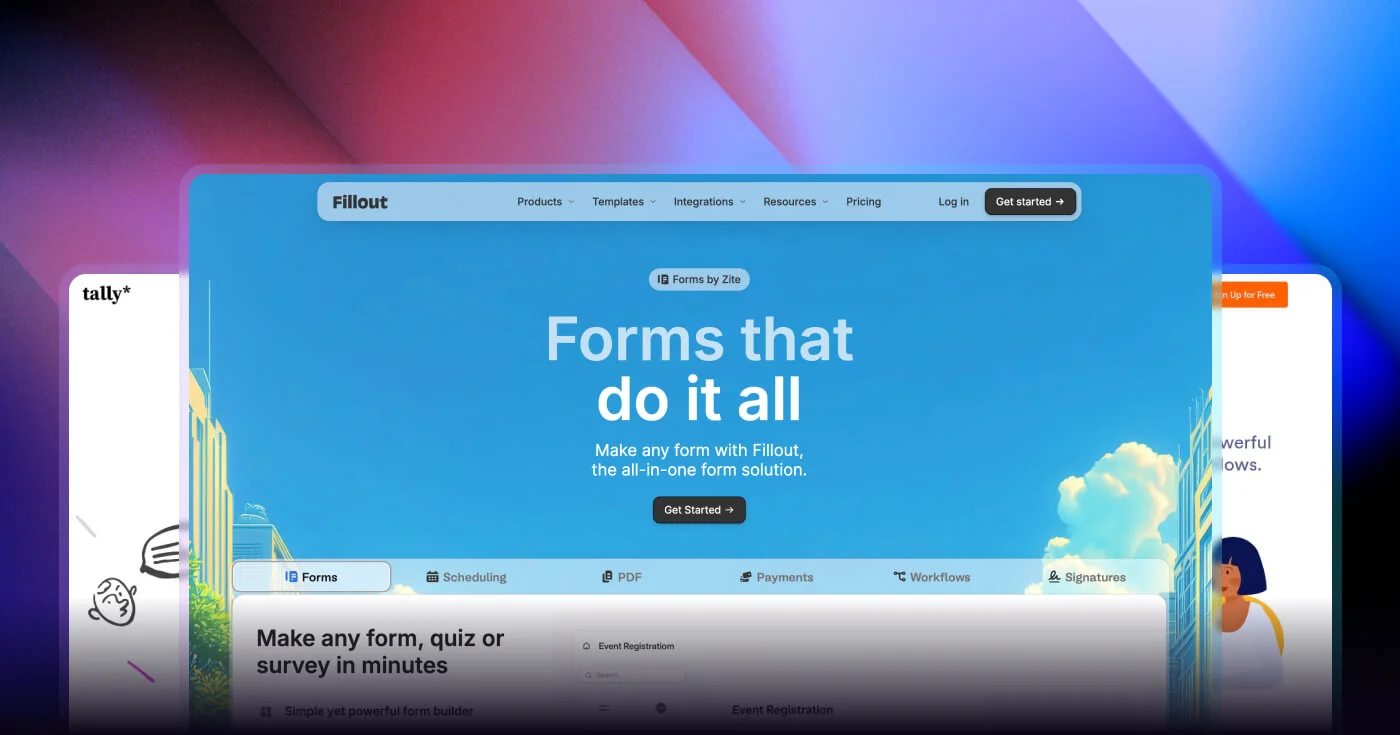

Compare 15 form builders by free plan limits, AI features, CRM integration, and pricing. Fillout, Jotform, Tally, Typeform, and more, ranked for 2026.
Fillout ranked #1 out of 20 tools in independent tests this year with 1,000 free responses per month and no per-seat fees at any tier. Tally gives unlimited forms and unlimited submissions at $0, with 500,000+ teams building on it globally. Jotform serves 35M+ users across 10,000+ templates and now runs AI Agents that hold voice calls, send SMS, and follow up autonomously after a submission.
The gap most comparisons skip: Typeform's free plan caps at 10 responses per month, which is unusable for any active marketing campaign. Tally and Google Forms both give unlimited responses at $0. For growth teams where campaign volume is unpredictable, the free plan ceiling determines whether a tool works with you or bills you by accident.
Software | Best For | Key Features | Pricing | Free Plan | Platforms |
|---|---|---|---|---|---|
Overall value | Database sync, AI gen, scheduler | Yes (1,000 responses) | Web | ||
Free plan | Unlimited submissions, Notion-style editor | Yes (unlimited) | Web | ||
Templates + AI agents | 10,000+ templates, GPT-4 agents, payments | Yes (100 responses) | Web, iOS, Android | ||
Conversational UX | Growth Flow, one-question-at-a-time | Yes (10 responses) | Web | ||
Zero-cost simplicity | Unlimited responses, Sheets sync | Free | Yes (unlimited) | Web | |
CRM lead capture | Progressive profiling, auto-contact creation | Yes | Web | ||
Calculations | Conditional math, payments on free plan | Yes (unlimited forms) | Web | ||
E-commerce forms | Product catalog, Stripe/PayPal/Square | Limited (~30/mo) | Web | ||
Paid ad funnels | Meta CAPI, A/B testing, OTP validation | No | Web | ||
Market research | Benchmark data, sentiment AI, NPS/CSAT | Yes (25 responses) | Web, iOS, Android | ||
M365 teams | Excel sync, Teams/SharePoint integration | Free with M365 | Yes | Web | |
WordPress | 900+ templates, drag-and-drop, payments | Lite version | WordPress | ||
Enterprise compliance | HIPAA, SOC 2, FedRAMP, doc generation | No | Web | ||
Zoho ecosystem | 550+ integrations, offline collection | Yes (3 forms) | Web, iOS, Android | ||
High-volume unlimited | No response caps, no transaction fees | No | Web |
15 best form builders compared at a glance
Best for marketing teams that need database-connected lead capture at scale
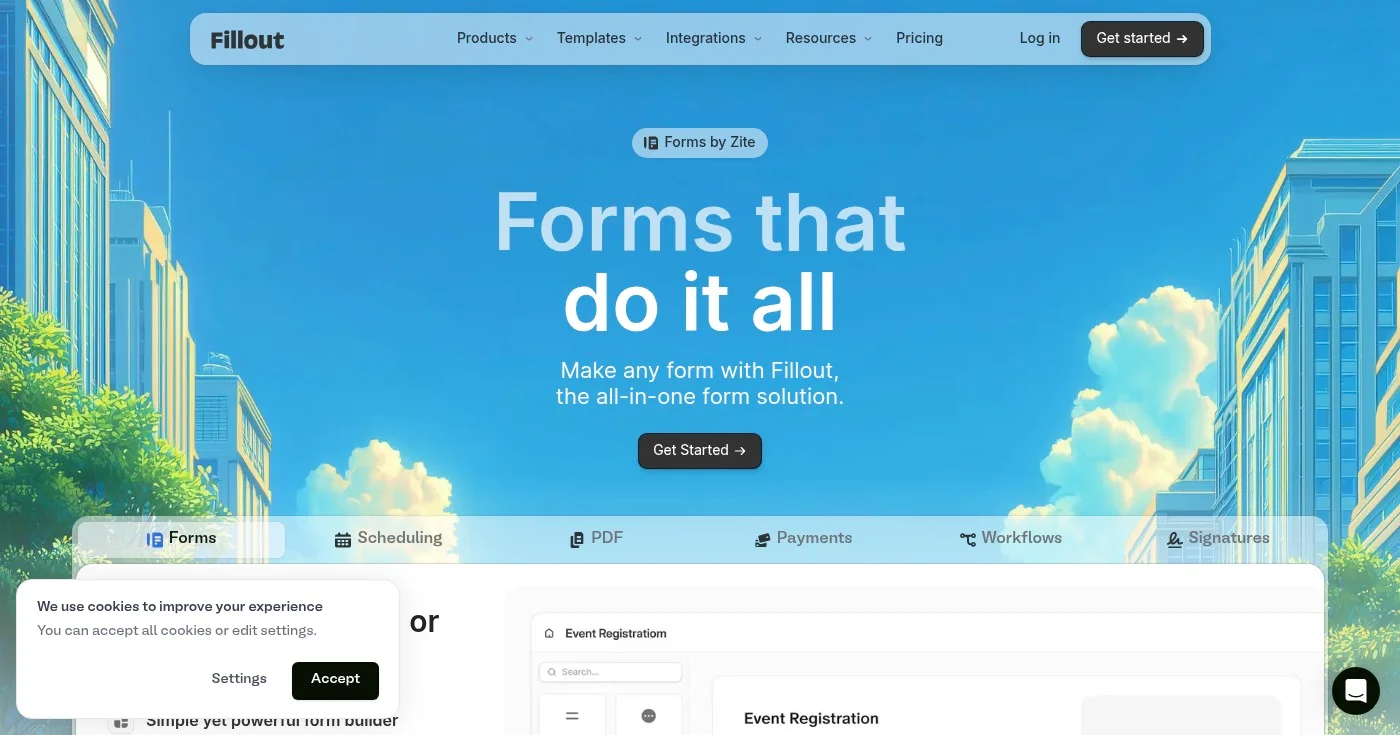
Fillout ranked #1 out of 20 tools in emailtooltester's 2026 independent test, an assessment based on hands-on use across features, free plan value, and integration depth. The win came down to a combination no other tool matches at any price tier: unlimited seats, 1,000 responses per month on the free plan, and native Notion/Airtable/Google Sheets sync. An embedded meeting scheduler (Calendly-style) and AI form generation from prompts, URLs, or PDFs complete the package.
The no-per-seat model is structurally unusual in this market. Most competitors charge per user once teams share access; Fillout's $15/month Starter plan covers the entire team regardless of headcount. For marketing departments managing form access across content, demand gen, and ops, that eliminates a predictable and recurring overhead item.
YC-backed with 100,000+ organizations on the platform, Fillout sits at the intersection of form builder and database front-end: forms write directly to existing Notion databases and Airtable bases without a Zapier intermediary. HIPAA compliance is available on the Enterprise tier.
Full pricing at fillout.com/pricing. All plans include unlimited seats. HIPAA available on Enterprise.
Best for teams that want a genuinely unlimited free form builder
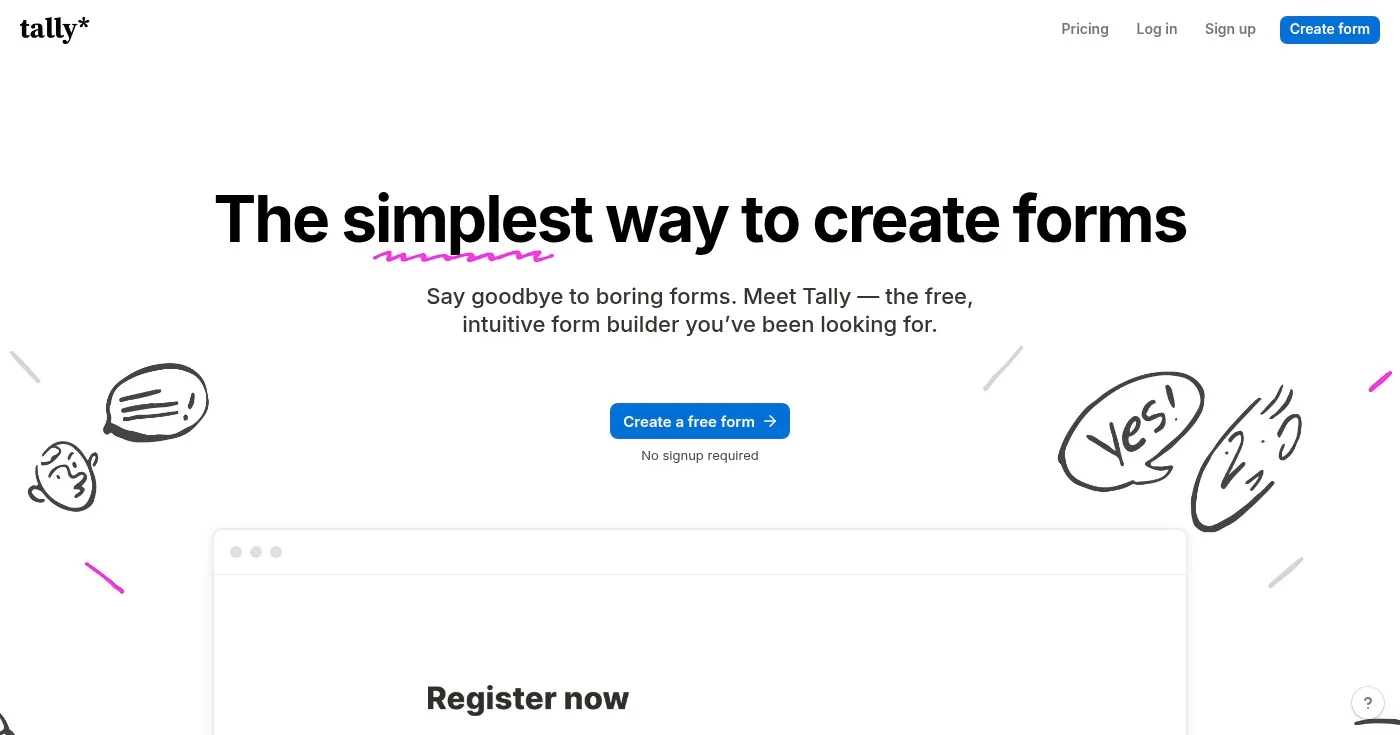
Tally gives unlimited forms, unlimited responses, conditional logic, payment collection (with commission), and native integrations with Notion, Google Sheets, and Airtable at $0. The catch is Tally branding on free forms and limited styling options, both removed on the $24/month Pro plan.
The building experience mirrors Notion: type / to insert blocks, no drag-and-drop friction. On Product Hunt, Tally took Product of the Day, Week, and Month simultaneously in September 2023. Launched by a two-person team in Belgium with $0 marketing spend in year one, Tally's first-anniversary milestone tells the growth story directly:
We turned 1! 🎂 To celebrate we're sharing everything we learned from launching & bootstrapping a new form builder. 📈 11.000 users 💰 $5K MRR & 200 paying users 🤑 Marketing spend: $0 👩🏻💻 Proudly independent & bootstrapped 🇧🇪 Team of 2 based in Belgium https://t.co/eT82jaTuvg
That trajectory continued: 500,000+ teams are building on Tally in 2026. The tool is the default choice for event forms where submission volume is unpredictable, internal no-code workflows, and wholesale or ops processes where per-response pricing would be punitive.
For a real-world deployment test, a YouTube creator used Tally for an event form with conditional logic, an e-signature step, and just shy of 9,000 submissions, on the free plan. The equivalent Typeform volume at enterprise pricing would have cost "a few thousand" according to David Alex's comparison review (disclosure: Tally affiliate).
Full pricing at tally.so/pricing.
Best for template breadth and AI-powered workflow automation
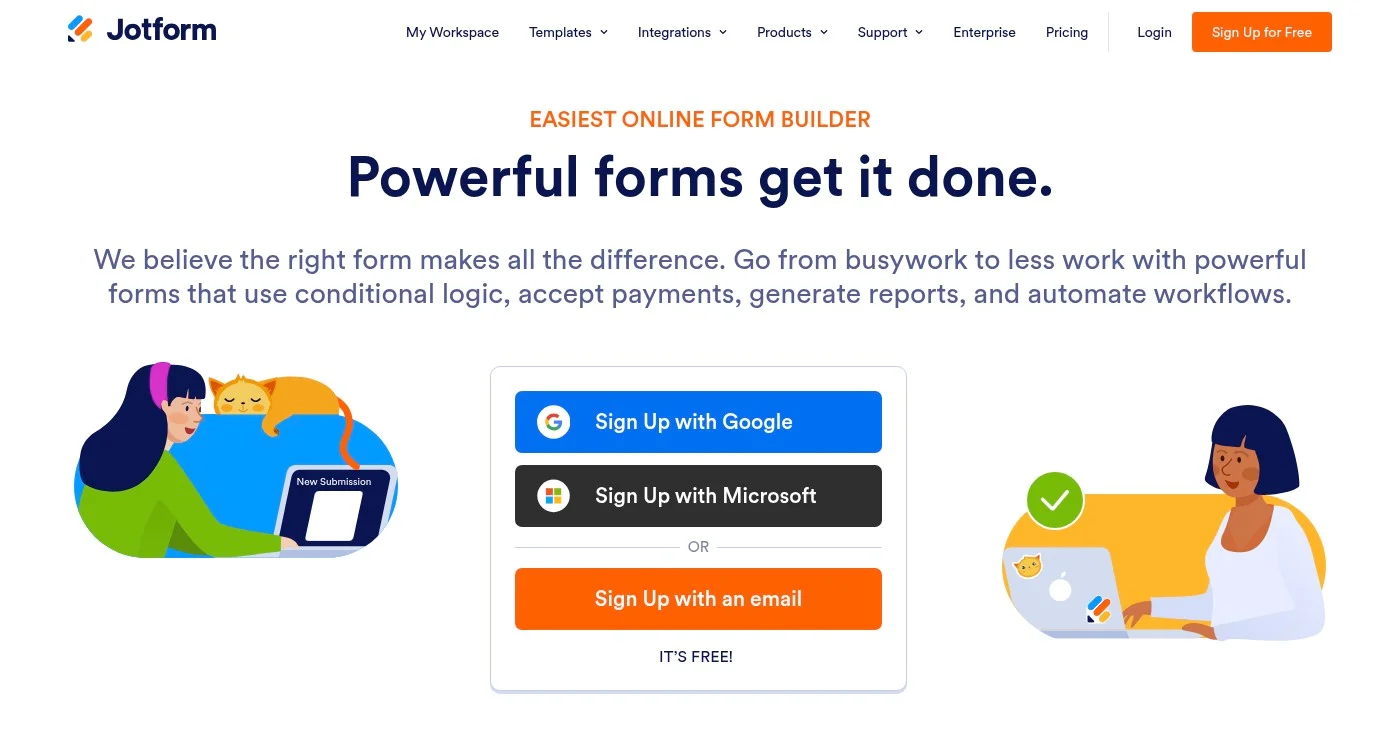
Jotform is the most mature general-purpose form builder available. Bootstrapped since 2006, 35M+ users, 10,000+ templates, and 150+ integrations: the template library alone is the deepest in the category.
The 2026 strategy is explicit: Jotform is positioning as an AI workflow platform. Jotform AI Agents use GPT-4 to hold voice calls, send SMS messages, and follow up with respondents autonomously after submission. The March 2026 ChatGPT App Marketplace integration, April Canva Agent, and May Claude connector confirm the direction: forms as the front-end of multi-step AI workflows.
Payment processing works on the free plan (unusual in this category), and a 50% nonprofit discount makes Jotform the standard recommendation for mission-driven organizations. HIPAA compliance is available on the Gold plan. The main weakness: 100 responses/month on the free plan is tight relative to Fillout (1,000) or Tally (unlimited), and costs escalate steeply at volume.
Full pricing at jotform.com/pricing.
Best for conversational forms and post-submission marketing automation
Typeform invented the one-question-at-a-time format that now defines "conversational forms" across the industry. For lead gen flows, product research, and onboarding sequences where completion rate is the metric that matters, the UX advantage over static multi-question layouts is measurable and repeatable.
In May 2026, Typeform launched Growth Flow: an AI layer that converts form submissions into automated nurture sequences, lifecycle emails, and downstream workflow triggers. Research Flow handles qualitative research at scale with AI synthesis of open-ended responses. These additions push Typeform toward a feedback-to-pipeline tool rather than just a form builder.
Typeform serves 150,000+ businesses and has raised $135M in venture funding. The pricing math is the honest problem: the free plan caps at 10 responses per month, which is functionally zero for any active campaign. Criticism from practitioners captures this directly:
"It gets expensive fast. I have a client who pays over a thousand dollars a year for Typeform, and they truly don't even offer a great service or that much value to the business."
David Alex in "Typeform vs Tally" (YouTube, 0:49) (disclosure: Tally affiliate)
Full pricing at typeform.com/pricing. HIPAA available on Enterprise with signed BAA.
Best for teams that need unlimited free forms without setup
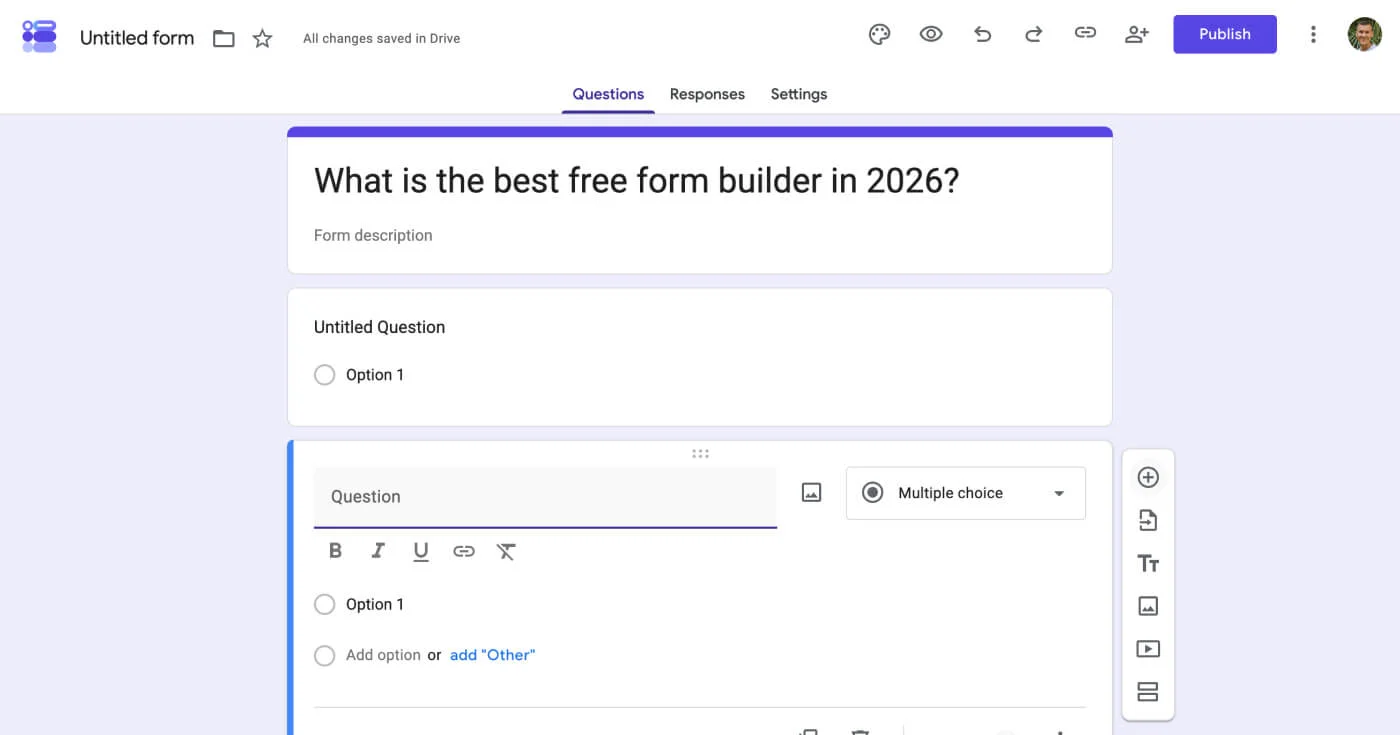
Google Forms is the baseline every paid tool must clear. Unlimited forms, unlimited responses, real-time collaboration, and live Google Sheets sync come included with any Google account. No account creation beyond what the team already has, no pricing page, no response cap.
The limitations are real and fixed: no payment processing, minimal design customization, no conditional calculations, and basic branching logic only. Google Forms is the right choice when the form itself is simple, the audience doesn't require a polished experience, and budget is the hard constraint.
For a quick internal event RSVP, a feedback survey, or an onboarding checklist that needs to go out today, Google Forms wins by elimination. The Sheets integration makes it a legitimate workflow tool for teams already operating in Google Workspace.
Full details at forms.google.com. Included with all Google and Gmail accounts at no charge.
Best for CRM-native lead capture in HubSpot marketing stacks
HubSpot Forms is free and inseparable from the HubSpot CRM. Every submission auto-creates or updates a contact record in HubSpot with no Zapier setup, no manual sync, no delay. Progressive profiling presents returning visitors with new questions based on what HubSpot already knows about them, reducing repeated friction on returning touchpoints.
The free CRM supports up to 1M contacts, and form submissions trigger email workflows automatically. For teams with HubSpot already at the center of their marketing stack, HubSpot Forms removes the entire middle layer between lead capture and CRM activation.
The hard limit: zero meaningful design flexibility. Forms inherit HubSpot's styling framework. Embedding on non-HubSpot pages requires JavaScript.
The tool provides no value outside the HubSpot platform. HIPAA compliance requires an Enterprise-tier HubSpot contract.
Full pricing at hubspot.com/pricing. The forms tool itself is always free; automation requires paid Marketing Hub.
Best for forms that include conditional calculations and payment math
Cognito Forms is the only major form builder with a true calculation engine: conditional math, repeating sections, and dynamic totals that update in real time as respondents fill in fields. If your form needs to compute a registration fee based on attendee count, calculate a quote from variable inputs, or total an order before checkout, Cognito is the specific tool built for that job. No other tool in this list handles this natively.
The free Individual plan includes unlimited forms, 100 entries per month, and payment processing at $0. Among calculation-capable form builders, this is the only free tier that includes native payment support.
Bootstrapped since approximately 2013, Cognito Forms carries a dated interface relative to Tally or Typeform. The calculation engine is the reason to choose it; teams that don't need calculations will find more modern experiences at lower cost elsewhere.
Full pricing at cognitoforms.com/pricing.
Best for e-commerce order forms and product catalog management
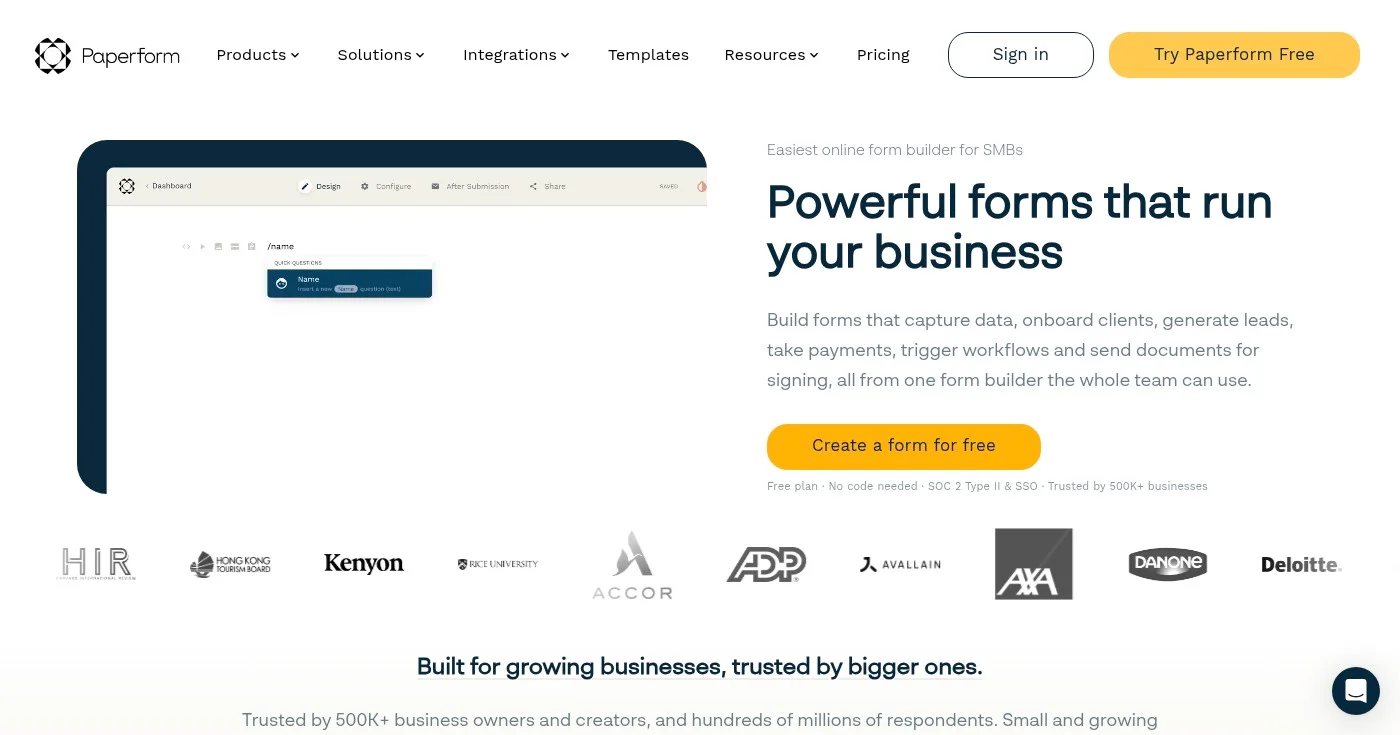
Paperform is built for transactional forms. You write a form the way you write a document: prose, images, and form fields interleaved naturally in a Medium-style editor.
The built-in product catalog supports SKU management, inventory tracking, coupon codes, and custom pricing rules. Payment processing covers four processors natively: Stripe, Braintree, PayPal, and Square.
Native Papersign integration adds e-signature to purchase orders, service agreements, and client onboarding forms without a separate DocuSign subscription.
Built by a two-person team in Sydney since 2017, Paperform has a limited free plan (roughly 30 responses per month). The Essentials plan at $24/month (billed annually) is the practical entry point. For marketing teams running product order forms, event ticketing with payment, or service intake with contracts attached, Paperform combines the form-building and transactional layers that most tools separate.
Full pricing at paperform.co/pricing.
Best for paid traffic lead generation and performance marketing funnels
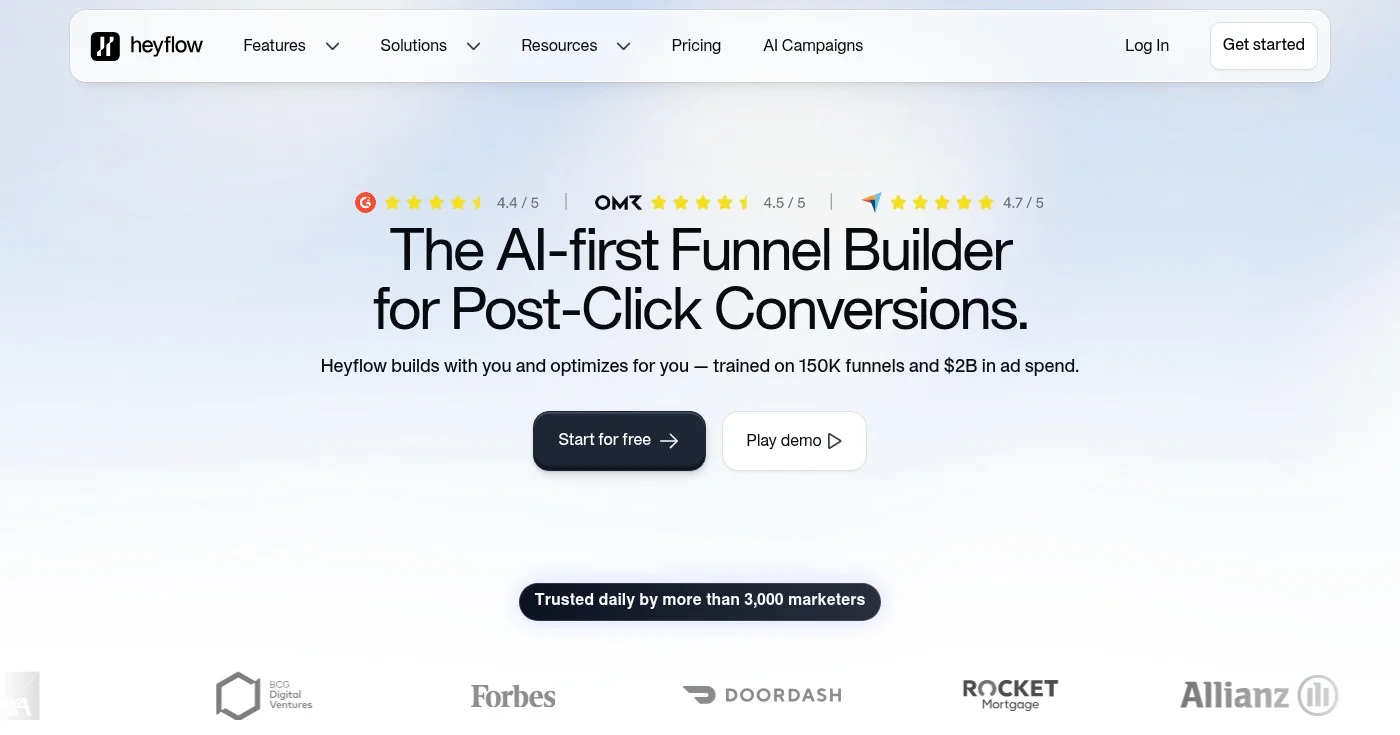
Heyflow is purpose-built for paid media conversion. Server-side Meta CAPI integration, TikTok Pixel, Bing Ads, and Outbrain tracking come baked in, a configuration that competing form builders require multiple workarounds to replicate. The mobile page speed score exceeds 90.
Built-in A/B testing (Scale plan) and phone OTP plus email validation for lead quality control are native features. No other general-purpose form builder in this list includes A/B testing without an external tool, except Formstack.
Heyflow has processed 3M+ leads across 3,000+ marketing users. There is no permanent free plan (14-day trial available); entry starts at $49/month.
For performance marketing teams spending on Meta or TikTok and optimizing cost-per-lead, Heyflow is the most conversion-specific tool in this list. For internal surveys, contact forms, or anything outside paid acquisition, a different tool fits better.
Full pricing at heyflow.com/pricing.
Best for market research with proprietary industry benchmarks
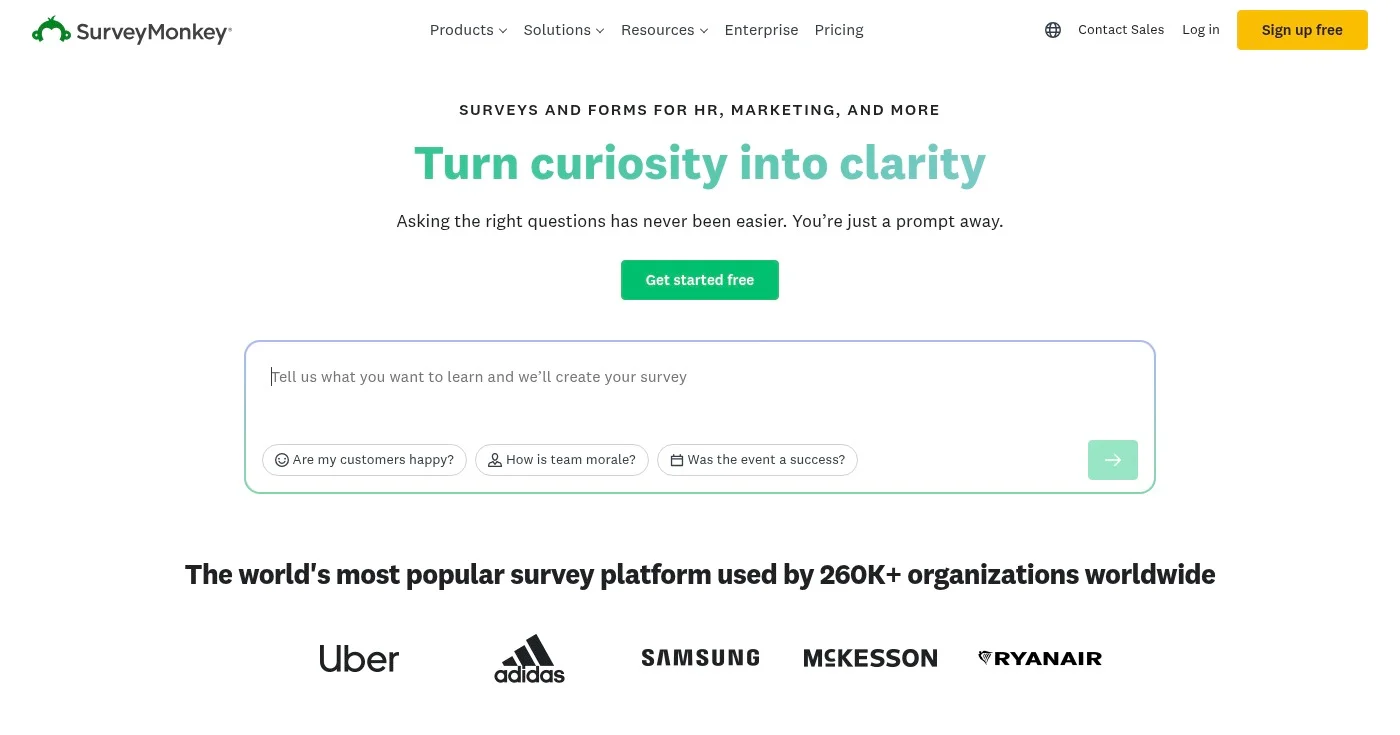
SurveyMonkey is a public company with 20M+ active users, purpose-built for research rather than lead capture. The differentiator is its benchmark database: your NPS or CSAT results get compared against industry aggregates accumulated across 20+ years of survey data. That context is not available from any other tool in this list.
AI-powered sentiment analysis, cross-tabulation reporting, and pre-built NPS and CSAT templates are included on paid plans. The free plan caps at 10 questions and 25 viewable responses with no data export option.
For marketing research teams running brand tracking, voice-of-customer programs, or competitive analysis surveys, SurveyMonkey's research infrastructure justifies the $39/user/month cost. For standard lead generation or event registration, every other tool in this list delivers more value per dollar.
Full pricing at surveymonkey.com/pricing.
Best for teams running entirely within Microsoft 365
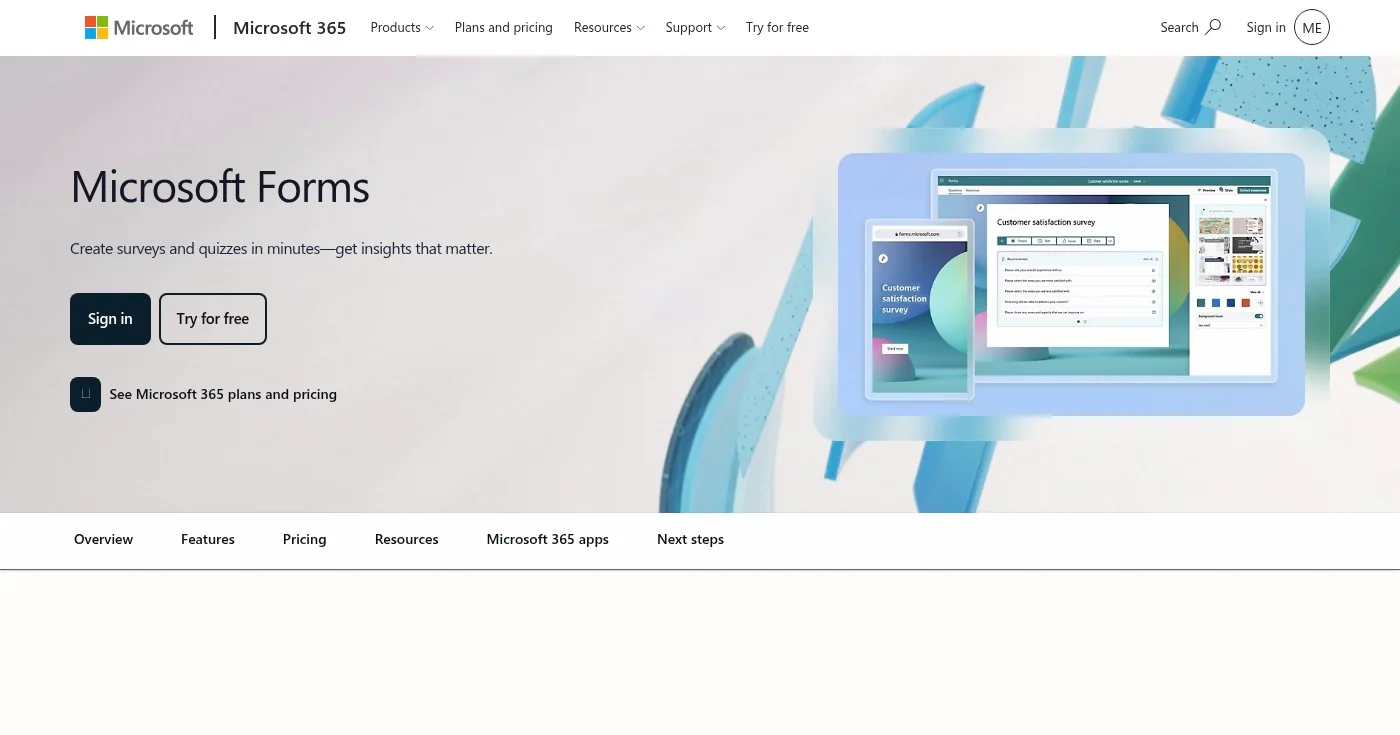
Microsoft Forms is included with every Microsoft 365 account at no additional cost. Responses sync to Excel in real time, and forms integrate natively with Teams, SharePoint, and OneDrive.
For internal corporate surveys, IT assessments, or HR onboarding workflows where the entire organization runs Office, Microsoft Forms is the zero-friction choice. The tool requires no additional learning curve for teams already embedded in the Microsoft ecosystem.
The limitation is structural: virtually no design customization, no payment processing, and no meaningful value outside the Microsoft stack. Using Microsoft Forms as a standalone form builder, without Microsoft 365, is not a practical configuration.
Full details at microsoft.com/en-us/microsoft-365.
Best for WordPress sites that need payments and conditional logic
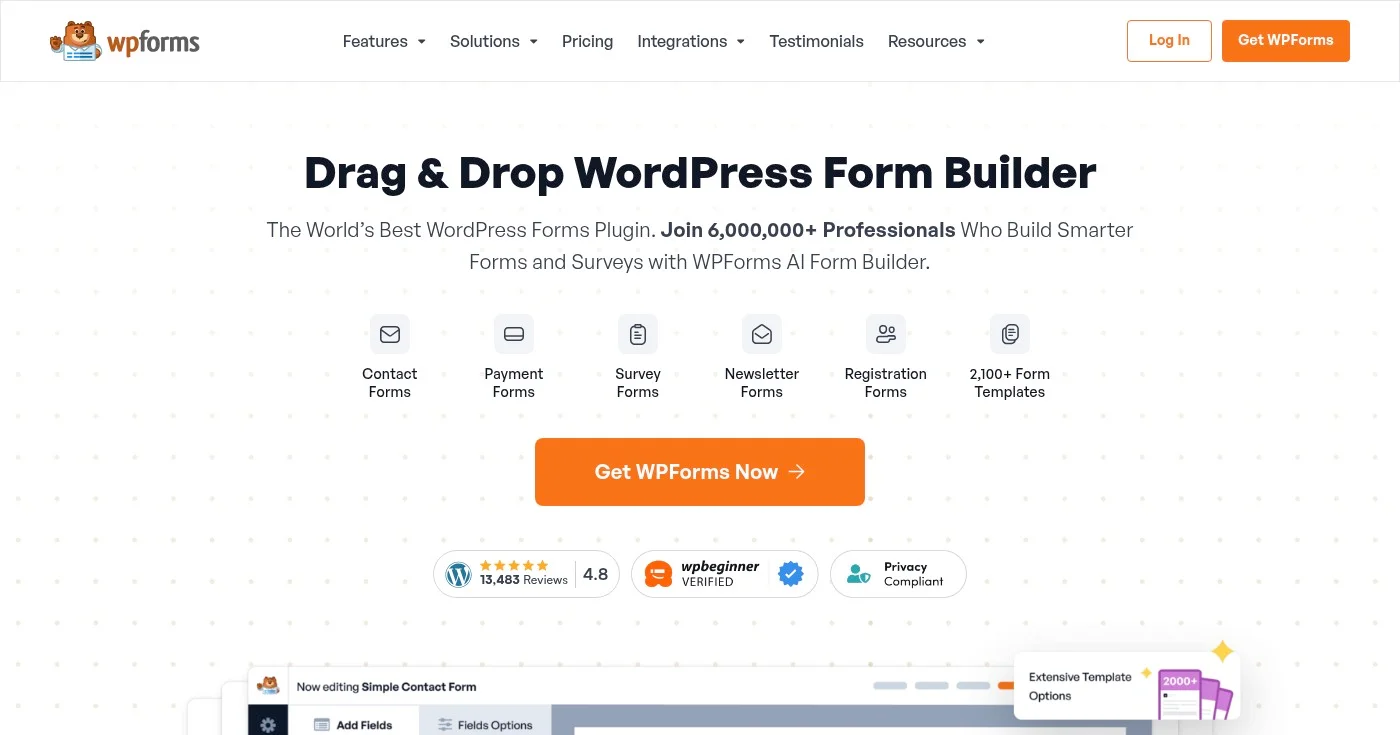
WPForms is the #1 WordPress form plugin by install count, with 6M+ active installations across WordPress sites globally. The drag-and-drop builder operates entirely within the WordPress admin, with 900+ pre-built templates covering contact forms, payment forms, surveys, and user registrations.
Payment support includes Stripe, PayPal, and Authorize.Net. A conversational forms add-on brings the one-question-at-a-time experience into WordPress without requiring an external service subscription.
WPForms provides no meaningful value outside WordPress. For marketing teams hosting on WordPress who need forms that handle payments, conditional logic, and standard lead capture without leaving the WordPress ecosystem, WPForms handles most common use cases cleanly.
Full pricing at wpforms.com/pricing. WordPress-only; no monthly billing option.
Best for regulated enterprises requiring HIPAA, SOC 2, and FedRAMP
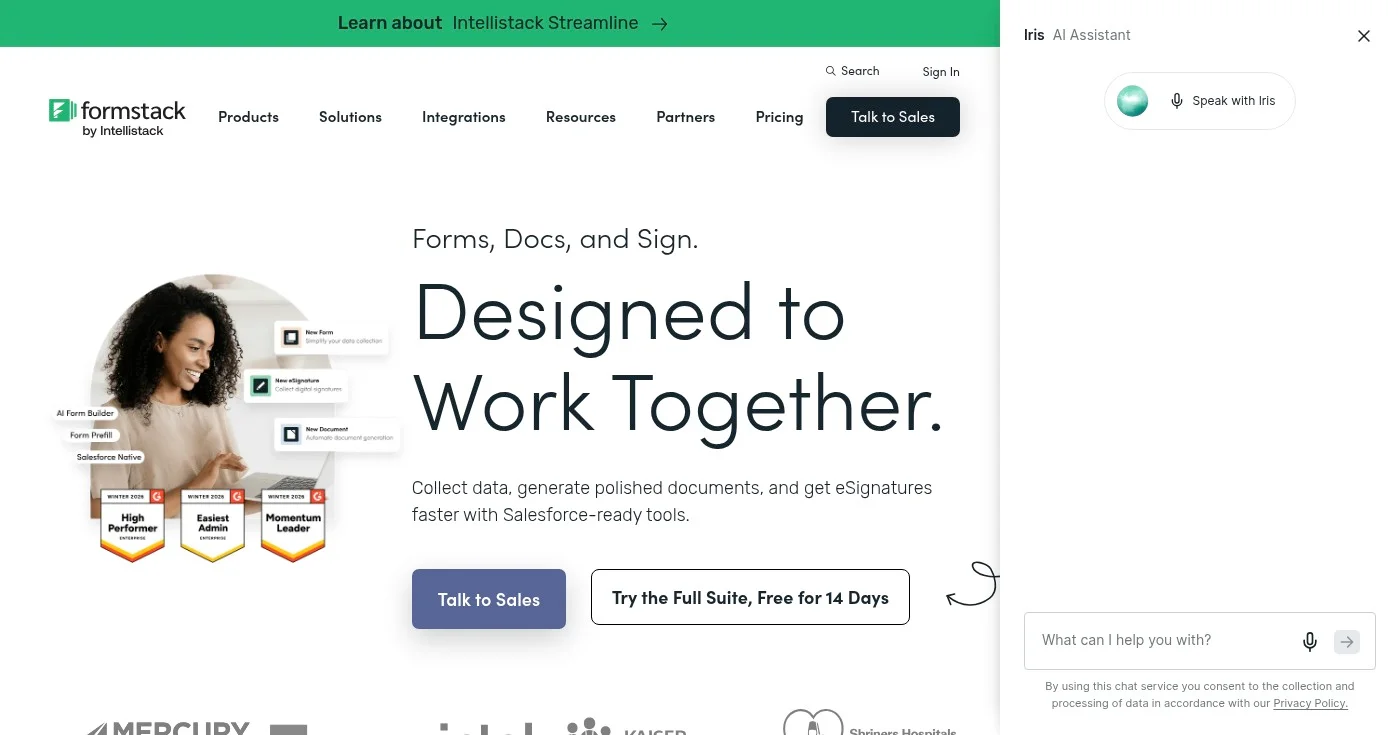
Formstack, now rebranding as Intellistack, is the compliance-first option in this list. HIPAA, GDPR, SOC 2, and FedRAMP certifications are available on appropriate tiers. Document generation (PDF output from submissions), e-signature, and native A/B testing are included on the Suite plan.
The 2026 context is important and missing from most existing form builder comparisons. Formstack's current LinkedIn presence shows an explicit pivot away from the general form builder market: all active marketing focuses on CLM (Contract Lifecycle Management), insurance FNOL workflows, and regulated-industry document automation under the Intellistack brand.
The tool still functions for general forms, but Formstack is not competing for that customer any longer. Entry at $99/month with no free plan confirms the positioning.
For healthcare organizations, legal teams, and regulated enterprises where data compliance is the primary requirement, Formstack remains the purpose-built option. For marketing teams below that compliance threshold, it is overpriced and over-scoped.
Full pricing at formstack.com/pricing.
Best for teams embedded in the Zoho product ecosystem
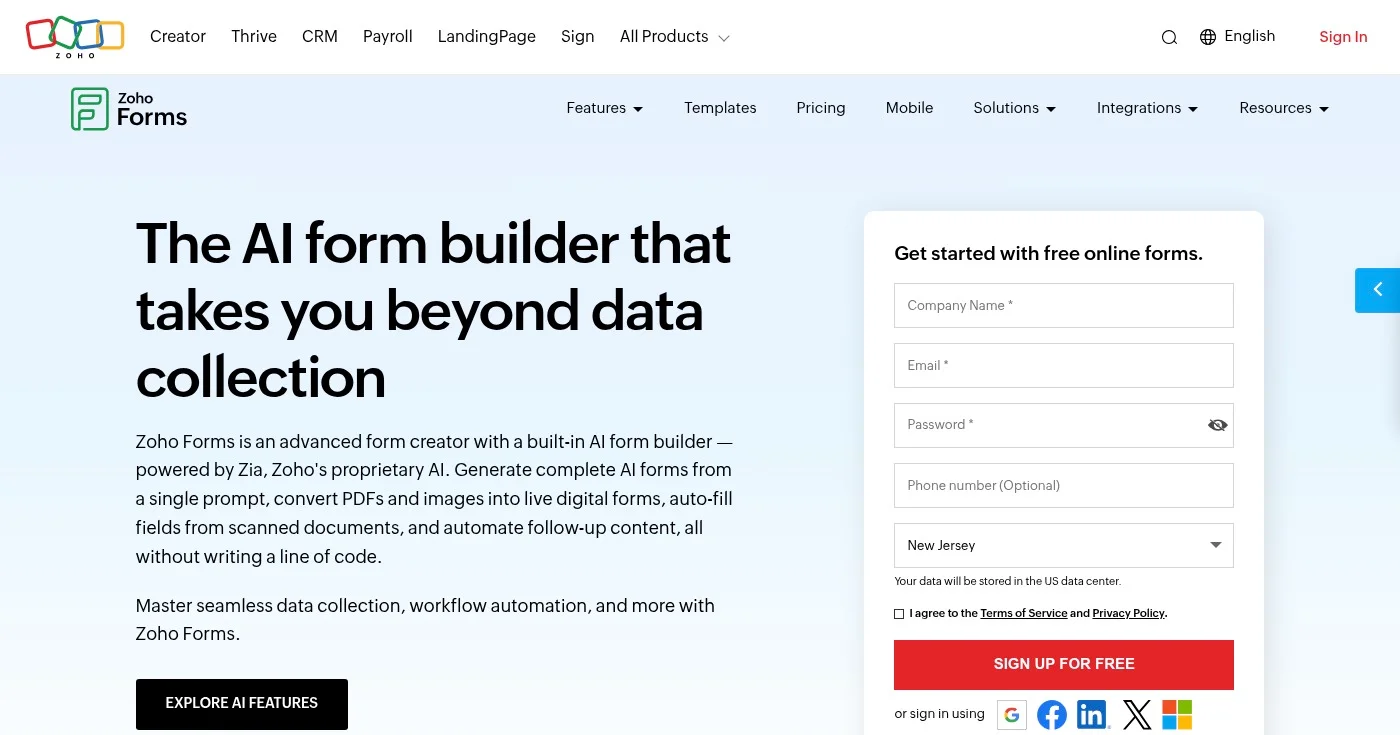
Zoho Forms connects to 550+ integrations, the broadest library in this comparison. Offline mobile data collection lets field teams submit responses without reliable internet access, syncing when connectivity returns. Multi-page forms and payment processing are available on the free plan (limited to 3 forms).
Zoho Forms delivers most of its value inside the Zoho suite. Teams running Zoho CRM, Zoho Campaigns, or Zoho Projects get native data routing with no middleware. Outside the Zoho ecosystem, Zoho Forms competes poorly against Tally and Fillout on both pricing and interface quality.
Full pricing at zoho.com/forms/pricing.html.
Best for high-volume campaigns without per-response fees
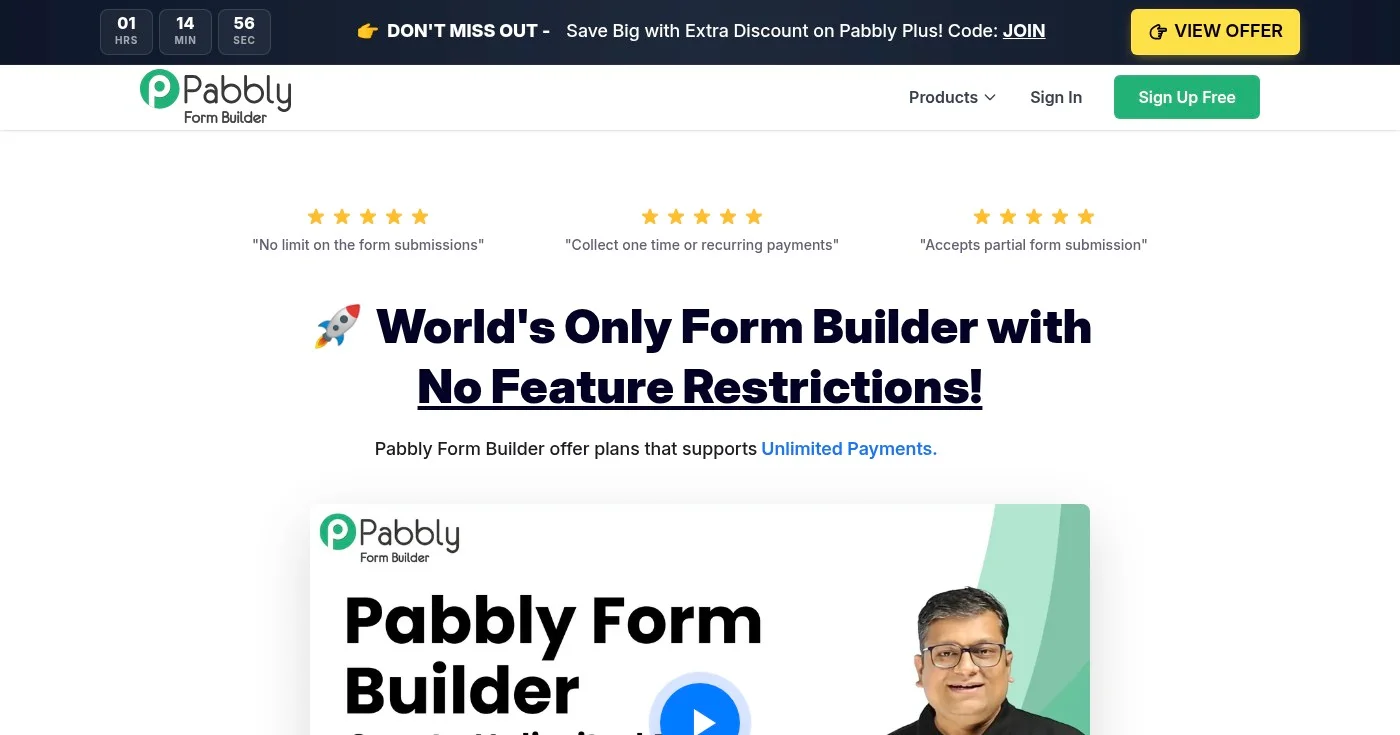
Pabbly Forms offers unlimited form submissions on every plan with no response caps and no transaction fees on payment forms. For marketing teams running high-volume campaigns where Jotform or Typeform response limits would create unpredictable costs, Pabbly provides a flat-rate alternative.
The trade-off is visible: the interface is less polished than Tally or Jotform, and integrations require more manual configuration. Pabbly's business model includes lifetime deals (one-time payment, perpetual access): a practical option for teams that prefer to avoid recurring SaaS subscriptions for a utility-level tool.
Full pricing at pabbly.com/form-builder. No free plan.
Open Google Keyword Planner without treating setup as running ads, then read volume, competition, and the two bid columns for what those numbers are not.
ZoomInfo alternatives have no public platform list price. Apollo publishes a seat price, Cognism covers EU phones, and Lusha starts at $49.90 a month.

HubSpot's pricing jumps from $0 to $890/month with no mid-tier. These 10 HubSpot alternatives are segmented by sales CRM, email automation, and agency use case
