


UTM Parameters: The Complete Guide to Campaign Tracking
Discover what UTM parameters are, learn why they matter, and follow a step-by-step playbook to own attribution and drive higher ROI.
Updated 9 min read

Discover what UTM parameters are, learn why they matter, and follow a step-by-step playbook to own attribution and drive higher ROI.
UTM parameters are structured query strings appended to URLs that enable precise tracking of traffic sources within analytics platforms.
Originally developed by Urchin Software Corporation before Google’s 2005 acquisition, these parameters have become essential for marketing attribution in an era where traditional tracking methods are increasingly restricted.
UTM (Urchin Tracking Module) parameters are URL query strings that help you track the effectiveness of marketing campaigns.
When someone clicks a link with UTM parameters, those parameters are sent to your analytics platform, providing detailed information about traffic sources and campaign performance.
Example:
https://example.com/page?utm_source=google&utm_medium=cpc&utm_campaign=summer_sale
According to Google’s official documentation, Google Analytics 4 supports the following standard UTM parameters:
Google Analytics 4 also recognizes these extended parameters:
Source: Google Analytics Help – “ URL builders: Collect campaign data with custom URLs”
The digital marketing measurement ecosystem is experiencing unprecedented disruption:
Privacy Compliance: UTM parameters operate within first-party data collection frameworks that comply with GDPR, CCPA, and emerging privacy legislation. Unlike third-party cookies, UTM data collection requires explicit user consent through link clicks.
Reliability: UTM parameters survive when third-party cookies fail because they:
Control: UTM parameters are entirely under your control, unlike platform-provided attribution models that can change without notice.
Source: LinkedIn – “Why UTM Parameters Are No Longer Optional: A Brutal Reality Check for Modern Marketing”
Indexing Behavior: Google typically ignores UTM parameters when indexing pages and focuses on the canonical URL. However, there are important nuances:
Note: While Google generally handles UTM parameters correctly, proper implementation of canonical tags and parameter configuration is essential to avoid potential duplicate content issues.
https://example.com/page?utm_source=source&utm_medium=medium&utm_campaign=campaign
For Google Analytics 4: You need at least one UTM parameter, but Google recommends always using utm_source, utm_medium, and utm_campaign together for comprehensive tracking.
For Universal Analytics: utm_source and utm_medium are required minimum parameters.
⚠️ Important: GA4 is case-sensitive for UTM parameters. utm_source=Google is different from utm_source=google.
utm_source=newsletter&utm_medium=email&utm_campaign=monthly_digest
utm_source=linkedin&utm_medium=social&utm_campaign=product_launch
utm_source=google&utm_medium=cpc&utm_campaign=brand_keywords&utm_term=marketing_software
utm_source=guest_post&utm_medium=referral&utm_campaign=thought_leadership
For comprehensive analysis of your UTM performance, consider using specialized digital marketing reporting software that can aggregate data from multiple sources and provide deeper insights into your campaign attribution.
As AI platforms like ChatGPT and Claude change how people discover content, UTM parameters become even more critical:
UTM parameters represent one of the most reliable and privacy-compliant methods for marketing attribution available today. As third-party cookies disappear and AI platforms reshape content discovery, implementing comprehensive UTM tracking becomes essential for data-driven marketing decisions.
The key to success lies in consistent implementation, proper governance, and integration with your broader marketing technology stack. Organizations that master UTM tracking will have a significant advantage in understanding and optimizing their marketing performance in an increasingly complex digital landscape.
Sources:
Heads-up: GA4 records a session even if you send one tag, but the official reference urges you to pair source, medium, and campaign for clean data.
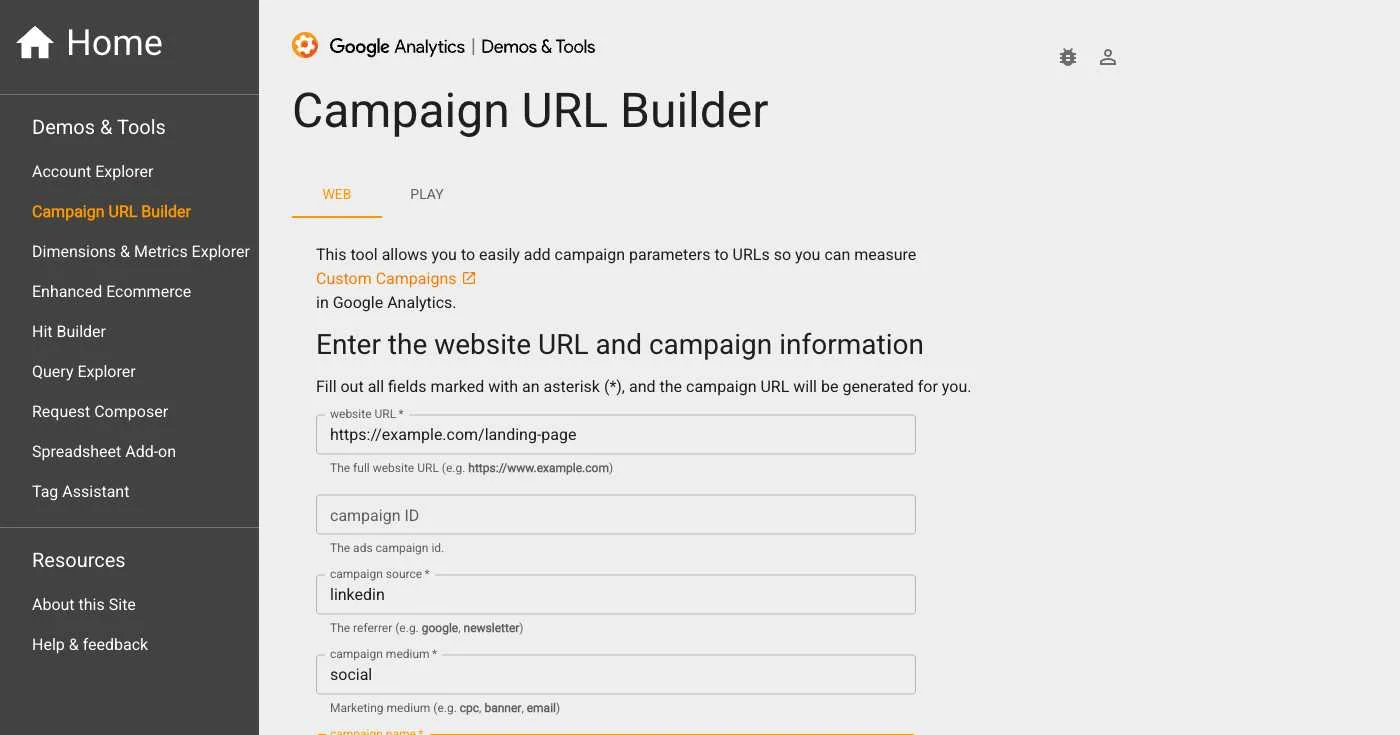
Google provides a free, official tool for building UTM links at ga-dev-tools.web.app/campaign-url-builder.
Required fields:
Optional fields:
For teams managing hundreds of campaigns, consider these professional solutions:
A comprehensive platform for enterprise UTM management with team collaboration, templates, and governance features.
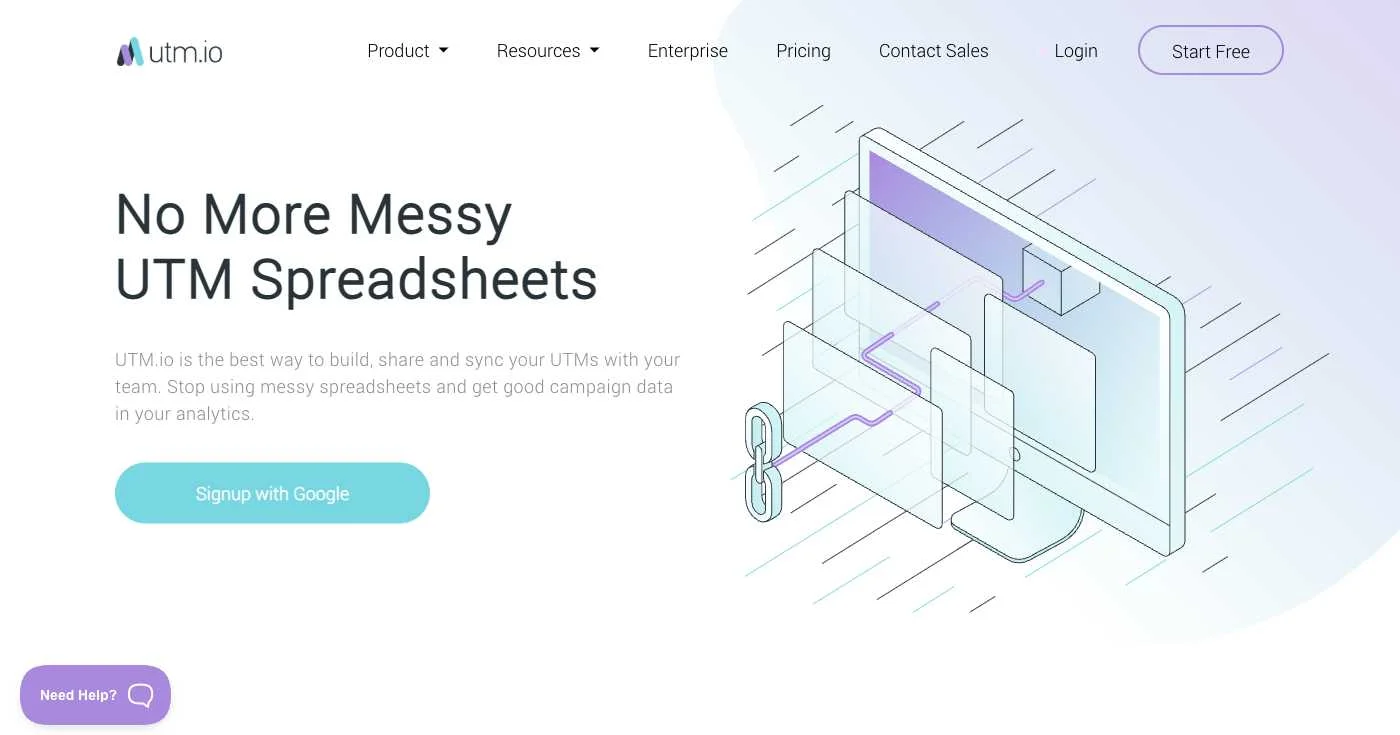
Key features:
While primarily known for URL shortening, Bitly offers robust UTM campaign management integrated with their link shortening and QR code services.
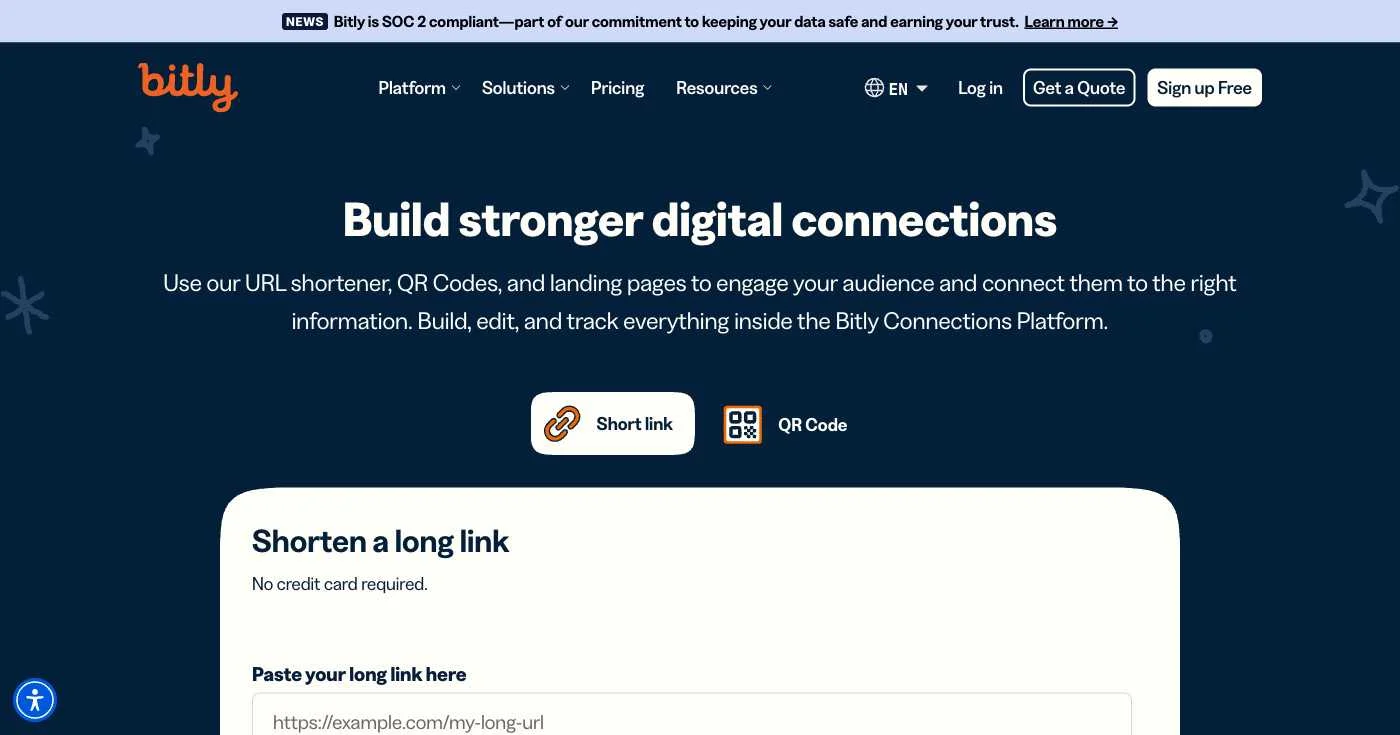
Key features:
Pro tip: Push the data into Looker Studio for an always-on stakeholder dashboard.
For comprehensive analysis of your UTM performance, consider using specialized digital marketing reporting software that can aggregate data from multiple sources and provide deeper insights into your campaign attribution.
The GA4 model comparison tool shows whether first click, last click, or data-driven credit tells the truest story.
Put UTMs in QR codes on print ads and track conversions with this QR code UTM workflow.
Platforms like Google Ads and Facebook inject macros such as {keyword} or {placement} into UTMs, capturing granular data without hand-coding thousands of links. See AdRoll dynamic macros for a playbook.
What happened? SaaS firm FlowPro rolled out a strict naming convention, pushed cost data into GA4, and surfaced profitable channels that had been under-credited. Read the full FlowPro case study.
To optimize your conversion rates based on UTM data insights, explore conversion rate optimization tools that can help you test and improve your campaign performance.
For a comprehensive understanding of how to measure the effectiveness of your UTM-tagged campaigns, refer to our guide on content marketing metrics to track conversion rates, engagement, and ROI from your attribution efforts.
Google ignores query parameters like ?utm_source= after indexing the canonical URL—see Google’s duplicate URL guidance.
Yes. You can clean labels in GA4 with channel groupings or lookup tables, but historical rows keep the original name.
Absolutely. Auto-tagging only drops a gclid. You still need UTMs for granular reporting outside Google Ads—see auto-tagging vs UTMs.