
Google AI Mode: How It Works and How to Earn a Citation (2027)
Google AI Mode now has a billion monthly users. Here is how it works, how it differs from AI Overviews, and how to earn a citation in 2027.
Updated 15 min read

Google AI Mode now has a billion monthly users. Here is how it works, how it differs from AI Overviews, and how to earn a citation in 2027.
Google AI Mode is Google's conversational search experience. You ask a full question, get a synthesized answer with links, and can keep going with follow-ups.
At Google I/O on May 19, 2026, Google said AI Mode had surpassed one billion monthly users, with queries more than doubling every quarter since launch. It also made Gemini 3.5 Flash the default model in AI Mode worldwide.
If you work in SEO or content marketing, the job is no longer only to win position one. It is to become a source the answer actually cites.
AI Mode is not the same thing as AI Overviews. Overviews appear as a summary at the top of a regular results page.
AI Mode is a separate experience, with its own tab, a conversational thread, and a wider set of inputs. You can open it from Search, from Google's AI Mode page, or by continuing a follow-up from an AI Overview.
This guide covers how AI Mode works, what has changed since the 2025 launch, and the content habits that give a page a real chance of being cited.
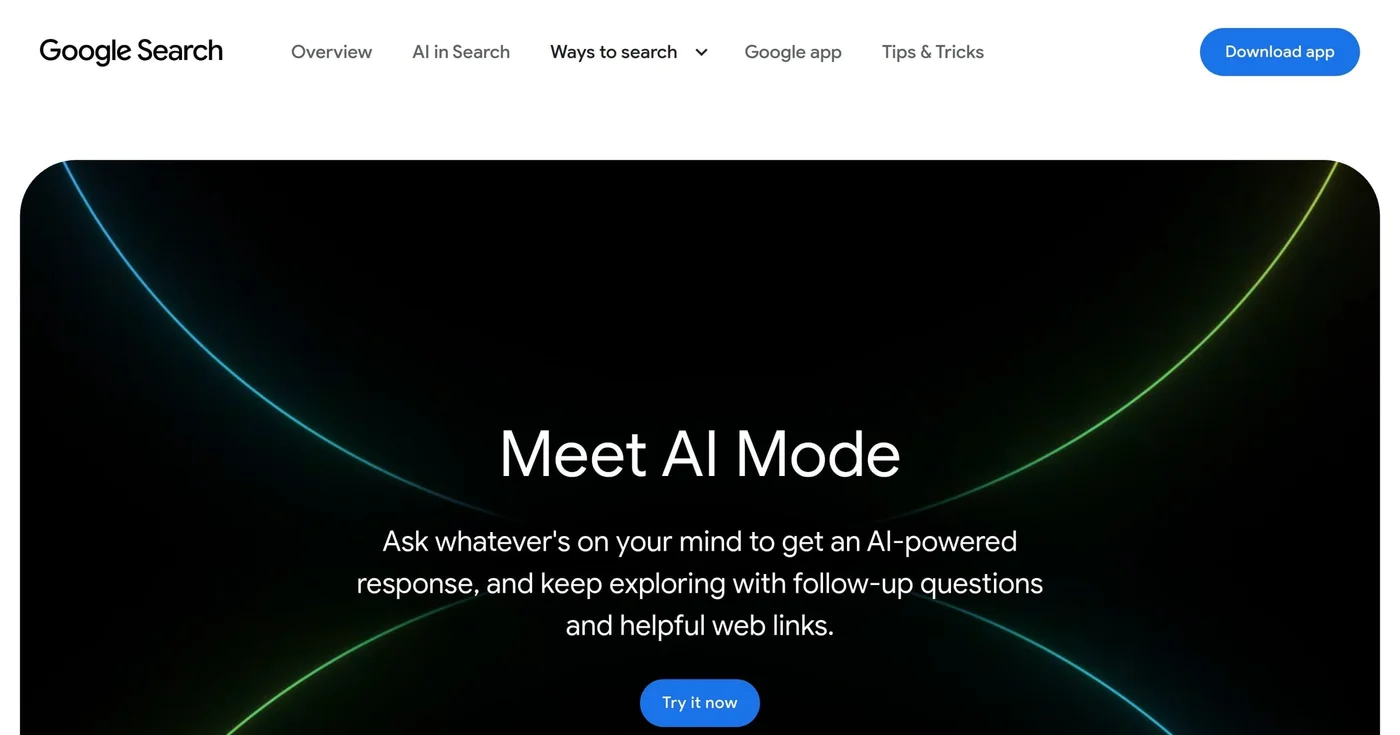
Google AI Mode is a dedicated AI search experience inside Google Search. Google describes it as a way to ask whatever is on your mind, get an AI-powered response, and keep exploring with follow-up questions and links to the web. It uses Gemini models for reasoning and multimodal understanding, and Google still marks the product as experimental.
It is built for questions that used to take several searches. Think of a comparison with constraints, a trip plan, a how-to with context, or a messy question you would rather ask in plain language than as keywords.
Traditional search trained people to think in short keywords. AI Mode is Google's answer to longer, conversational questions, and to AI-native tools such as ChatGPT and Perplexity.
Google first rolled AI Mode out in the US in May 2025, then to the UK on July 28, 2025, and expanded it to over 180 additional countries and territories in English. Early UK users were already asking questions two or three times longer than traditional queries. A year later, Google's own US data put the average AI Mode query at triple the length of a traditional search.
The adoption numbers are no longer early-adopter noise. At I/O 2026, Google said Search queries had reached an all-time high, and that AI features were a leading reason.
In the US, more than one in six searches now use voice or images, with image searches growing over 40% month-over-month. Planning queries in AI Mode have grown 80% faster than AI Mode queries overall over the past six months.
Brainstorming queries have grown 30% faster than queries overall since launch.
That is the shift for marketers: more of the questions you used to win with a ranking page are now answered inside a conversation. Visibility still matters, but it looks like a citation and a link inside that answer, not only a blue link on a SERP.
The core retrieval method is query fan-out. When you ask a complex question, AI Mode breaks it into subtopics and runs many searches at once, then synthesizes the results into one response with links. Google says this lets Search go deeper into the web than a single traditional query.
For content teams, the practical implication is straightforward: a page that clearly answers one sub-question can be retrieved even when it was not written for the parent query alone. A page that only repeats the root keyword, and never addresses the obvious follow-ups, gives the system less to grab.
You can type, talk, snap a photo, or upload an image. At I/O 2026, Google also said the upgraded Search box can take files, videos, or Chrome tabs as inputs, in the countries and languages where AI Mode is available. Search Live lets you talk back and forth, and optionally share video of what is around you.
This is why image alt text, transcripts, and visual explainer assets are not a side project. A growing share of AI Mode questions do not start as text.
In July 2025, Google introduced Deep Search in AI Mode for Google AI Pro and AI Ultra subscribers (at first, US users opted into the AI Mode Labs experiment). Google described it as issuing hundreds of searches, reasoning across the results, and producing a fully cited report in minutes.
Treat that as a named research mode Google announced, and check the product itself for current access and the model it uses. The default model in AI Mode has since moved to Gemini 3.5 Flash.
AI Mode is not only an answer box. Google has been adding actions:
If you take bookings or run local services, appearing in these flows is about being the provider the agent can actually complete the task through, not only about earning a citation.
For people who opt in, Personal Intelligence lets AI Mode use context from connected Google apps. At I/O 2026, Google expanded it to nearly 200 countries and territories across 98 languages, with no subscription required.
You can connect apps such as Gmail and Google Photos, with Calendar called out as coming soon. Google says the feature is opt-in, and that you can turn those connections off.
Two people can therefore receive different recommendations for the same prompt. That makes "rank for keyword X, get a predictable click" even less reliable as a planning model. You cannot personalize your page for every calendar, but you can make the facts on the page clear, current, and easy to cite.
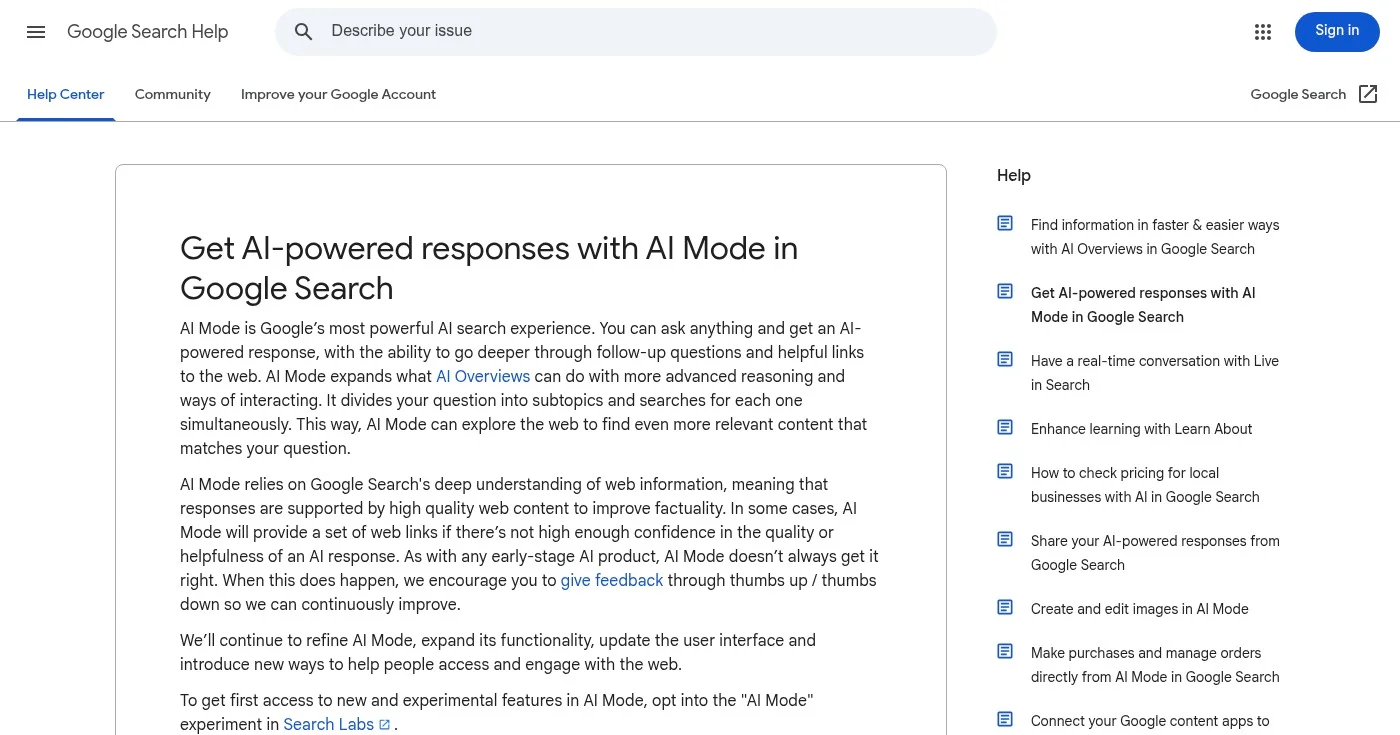
Teams often treat AI Mode and AI Overviews as the same product. They are not. The difference decides where you spend optimization time.
Feature | Traditional Search | AI Overviews | AI Mode |
|---|---|---|---|
Interface | Standard results list | Summary at the top of regular results | Separate tab and conversational thread |
Purpose | Link discovery | Quick summaries when Google judges them helpful | Deeper, multi-turn exploration |
Interaction | Static list | Static summary with supporting links | Follow-ups, with context carried forward |
Input | Mostly text | Text (and, in current Search, a path into AI Mode) | Text, voice, images, and, in the upgraded Search box, files, videos, or Chrome tabs |
Sources | Organic results and other SERP features | Corroborated pages, with links | A synthesized answer plus links; Semrush found a sidebar of about seven unique domains on 92% of responses |
Zero-click rate (Semrush, 2025) | About 34% without an AI Overview | About 43% with an AI Overview | About 93% of AI Mode sessions |
Sources: Google's AI Overviews help page, Google's AI Mode page, Semrush's AI Mode SEO impact study, and Semrush's July 2025 comparison study. Semrush notes that the zero-click percentages come from separate studies with different methods and timeframes. The AI Mode figure is from US desktop clickstream data covering May 1 to July 5, 2025, when AI Mode was still a small share of Search sessions.
The citation-versus-ranking gap is the number to sit with. In Semrush's 5,000-keyword comparison, AI Mode sidebar links had only 51% domain overlap and 32% URL overlap with Google's top 10 organic results.
Ranking first helps. It does not guarantee a citation, and pages outside the top 10 can still be cited.
That pattern is even starker in AI Overviews, which are a different surface. Ahrefs' updated study of 4 million AI Overview URLs found that only about 38% of cited pages also ranked in the top 10 for the same query. That was down from about 76% in their July 2025 analysis.
Do not treat that 38% figure as an AI Mode statistic. It is about Overviews. It still shows how far citation selection can drift from the classic top 10.
A click is no longer the default ending for an AI Mode session. In Semrush's May-July 2025 US desktop study, only 6-8% of AI Mode sessions led to a visit to an external domain, which is the source of the roughly 93% zero-click figure.
In the same period, AI Mode usage in that sample rose from about 0.25% of Google search sessions in early May to a little over 1% by early July. The rate may have changed as usage scaled to a billion monthly users.
The direction of the finding has not been walked back. Most AI Mode sessions stay on Google.
When people do click, the quality of the visit can still be high. Google has said that when people click from pages with AI Overviews, those clicks tend to be higher quality, with users more likely to spend more time on the site. That claim is about Overviews, not AI Mode, but it is the official reason Google gives for why a smaller set of clicks is not the same thing as worthless traffic.
The work, then, is to be cited often enough that you still earn the clicks that remain, and to make the landing page satisfy a reader who already saw a synthesized answer.
You are trying to be one of the sources used to build an answer, not only a URL that ranks. That means each major section should answer a real question in plain language, with facts a model can check.
A useful test for any page is this. If Google used this URL as one of a handful of sources, would it add a number, a method, a worked example, or a primary source that the other pages lack?
Because AI Mode expands a prompt into sub-queries, structure the page so each sub-question has a home.
Google does not publish a public playbook that says this heading style will earn a citation. The structure simply follows what Google has said about fan-out: the system searches subtopics, not only the original string.
Google's Search Quality Rater Guidelines use E-E-A-T (Experience, Expertise, Authoritativeness, and Trust) as a lens for page quality. Those guidelines are for human raters, not a published AI Mode ranking factor list.
Still, the same signals help a reader, and a retrieval system, trust a page. Use a named author with a real bio, original data or first-hand process, citations to primary sources, and basic trust pages on the domain.
FAQPage, Article (with author, datePublished, and dateModified), and HowTo markup help machines understand what a page is. That is a good reason to implement them correctly.
It is not a reason to claim that "schema depth" is a confirmed AI Mode citation switch. Mark up what is on the page. Do not invent FAQ content just to attach schema.
Google has not published a 90-day cutoff for AI Mode citations. What it has said is more basic: people are asking more timely, planning-oriented questions, and AI Mode is designed to use fresh web results.
For product, pricing, and feature pages, stale numbers are an easy way to lose trust. Put a real dateModified on the page, and update the facts when the product changes.
Standard position tracking will not tell you how often you appear in AI Mode. Use whatever visibility tools you already pay for, plus a manual sample: run your important questions in AI Mode and record who gets cited.
Google Search Console remains the baseline for impressions and clicks from classic results, but it is not an AI Mode citation log. For a walkthrough of the reports themselves, see our Google Search Console guide.
Tools that currently advertise AI visibility or citation tracking include Semrush, Ahrefs, and enterprise suites such as BrightEdge. Confirm current features and pricing on the vendor's site before you budget for them. Features move quickly in this category, and list prices go stale.
Metrics worth watching alongside rank:
If only half the sidebar domains overlap with the top 10, optimizing solely for position is a partial strategy. Audit high-value pages for citation readiness (clear answers, primary sources, current facts) separately from rank tracking.
Voice and image queries are already a meaningful share of US search. Pages with no usable images, no alt text, and no transcripts are harder to use when the question did not start as a keyword.
A one-sentence FAQ that restates the heading adds nothing a model could not already say. If you include questions and answers, back them with a source, an example, or a number.
An AI Mode explainer that still says the default model is Gemini 2.5, or that AI Mode is a US-only Labs experiment, is a good example of the problem. The product moved. The page should have moved with it.
Fan-out means one user question becomes many retrieval paths. A page that answers only "what is Google AI Mode" and never covers Overviews, citations, or how to access it will miss most of those paths.
The UK launch on July 28, 2025 used a custom version of Gemini 2.5 and arrived as a tab in Search and in the Google app. Google said early users asked much longer questions, with the most engagement around trip planning, product comparisons, and complex how-tos.
The US year-in review at I/O 2026 confirmed that pattern at a larger scale: longer queries, more multimodal input, and faster growth in planning and brainstorming questions. The lesson for a content team is not that "power users" adopted a new tab. It is that ordinary complex questions now have a dedicated interface, and that interface is already in mainstream use.
Google AI Mode is now a mainstream Search surface, with a billion monthly users and a default model, Gemini 3.5 Flash, that Google rolled out globally at I/O 2026. Query fan-out, much longer prompts, and a high zero-click rate in early measurements all point to the same operating change: citation inside the answer is the visibility that matters most.
The practical first step is simple. Take your highest-traffic questions, run them in AI Mode, and see which URLs get cited.
Then look at what those pages have that yours do not: a direct answer, a primary source, a current figure, or a section that matches a sub-query you never wrote. Close that gap, and keep the page current as the product changes.

Paid search wins when you need a visit this week and you do not already rank. SEO wins when you can wait months for a click you stop paying for.
Bounce rate in GA4 is the share of sessions that were not engaged. See how that differs from Universal Analytics, why samples disagree, and what to check first.
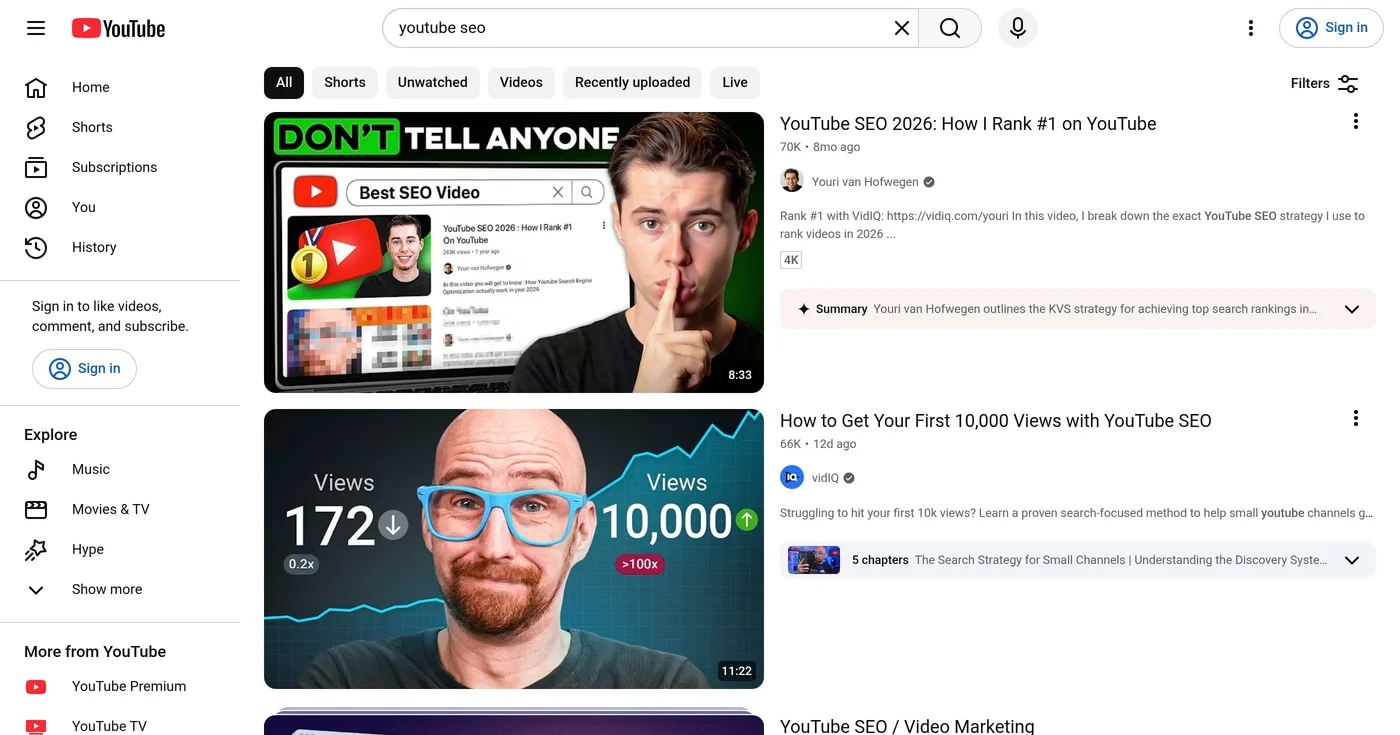
YouTube SEO matches a video to a query. See the ranking factors YouTube names, the official metadata limits, and why retention has no published cutoff.
